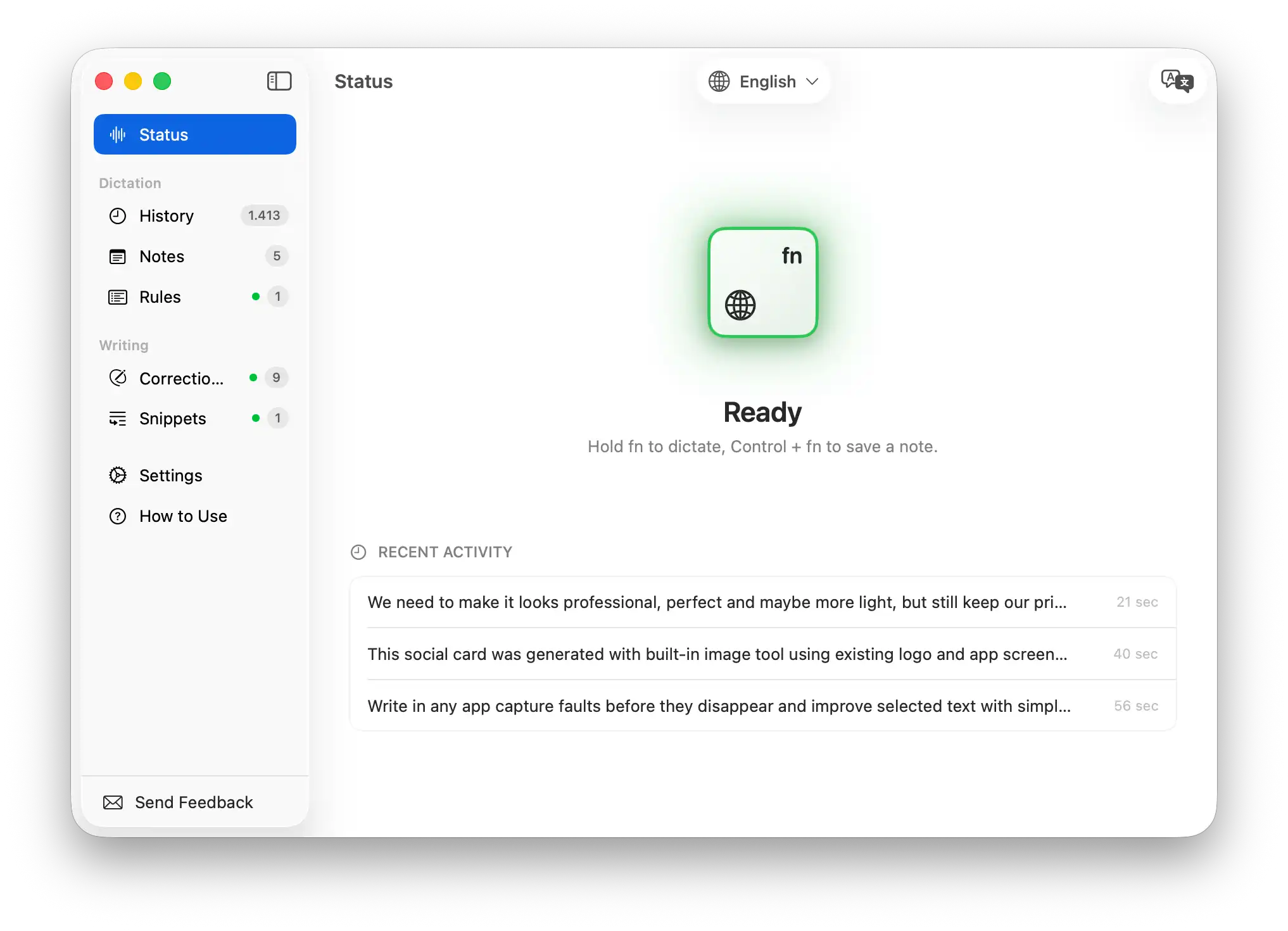
Your dictation app, note taker, translator, and AI writing assistant — in one. Hold FN to record. Release to paste. Works in any app on your Mac.
Works in every app you use
Hold FN from anywhere on your Mac. Voicr captures your voice, transcribes it, and auto-pastes the polished result directly into your active app — email, Slack, docs, browser, terminal. No clipboard. No ⌘V. Just talk.
Speak in any of 27 supported languages and Voicr outputs clean, professional text in your chosen language. Think in Ukrainian, write in Spanish. Think in Japanese, write in English. Any language in, any language out.
Your voice is transcribed and rewritten. Filler words disappear. Grammar is fixed. Tone is calibrated. You get polished, professional text every time — without thinking about it.
Create custom writing rules per app. Casual for Slack, formal for email, technical for code. Voicr detects which app is active and applies your rules automatically — every single time.
Tap FN, then hold FN — Voicr records and saves directly as a note. No extra steps. Every transcription is also saved to history automatically. Search, browse, copy from your full history any time.
A native macOS app — small, fast, and built specifically for your Mac. Uses zero CPU at rest, launches in under a second, and stays out of your way until you need it.
Speak in any language. Voicr transcribes, polishes, and — if you choose — translates. Switch languages from the menu bar in one click.
Start free. Upgrade when you're ready. All features included on every plan.
Join thousands of Mac users who've already replaced typing with their voice. Free to try. No account needed. Works in any app.