
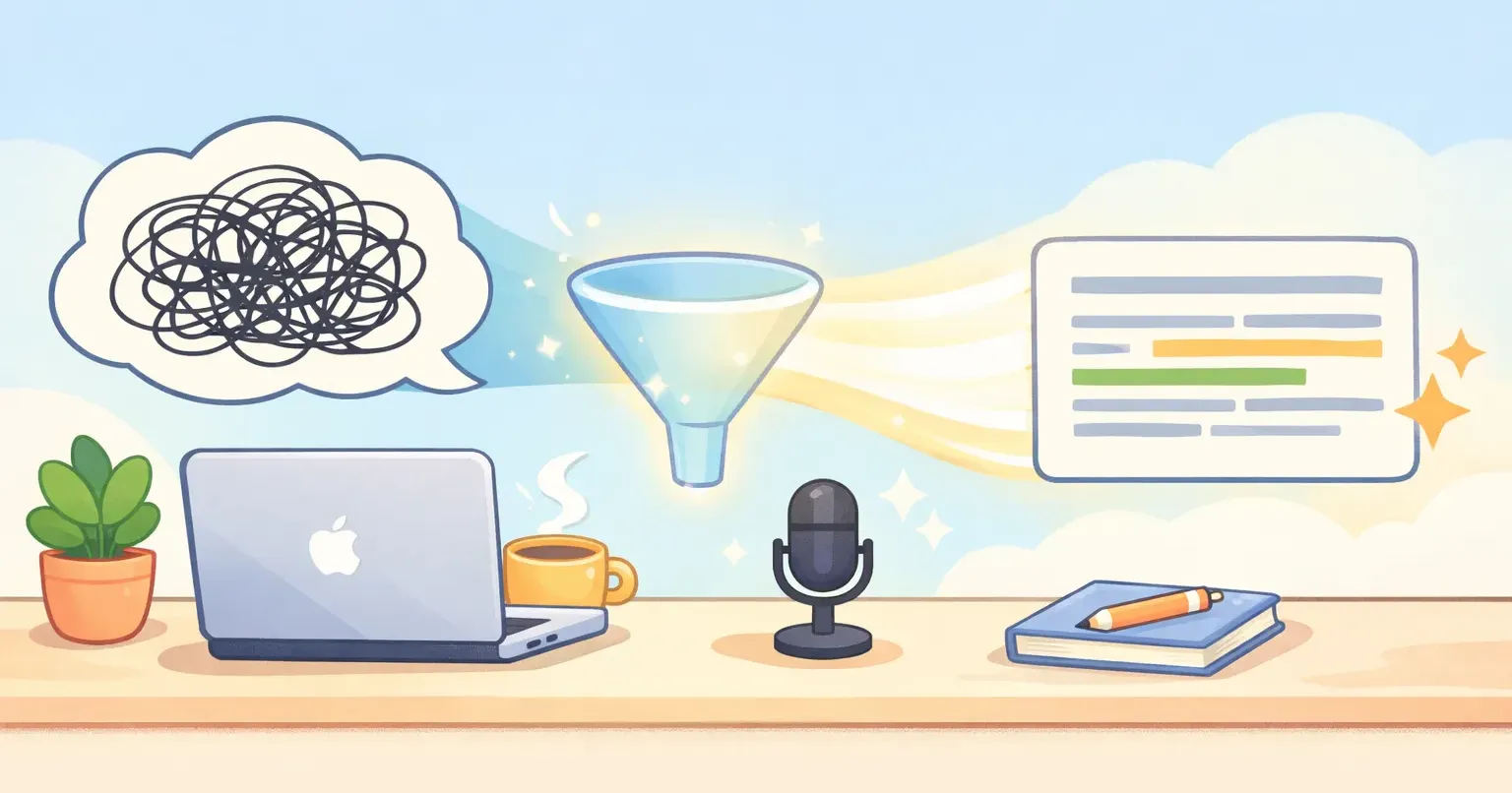
You dictate a paragraph in 30 seconds. Then you spend the next 90 fixing it. Deleting the "ums," adding the commas, finishing the sentence you trailed off in the middle of. By the time it reads clean, you're wondering why you didn't just type it.
That's the quiet reason most people try voice dictation once and never go back. The speed is real. The output isn't usable. And the gap between those two things is where AI polishing is supposed to live, the step almost every dictation app either skips or gets wrong.
For years the whole pitch for dictation was speed. Talk at 150 words a minute instead of typing at 40, and you're done in a quarter of the time. The math was always true. The catch was what it left you holding: a raw transcript that read like a court reporter caught you thinking out loud.
The Productivity Paradox Nobody Warns You About
Here's the trap. Voice gets you to a first draft fast, but a first draft isn't the finish line. If the text still needs a full editing pass, you haven't removed the work. You've just moved it.
The numbers make the temptation obvious. Average speech runs about 150 words per minute, while average typing sits around 40. That's nearly four spoken words for every one you'd type. So people try dictation, feel the speed, and get a little excited.
Then they read the output. "So I was thinking we should probably, um, move the deadline, like, to Friday maybe." Now they're editing. And editing a mess like that is often slower than just writing the sentence cleanly the first time, because first you have to decode your own rambling, then fix it.
After a week of that, the app gets deleted. Not because dictation was slow. Because it handed back homework.
Transcription Is Already a Solved Problem
It's easy to blame accuracy, and a few years ago that was fair. But in 2026, raw speech recognition is mostly solved. The good models transcribe clean speech at 80 to 95 percent accuracy, and they handle accents and background noise far better than the dictation built into your laptop a decade ago.
Whisper, the open model a lot of apps build on, catches your words. So does Apple's. So does Google's. The race to simply hear you correctly is mostly over. Everyone crossed that line.
Apple's built-in dictation is a clean example of recognition without the next step: it hears you fine but hands back a literal transcript, every restart and filler word included. So recognition isn't what separates one dictation app from another anymore. If two apps transcribe what you said with the same accuracy, they're tied on the part that used to be the whole competition.
The difference now shows up in what happens after the words are caught. That step is the part nobody puts in the feature grid. It's the polishing layer, and it's where the good apps quietly win.
What You Said vs. What You Meant
There's a difference between what you said and what you meant, and you live inside that gap every time you open your mouth.
When you talk, you backtrack. You start a sentence, drop it, start again. You say "you know" to buy half a second to think. You leave thoughts hanging because your brain already jumped to the next one. None of that is a mistake. It's just how speech works.
Transcription writes all of it down, faithfully. That's the problem. A faithful transcript of speech makes for bad writing, because speech and writing aren't the same thing. Good writing cuts the false starts and keeps the point.
Polishing is the step that closes the gap. It takes the literal transcript, what you said, and reshapes it into what you meant. Same ideas, in the order you'd have written them if your fingers could keep up with your head.
Here's what that looks like. You say: ``` um so I was thinking, we could maybe push the launch, you know, to next week, because the the QA isn't done, and yeah ``` Transcription hands that back word for word. Polishing hands you this: ``` I think we should push the launch to next week. QA isn't done yet. ``` You didn't write the second one. You said the first one. The polishing layer did the rest.
What Good Polishing Actually Does
Polishing isn't one trick. It's a stack of small edits a careful editor would make without thinking, all of it done in the second or two between you releasing the key and the text appearing. The good ones do about five things: 1. Strip the filler. The "ums," "likes," "you knows," and "basicallys" just disappear. 2. Fix grammar and punctuation. Commas, periods, and verb tenses that actually agree. 3. Finish your thoughts. Trailing sentences get closed. Half-statements become whole ones. 4. Restructure for reading. A run-on splits into two clean sentences. A point you buried gets moved up front. 5. Match the context. A Slack message stays loose. An email gets a little more buttoned up.
That last one is the most underrated. The same spoken sentence shouldn't land identically in a text to a friend and a note to your boss. Speech has no idea where it's headed. Good polishing does. If you want to see how the whole sequence runs, from microphone to clean text on your clipboard, we broke it down in how AI voice dictation on Mac actually works.
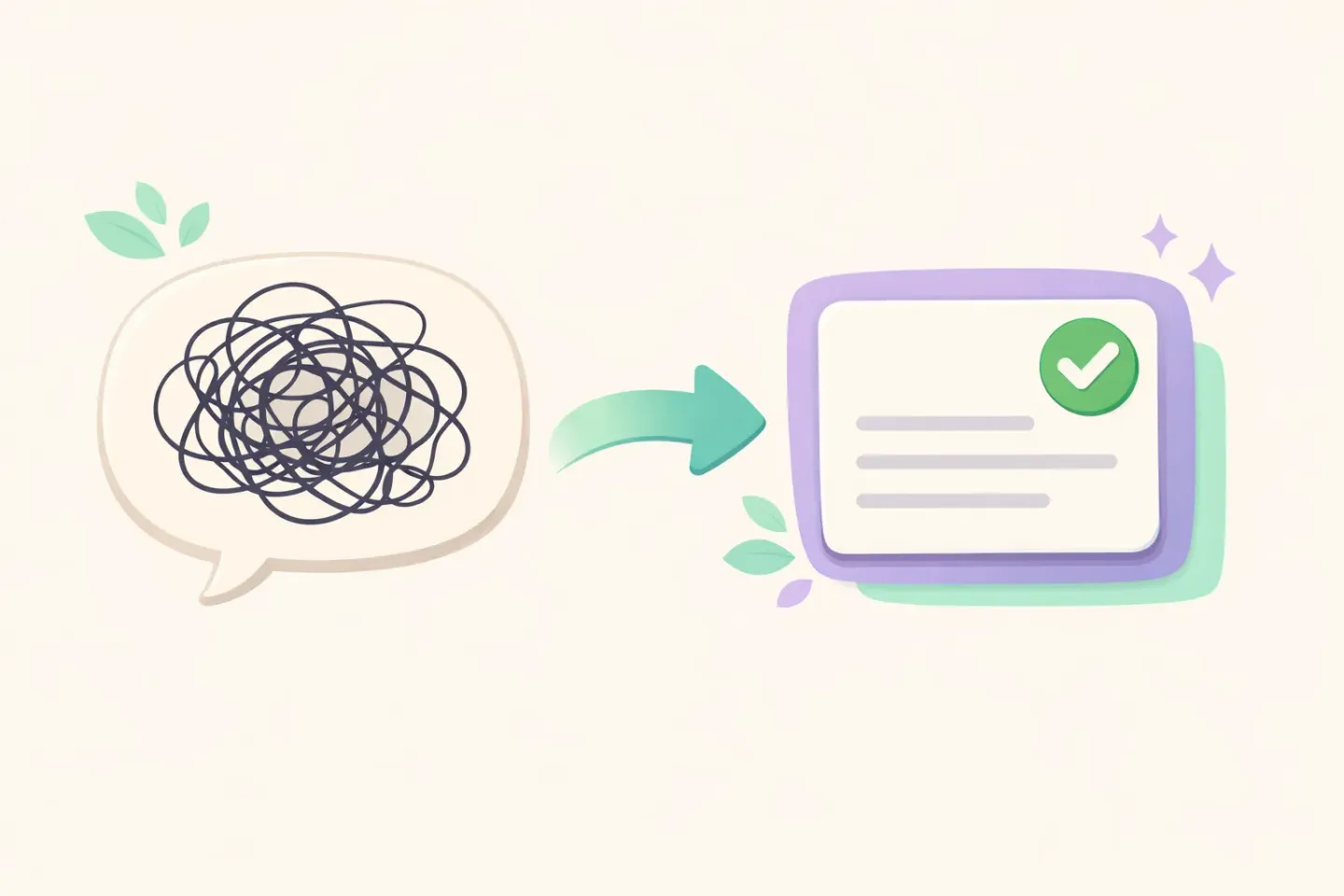
Notice what polishing is not. It isn't summarizing. You don't want a shorter version of your point, you want a cleaner one. And it isn't generating. It shouldn't add ideas you never said. The line it walks is narrow: change the form, keep the meaning. Get that wrong in either direction and you've got a worse tool, not a better one.
Why Most Dictation Apps Skip the Polishing Layer
If polishing is the whole game, why do so many apps stop at the transcript? Three reasons, and none of them have to do with you.
It's harder to build. Transcription is a speech model. Polishing needs a language model sitting on top of it, one that reads tone, context, and what you were actually getting at. That's a second system to build, tune, and pay for on every single dictation.
It's slower and it costs more. Running your words through an extra model adds a beat of latency and a real bill. An app that skips polishing is cheaper to run and quicker to respond. It just quietly hands the cleanup back to you.
And it's risky. A polishing model that pushes too hard will "correct" things you meant to say, sand off your voice, or swap a word that mattered. Building one that helps without overstepping is genuinely difficult, so plenty of apps don't bother trying.
This is the problem Voicr was built around. Your speech gets transcribed and polished in a single pass before it ever reaches your clipboard, and its Smart Rules let you set a different tone for each app, casual in Slack, more formal in email, so the cleanup fits where the words are going instead of treating every message the same.
The Honest Limits of AI Polishing
Polishing is the missing piece. It isn't magic, though, and any app that pretends it is will eventually burn you.
It can over-correct. Push the model too hard and your writing starts sounding like everyone else's, smooth and competent and weirdly faceless. If you've ever read a perfectly correct paragraph that felt like it was written by no one in particular, you've met the failure mode.
It can slip on the details. A model tidying your grammar might quietly change a word, and if that word is a name, a number, or a "not," the meaning moves with it. For a Slack reply, who cares. For a contract clause or a dosage, you read it before you send it. Every time.
And it can't read your mind. Mumble something genuinely ambiguous and the model guesses, and sometimes it guesses wrong. The fix is the same as it's always been: a two-second glance before you hit send. Polishing isn't there to delete that glance. It's there so that when you do glance, there's usually nothing left to fix.
How to Tell If a Dictation App Actually Polishes
Shopping for a dictation tool, the feature list won't help you much. Everyone writes "AI" on the box. Here's how to actually test it in about five minutes: 1. Dictate a messy paragraph on purpose. Ramble, throw in some "ums," restart a sentence halfway, trail off at the end. A transcription-only app hands the mess straight back. A polishing app cleans it up. 2. Correct yourself mid-sentence. Say "move it to Tuesday, no, Wednesday." A real polishing layer keeps only "Wednesday." A literal one keeps both. 3. Dictate the same line into Slack and into an email. If the output is identical, there's no context awareness. If the tone shifts, there is. 4. Watch the speed. Polishing costs a beat. If text appears instantly and still needs cleanup, it's probably raw transcription wearing an AI label. 5. Read it without touching it. Could you send the output exactly as it came out? If yes, that's the missing piece, working.
Run those five and you'll know within minutes which camp an app falls into. Most of the "best dictation app" roundups never run them, which is a big part of why every app on those lists sounds the same.
The Missing Piece, in Practice
Strip it down and the case is simple. Voice is faster than typing, and the gap is enormous. But that speed is worthless if you hand it all back in editing. Transcription gets you the words. AI polishing gets you the writing. One without the other is half a tool.
The dictation apps people actually keep are the ones that close the loop, where you speak and what lands is something you'd have written yourself on a good day. The ones people delete stop at the transcript and call it finished.
The fastest way to feel the difference is to dictate one real message, an email or a Slack reply, and look hard at what comes out. If you want the version that polishes while it transcribes, shifts tone based on the app you're in, and drops clean text at your cursor with one key press, that's the whole idea behind Voicr: hold FN, speak, paste. The missing piece, already attached.