
Voice, writing, and working better on your Mac.
Hands-on notes on dictation, AI writing, and productivity from the Voicr team.
June 5, 2026
Why AI Polishing Is the Missing Piece in Dictation Apps
Modern dictation nails transcription, then hands you a mess to clean up. The missing piece is AI polishing. Here's what it does and how to spot it.

June 5, 2026
Ambient Computing: How Your Voice Becomes Your Keyboard
Ambient computing isn't a screenless gadget arriving someday. It's already here: your voice quietly replacing your keyboard, one app at a time.
June 5, 2026
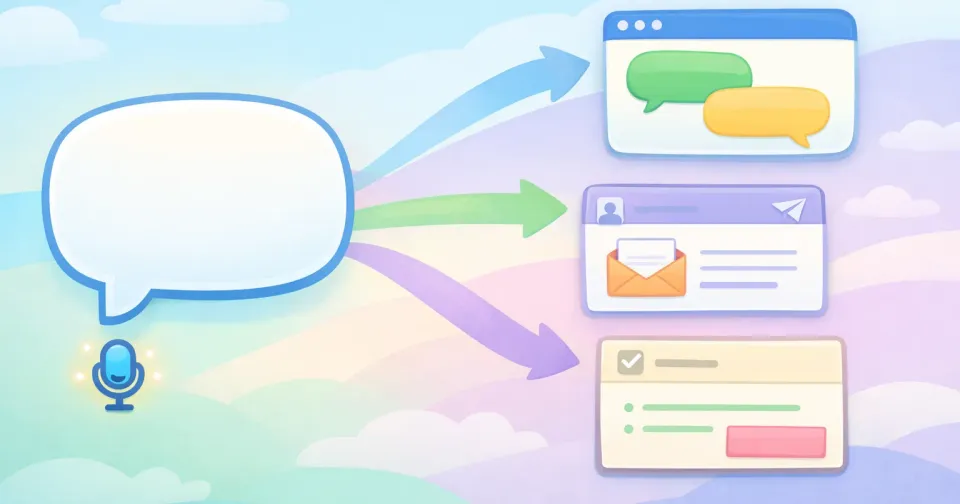
How Context-Aware AI Rewrites Speech for Each App
You speak one way, but the same sentence should land differently in Slack, email, and docs. Here's how context-aware AI rewrites your speech for each app.
June 5, 2026
How LLMs Make Voice-to-Text Actually Useful
Speech recognition got accurate years ago. Here's why voice-to-text still felt useless until large language models fixed the part that was actually broken.
June 5, 2026
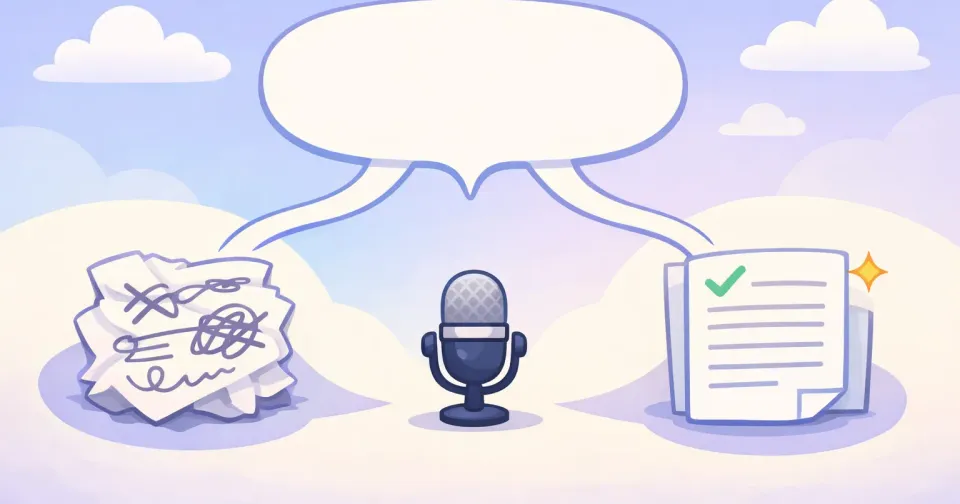
Transcription vs AI-Polished Dictation: The Difference
Transcription gives you your exact words. AI-polished dictation gives you your meaning, cleaned up. Here's the real difference, and when to use each.
June 5, 2026
Why Voice Input Is the Last Productivity Unlock
You optimized your apps, your shortcuts, and your AI. The keyboard you type everything on? Still untouched. That's the productivity unlock most people skip.

June 5, 2026
Will We Still Type in 10 Years? Voice-First Computing
Voice has been faster than typing for a decade. The thing that held it back just got solved. Here's the honest case for voice-first computing.

May 23, 2026
How I Use AI to Close the Gap Between Thinking and Writing
A first-person look at the AI workflow that finally lets what's in my head land on the page at something close to thinking speed.
May 23, 2026
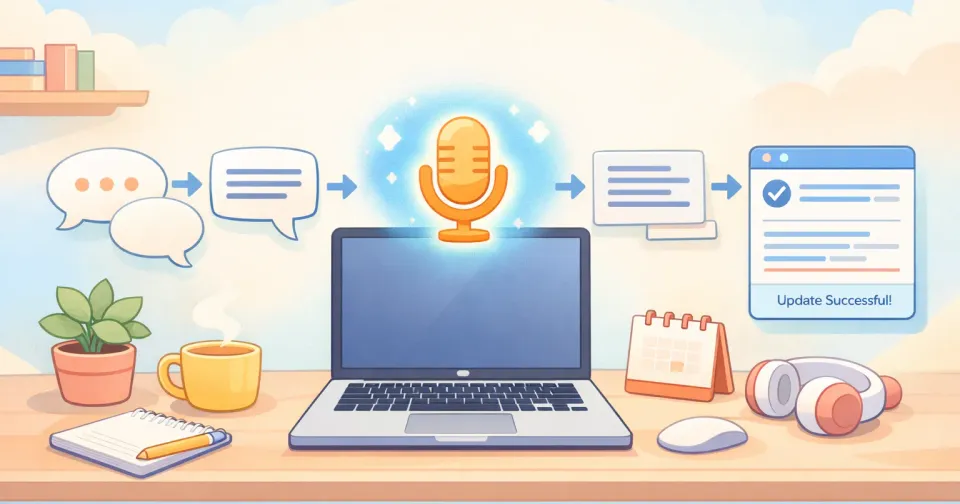
AI Voice Dictation for Mac: How It Actually Works
The pipeline behind Mac dictation that finally feels usable. How AI turns your voice into polished text in under two seconds, no cleanup needed.

May 23, 2026
Best AI Writing Tools for Non-Native English Speakers
Speak faster than you type, then polish your English with AI. A working guide to the tools that actually help non-native speakers sound native.
May 23, 2026
The Best Mac App for Multilingual Remote Workers (2026)
If you write in two or more languages every day, the right Mac app saves you an hour. Here's what to look for, and what beats Apple's built-in dictation.
May 23, 2026
The Best Mac Apps for Deep Work in 2026
A practical guide to the Mac apps that actually protect your focus — and a minimal stack you can build in an afternoon.
May 23, 2026
How to Dictate Emails on Mac Without Leaving Your Inbox
Speak your replies directly inside Apple Mail, Gmail, and Outlook on Mac. Here's how each one works, and where the built-in tools fall short.
May 23, 2026
How to Dictate in Any Mac App With One Keystroke
Set up a single Mac key to dictate in any app — Mail, Slack, Notes, browsers, code. Pick the right shortcut, avoid conflicts, and skip the cleanup step.
May 23, 2026
The Dictation Workflow That Saves Me 2 Hours a Week
How voice dictation cut my typing time on Mac. What I dictate, what I still type, and the five habits that made it stick.
May 23, 2026
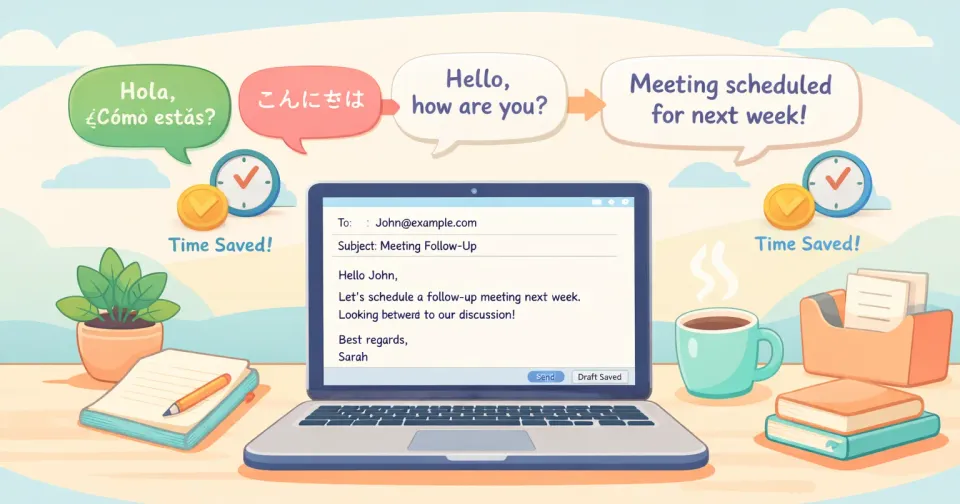
English Writing Tools for Non-Native Speakers
A working pro's stack for writing English faster: grammar checkers, AI rewriters, voice dictation, and what to actually use for emails, Slack, and docs.
May 23, 2026
10 Mac Workflows You Can Automate With Voice Input
Ten repeatable Mac workflows where speaking replaces typing — email triage, meeting notes, Slack, PRDs, snippets, and more. Setup included.
May 23, 2026
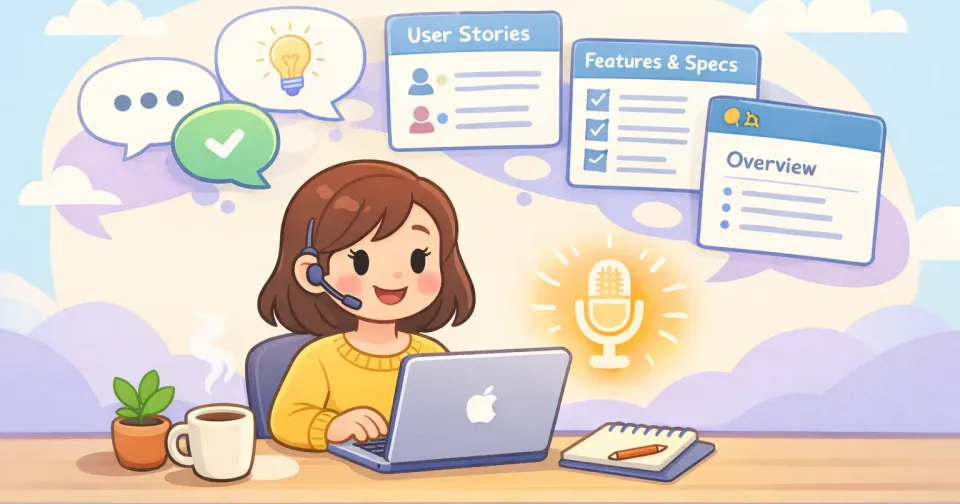
How Product Managers Write PRDs Faster With Voice
Stop typing your PRDs. A practical voice workflow for drafting product specs in one sitting — section by section, edge cases and all.
May 23, 2026
Writing Professional English Emails as a Non-Native Speaker
A practical workflow for ESL professionals. Get the tone right, sound natural, and stop spending 20 minutes on a 5-sentence email.

May 23, 2026
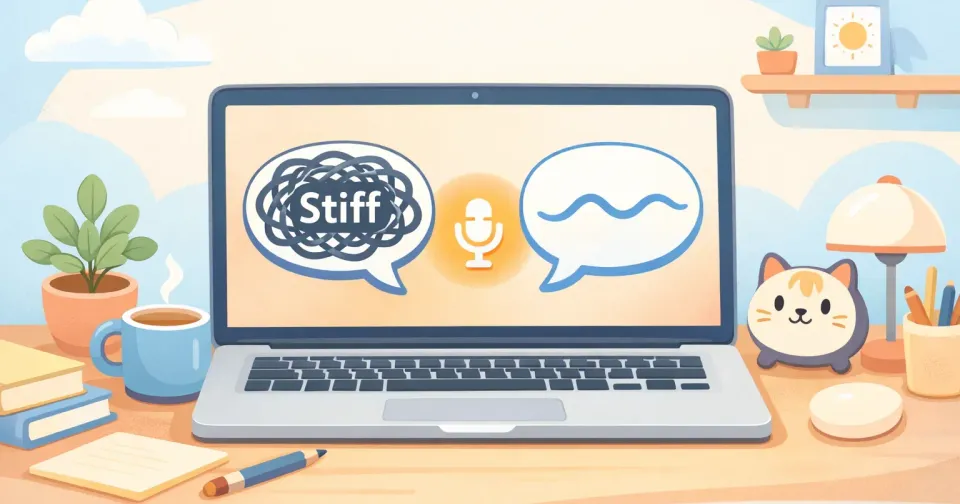
Smart Writing Rules: Auto-Adjust Tone Across Every App
Stop manually softening Slack messages and stiffening emails. Set writing rules once for each app and let your tone switch automatically as you do.
May 23, 2026
How to Sound Native in Written English at Work
Why your Slack messages sound stiffer than your meetings, and the speak-first workflow that closes the gap. With before/after examples.
May 23, 2026
How to Translate and Transcribe Speech in Real Time on Mac
Live captions, on-device translation, and one-key dictation across 100 languages. Pick the right tool for the workflow you actually have.
May 23, 2026
Why Your Voice Is Faster Than Your Keyboard (And How to Use It)
The average person types 40 words a minute and speaks 150. Here's why voice beats typing for most writing work, and how to actually use it.
May 23, 2026
The Best Way to Use Voice in Notion on Mac
Notion is mostly prose, so voice should be the default. Here's the two-pass setup that actually works on Mac, plus the workflows it speeds up most.
May 23, 2026
Voice-to-Text in 100 Languages on Mac: Complete Guide
How multilingual dictation works on Mac in 2026, the 100-language landscape, auto-detect vs manual picker, and real bilingual workflows.
May 23, 2026
How Voice-to-Text Eases Second-Language Writing Anxiety
If you've ever stared at a half-typed Slack reply in English wondering if it sounds right, the issue isn't your English. It's the keyboard.
May 23, 2026
How to Use Voice to Text in Slack on Mac (2026)
Clear your Slack backlog without typing. The fastest ways to dictate Slack messages on Mac — and how to make them actually sound like Slack.
May 23, 2026
How I Write 3x Faster With Voice Dictation on Mac
I spent a month replacing typing with talking. Here's the honest breakdown — what worked, what didn't, and the math behind the 3x.
May 23, 2026
How to Write Better Slack Messages in Half the Time
Cut throat-clearing, drop the right template into chat, and use voice-first drafting to send clearer Slack messages in a fraction of the time.
May 23, 2026
Writing in English at Work Without Losing Your Voice
Spanish, French, and German speakers: how to keep your humor, warmth, and personality when English isn't your first language at work.

May 23, 2026
Writing in Flow State: How to Stop the Keyboard Killing It
Flow gets broken less by distractions and more by typing speed. Here's why the keyboard is the real interruption, and how to write at the speed of thought.

May 14, 2026
Text Expansion on Mac: The Free, Private Alternative
Stop retyping the same emails, addresses, and signatures. Here's how to expand short triggers into full text in any Mac app — without paying for TextExpander.
May 13, 2026
Best Voice-to-Text Apps for Mac in 2026: Full Comparison
Seven voice-to-text apps for Mac in 2026, compared by price, polish, privacy, and platform, so you can pick the one that fits your workflow.
May 13, 2026
Best Wispr Flow Alternatives in 2026 (Free & Paid)
Wispr Flow is good, but not for everyone. The best free and paid alternatives in 2026, sorted by price, privacy, and platform.

May 13, 2026
How to Transcribe Speech to Text on Mac Instantly
Skip typing. Hold a key, speak, and watch your words appear as clean text — anywhere on your Mac, in seconds.
May 13, 2026
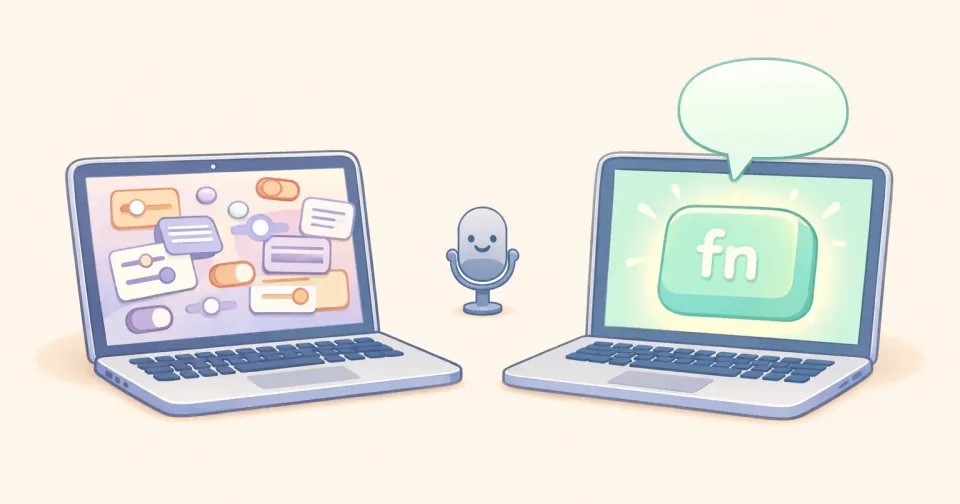
Voicr vs Apple Dictation: Why Native Mac Dictation Falls Short
Apple Dictation is free and built in. It also times out, skips polishing, and doesn't know what app you're in. Here's where Voicr picks up.
May 13, 2026
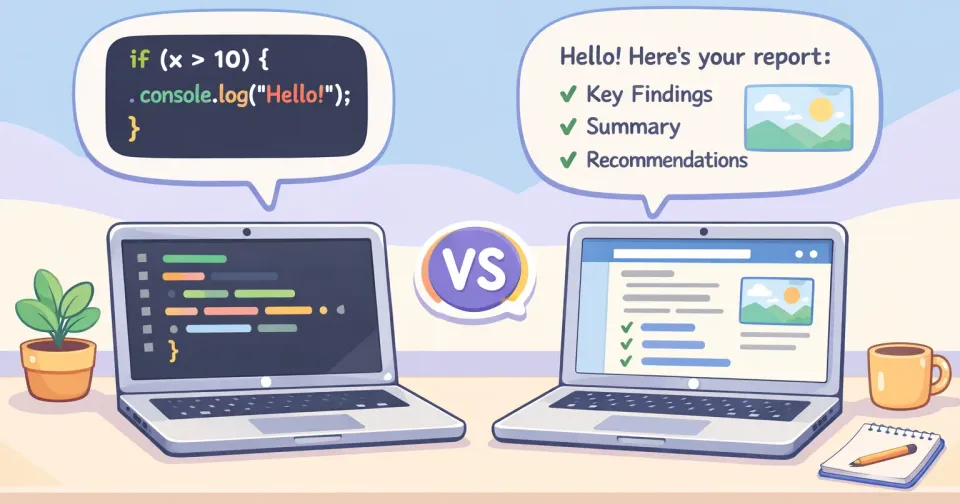
Voicr vs SuperWhisper: A Side-by-Side Breakdown
Two AI dictation apps, two opposite philosophies. One ships a tunable framework. The other ships an opinionated workflow. Here's which one fits which person.
April 18, 2026
Voicr vs Wispr Flow: Honest Comparison (2026)
Two voice-to-text apps, very different approaches to privacy, pricing, and polish. Here's how they actually compare.