
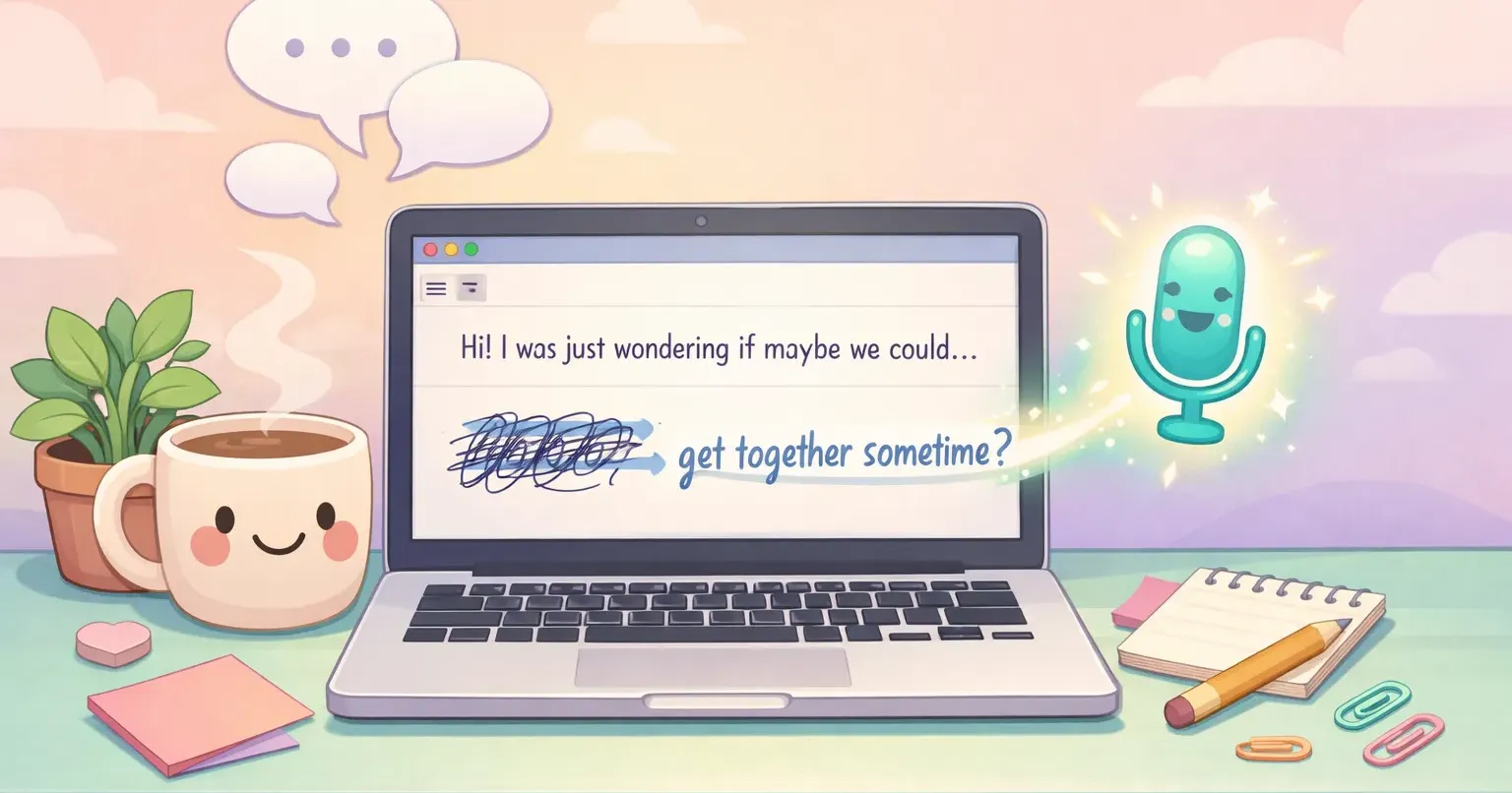
You write a Slack message. Twelve words. You read it three times. Delete it. Rewrite it. Hover over the send button. Send.
It took five minutes.
If English isn't your first language and you've ever done this over a one-line reply, over a routine email, over a comment in a doc, you already know what this article is about. The keyboard is not where your fluency lives.
Writing in a second language has its own kind of friction. Not vocabulary, exactly. Not grammar, exactly. It's the part of your brain that watches every word as you type it and asks, *is that what a native speaker would say?* Research calls it foreign language writing anxiety, but the experience is older than any study about it. This piece is about why typing makes it worse, and what changes when you replace typing with speaking.
The Cursor That Won't Move
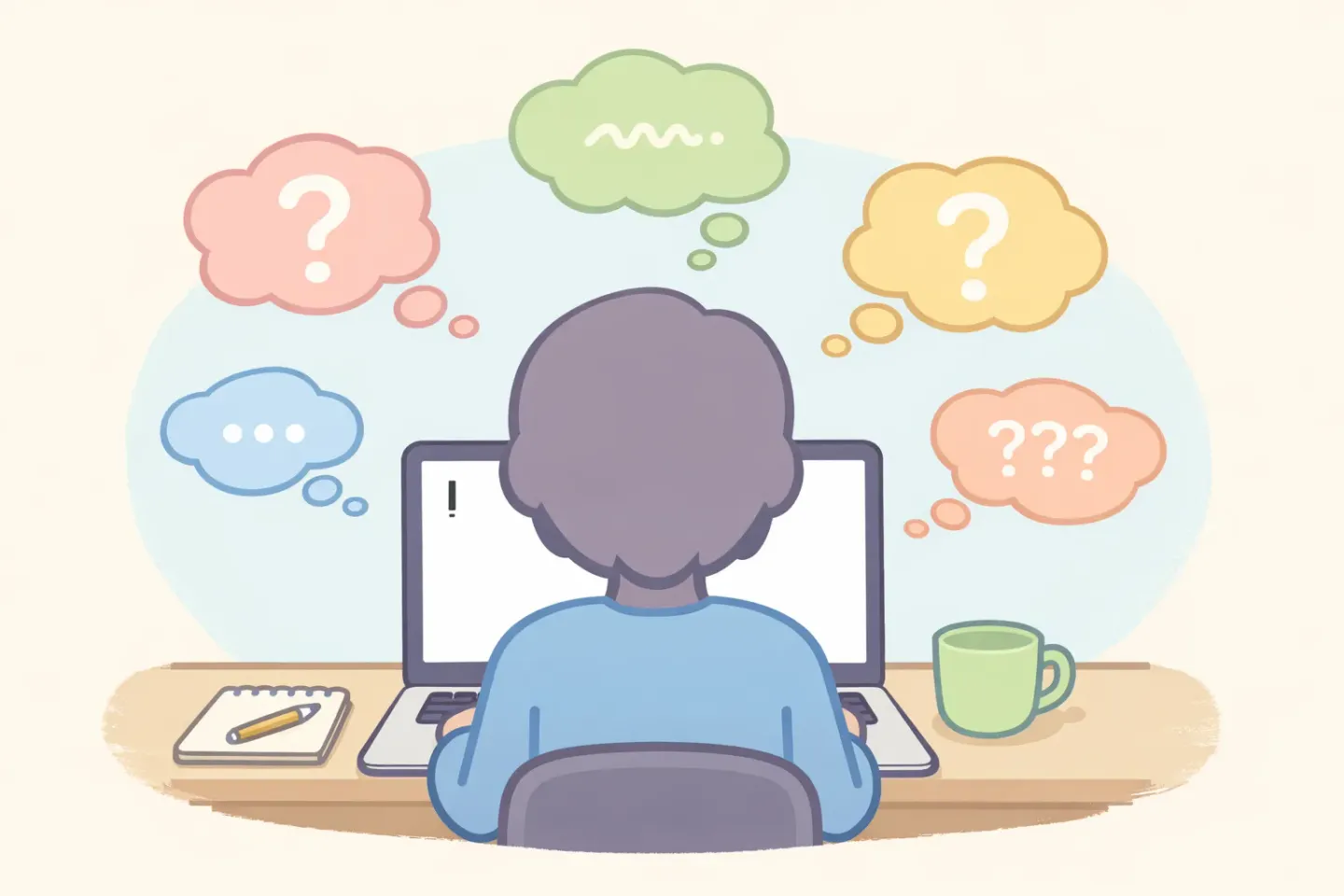
There's a scene that plays out every working day in front of a Mac somewhere. The cursor sits at the start of an empty line. The person knows what they want to say. They start typing. Stop. Backspace. Look up a synonym. Start again. Switch tabs to check whether "follow up" needs a hyphen. Come back. Read what they wrote. Decide it sounds too formal. Or too casual. Delete again.
That cursor isn't waiting for an idea. The idea arrived fifteen seconds in. It's waiting for confidence to catch up to the keyboard.
If you're a non-native English speaker writing for work, you spend more time at that cursor than you'd like to admit. Emails to clients. Slack messages to colleagues. Comments on a pull request. Not because you don't know what to write. Because writing it pulls you through six small judgments per sentence, and any one of them can stall the whole thing.
Speaking Comes Easier Than Writing, And There's a Reason
Most people learn a second language unevenly. Listening and reading build up faster than speaking and writing, and within the productive skills, speaking usually runs ahead of writing. By the time you're working in English, you can hold a meeting, take a phone call, watch a film without subtitles. You still hesitate over a four-line email.
There's a structural reason for that gap. When you speak, mistakes vanish into the next sentence. When you write, every mistake stays on the screen. Tone, register, idiom, spelling, comma placement, all of it sits in front of you, ready to be edited and judged. Your speaking brain accepts *good enough*. Your writing brain doesn't.
Then add the platform. A Slack thread is technically casual, but a misjudged word stays in the channel forever. An email goes into an inbox where someone might read it slowly. Even short replies feel slow, because the medium turns every word into a record.
What the Research Actually Says About L2 Writing Anxiety
Foreign language writing anxiety, FLWA in the academic shorthand, is a well-studied thing. A study of 421 Chinese EFL learners broke it into three parts: cognitive anxiety (the inner critic), somatic anxiety (the physical stress, the racing heart, the tense shoulders), and avoidance behavior (putting the task off, or doing it badly on purpose to escape it). All three show up at work, in inboxes around the world, every day.
Across studies, roughly one-third of foreign language learners report moderate or higher levels of anxiety. In professional contexts, where every written output gets read by a colleague or a client, those numbers run higher.
There's a productivity story tied to it too. Survey work cited by language training industry data found that around 67% of executives think language-driven miscommunications cost their teams time. 54% of professionals say they've hit language barriers at work, and 60% of native English speakers say they struggle to communicate clearly with non-native colleagues. The friction is not a one-way street.
Anxiety also produces measurable changes in the writing itself. Shorter responses. More concrete words. Less nuance. Avoidance is the most expensive of those changes. Emails delayed by a day. Requests softened until they fail to ask the question. Ideas not shared because the writing felt like too much work.
The Hidden Tax of Typing in Your Second Language
If you watch a fluent non-native speaker type, you'll see something subtle. They pause more often than a native speaker does, not in the middle of ideas, but at small forks. Article (*a* or *the*?). Preposition (*in* or *on*?). Spelling (*occured* or *occurred*?). Word choice (*begin* or *start*?). Capitalization in titles. Whether to put a comma before *and*.
Each pause is small. Half a second, sometimes a second or two. But there are dozens per email, and the cost isn't just the time. It's the cognitive shift. Writing in your first language, those decisions happen below the level of conscious attention. In your second, they're conscious. You're running two processes in parallel, what you want to say and how to spell it correctly, and each one steals attention from the other.
The result is the loop everyone in this position knows. You type a sentence. You read it. You realize you used the wrong tense. You fix it. Now the rhythm of the sentence is off, so you rewrite the second half. Now the first half feels too formal. You change one word. You read it again. It's still not right, but you don't know why, so you send it anyway and feel a tiny knot in your stomach for the next ten minutes.
The tax isn't paid in vocabulary. It's paid in working memory. Typing forces you to make every micro-decision while also remembering what you wanted to say. Speaking doesn't.
How Voice-to-Text Reroutes Around the Anxiety
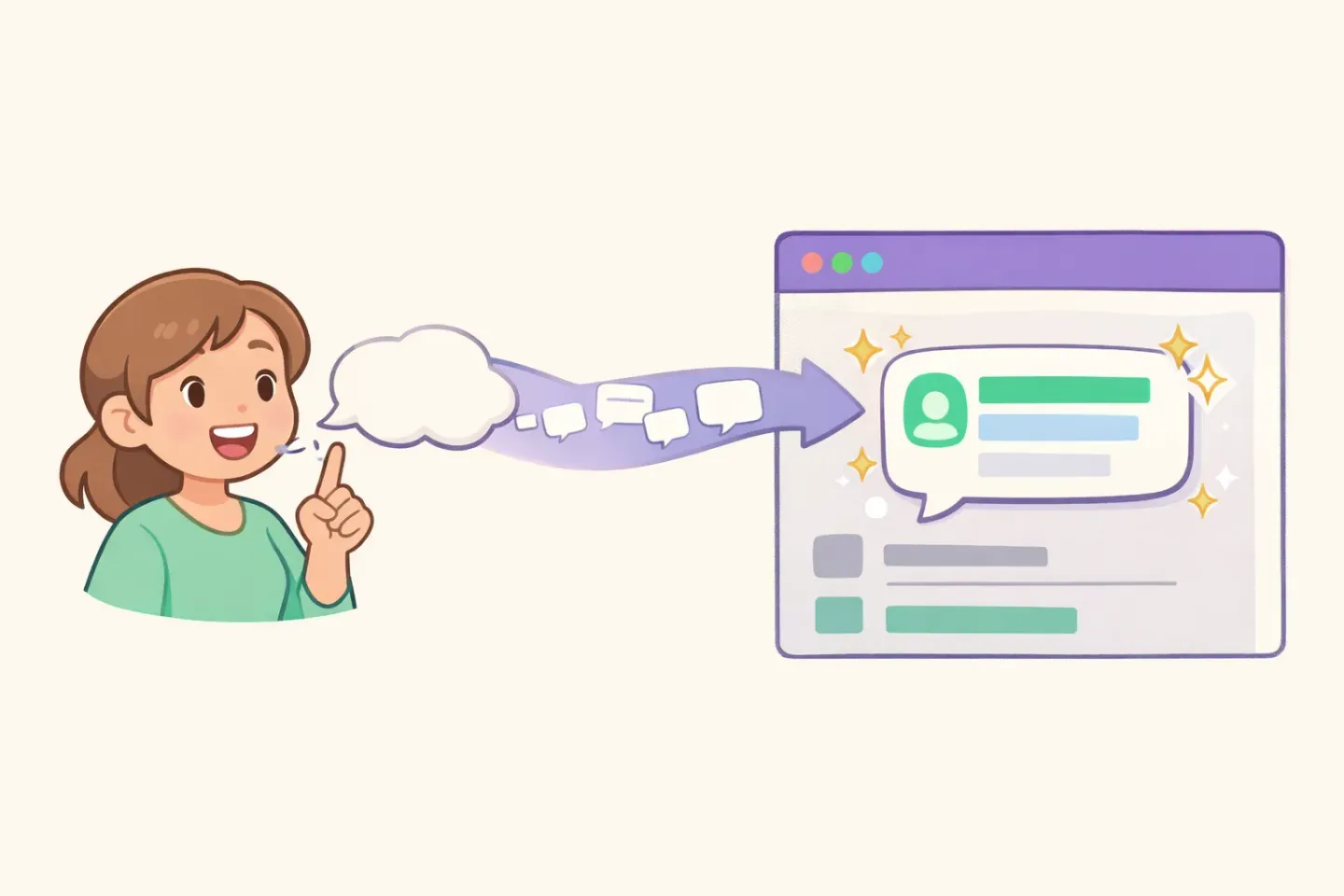
Switching from typing to voice in your second language does something specific to the anxiety. It moves the work off the slow, scrutinized process (typing) and onto the fast, automatic one (speaking). Same person, same English, very different output channel.
When you speak a sentence in English, you don't think about spelling. You don't think about the comma. You don't pause over *affect* and *effect*. You think about meaning. Speaking pulls from a different mental store than typing does, one that's more confident and less self-policing. The hesitations and small corrections that swallow your typing time don't fire when you talk.
This is also where voice tools have caught up to non-native English speakers. Five years ago, dictation meant fighting transcription that kept hearing *affect* as *effect* and dropping periods in odd places. Today, Whisper-based tools hit around 95% accuracy on non-native English speech with clean audio. The model was trained on speech from speakers across the world, and that breadth shows up in how it handles accents you'd expect it to mishear.
A few minutes of voice replaces several minutes of typing, but more importantly, it replaces the specific kind of typing that triggers L2 writing anxiety. You don't pause over spelling. You don't pause over the article. You speak the sentence the way you'd say it to a colleague, and the text appears.
Tools like Voicr were built around exactly this loop. Hold FN on your Mac, speak in English or any of 100 languages, and the text that lands in your clipboard is already cleaned up. Filler removed, grammar tidied, punctuation in place. The two layers that normally cost you the most, surface correctness and tone, are handled before the text reaches the page. You stay on the part you're actually good at, which is knowing what you wanted to say.
What Actually Changes When You Switch to Voice
Non-native English professionals who shift to voice for work writing tend to report the same handful of changes. Worth naming, because they help you decide whether the workflow is for you.
Drafts become first drafts again. A normal first draft is rough and gets refined. In L2 typing, the first draft barely exists. You self-correct as you go, and the first thing you commit to the page is already on its third version in your head. Voice gives you back the loose, fast first pass that native speakers take for granted.
Reply latency drops. Five-minute Slack messages become 30-second Slack messages. Not because your English got better in the last week, but because the editing happened in your head while you were speaking, instead of in the text editor after the fact.
Your real voice comes through. A common piece of feedback from non-native English writers is that their written English sounds flatter than they do in person. That's the anxiety leaking into the page. They're playing it safe with vocabulary, avoiding idioms, choosing the word they're sure about over the word they actually want. Speaking captures the way they'd really talk, including the jokes, asides, and warmth that get edited out of typed messages.
The avoidance loop shrinks. The email that would have sat in your drafts folder for a day gets sent in three minutes. Not because it's perfect, but because the cost of writing it dropped below the cost of avoiding it.
There are tradeoffs. Voice is harder in open offices. It feels a little odd the first few times. And for very short replies (*ok*, *thanks*, *got it*), typing is faster. For anything longer than a sentence, voice tends to win on both speed and the feeling afterward.
A Voice-First Workflow for the Next Week
The simplest way to test whether this changes anything for you is to try it for one week, on a narrow slice of your writing. Not all of it. Just one kind.
For seven days, replace one specific category of message with voice. Good candidates: - The Slack reply you'd usually read three times before sending - The email to a client or colleague you don't know well - The PR comment or doc comment where you're explaining something - The "checking in" or "following up" message you've been putting off for two days
Use whatever voice tool fits your setup. If you want something that works from any Mac app, polishes your speech automatically, and handles non-native accents well, Voicr is built for this. Hold FN anywhere on your Mac, speak, release, paste. The text that arrives is already cleaned up, so you don't end up re-typing the output to fix small things, which would put you right back in the anxious-typing loop.
A week is enough to notice the change. The cursor stops freezing. Drafts get out faster. The messages you'd been avoiding stop feeling like a task. None of that is because your English got better. It's because you stopped routing it through the keyboard, which is where the anxiety lived in the first place.