
You open the App Store, search "AI dictation Mac," and the two names that keep coming back are Voicr and SuperWhisper. The screenshots look similar. The feature lists overlap. Both promise polished text from your voice.
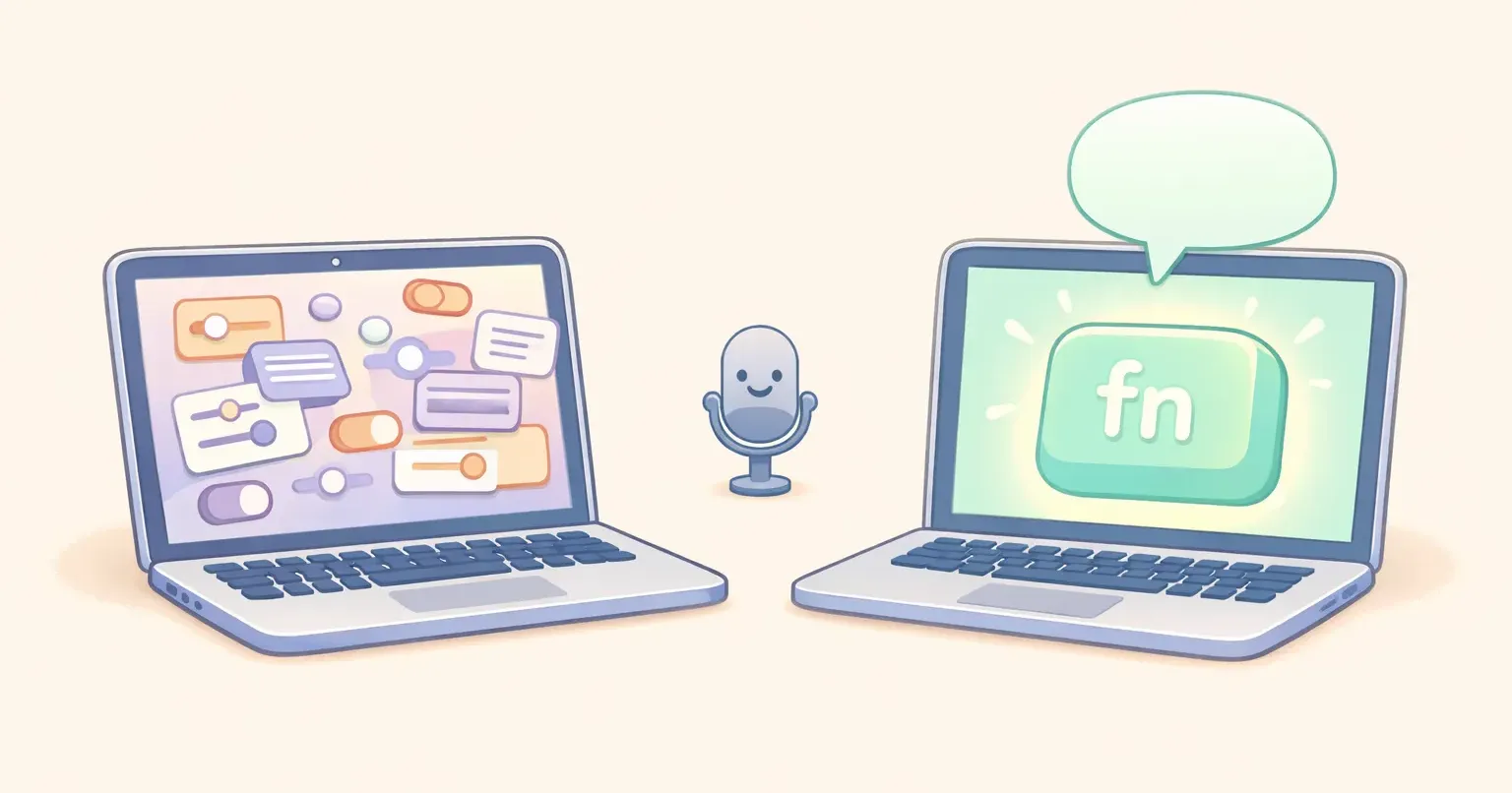
Install both for ten minutes, and the difference is immediate. One asks you to choose a Whisper model size, configure a custom mode, paste in an API key for your preferred LLM, and tag your prompt with XML. The other asks you to hold one key and start talking.
Neither approach is wrong. They're built for different people. Here's an honest side-by-side breakdown of where Voicr and SuperWhisper diverge, and which one fits which kind of Mac user.
The short version
If you don't want to read the rest: - SuperWhisper is for tinkerers who want full control over the model, the prompt, and the AI provider. Strong offline story. Steep configuration surface. Available on Mac, Windows, and iOS. - Voicr is for Mac users who want polishing and per-app rules already wired in. Hold FN, speak, release, paste. No model picker. No BYOK keys. Apple Silicon only. - Both transcribe with Whisper. Both support 100 languages. They part ways in how much setup they expect from you.
What SuperWhisper is built for
SuperWhisper is a configurable framework. Local Whisper models for transcription, optional cloud LLMs for post-processing, and a Custom Modes system where you define exactly how each task should work.
Custom Modes are the flagship feature. You can create a mode for emails, another for meeting notes, another for code comments, and a fourth for Slack. Each mode has its own prompt, its own formatting rules, and its own AI provider. You can wire up OpenAI, Anthropic, Google, Mistral, Groq, or a local Llama, depending on which mode is running. Their docs recommend XML tags for any prompt longer than a few lines.
Local-first transcription. SuperWhisper downloads Whisper models to your machine. Tiny, base, small, medium, large-v3, and large-v3-turbo are all available, with the larger models gated behind the Pro tier. On Apple Silicon, large-v3-turbo runs locally and accuracy is excellent. Audio never leaves your laptop for the transcription step. The company is SOC 2 Type II certified and HIPAA-compliant, which makes it the easier choice through enterprise security review.
Cross-platform. SuperWhisper runs on macOS, Windows, and iOS from one license. If you split time between a MacBook and a Windows desktop, that's a real advantage.
Lifetime pricing. A one-time payment ($249.99 at time of writing, though the price has shifted in 2026) buys forever access. For heavy daily users, that math beats most subscriptions in year two.
The cost of all this power is that the settings surface is dense. Multiple reviews compare the onboarding to "configuring a server" — picking the right model size, deciding which LLM provider to use for which mode, writing the prompts, troubleshooting key bindings. Once it's dialed in, it's powerful. Getting it dialed in takes a weekend.
What Voicr is built for
Voicr starts from the opposite end. Most people don't want to assemble their dictation tool. They want to install something that already polishes their speech well, in the tone the app they're in calls for, with one key.
Hold FN from anywhere on macOS. Voicr captures the audio, transcribes it with Whisper large-v3-turbo, runs it through an AI polishing pass, and pastes the cleaned-up result into whatever input you were already typing in. No window opens. No clipboard hop. No app to switch to.
The polishing is done for you. Voicr ships with the AI plumbing already wired up — no API keys, no provider selection, no prompt engineering. You don't decide which model rewrites your speech. The app does, with a polish style chosen to read like you sat down and typed it carefully.
Smart Rules solve the per-app problem without making you build modes by hand. You assign a writing style to each app — casual for Slack, formal for Mail, technical for VSCode, raw notes for Apple Notes — and Voicr detects which app is active and applies the right one automatically. There's a UI for editing the rules. There's no XML, no prompt syntax to learn.
Pure Dictation Mode is a one-toggle alternative for when you want raw transcription with proper punctuation, no AI rewriting. Quotes, raw notes, verbatim capture.
Auto language detection picks the spoken language from your audio across 100 languages. Set the target to English and Voicr translates while it transcribes. Think in Spanish, write in English, one keypress.
The tradeoff is the inverse of SuperWhisper's. Voicr is opinionated. You get the polishing the team thinks is good. You can edit the Smart Rule prompts if you want to nudge the tone, but you don't pick the underlying model or run a local Llama. And it's Apple Silicon Mac only — no Windows, no iOS.
Where the experience diverges
Three quick scenarios.
First-time setup
SuperWhisper: install, download a Whisper model (decide which size — tiny, base, small, medium, large-v3-turbo, large-v3 — based on your hardware and accuracy needs), open settings, pick a default mode, decide if you want cloud LLM polishing, paste in an OpenAI or Anthropic API key, write or import a custom prompt, configure your trigger keys, and test. Plan for an evening.
Voicr: install, grant microphone and accessibility permissions, hold FN, speak. The Smart Rules ship pre-configured for common apps. Plan for two minutes.
Writing a Slack message and an email back-to-back
SuperWhisper: if you've set up two custom modes (one for Slack, one for Mail), you either switch modes manually with a different keybinding, or you rely on Super Mode to detect the app and pick the right prompt. Either way, the modes had to exist first.
Voicr: hold FN in Slack, get the casual version. Hold FN in Mail, get the email version. Same key, different output, because Smart Rules already know what app you're in.
Polishing the output
SuperWhisper: the AI polishing step runs only if you've configured an LLM. The local Whisper models give you a raw transcript by default; rewriting requires you to bring your own API key and pay the LLM provider per use. Multiple user reviews note that transcripts often still need manual cleanup unless you actively wire this up.
Voicr: polishing is on by default. Filler words removed, grammar fixed, structure tightened. You don't pay a separate API bill. If you want raw output instead, Pure Dictation Mode is one toggle away.
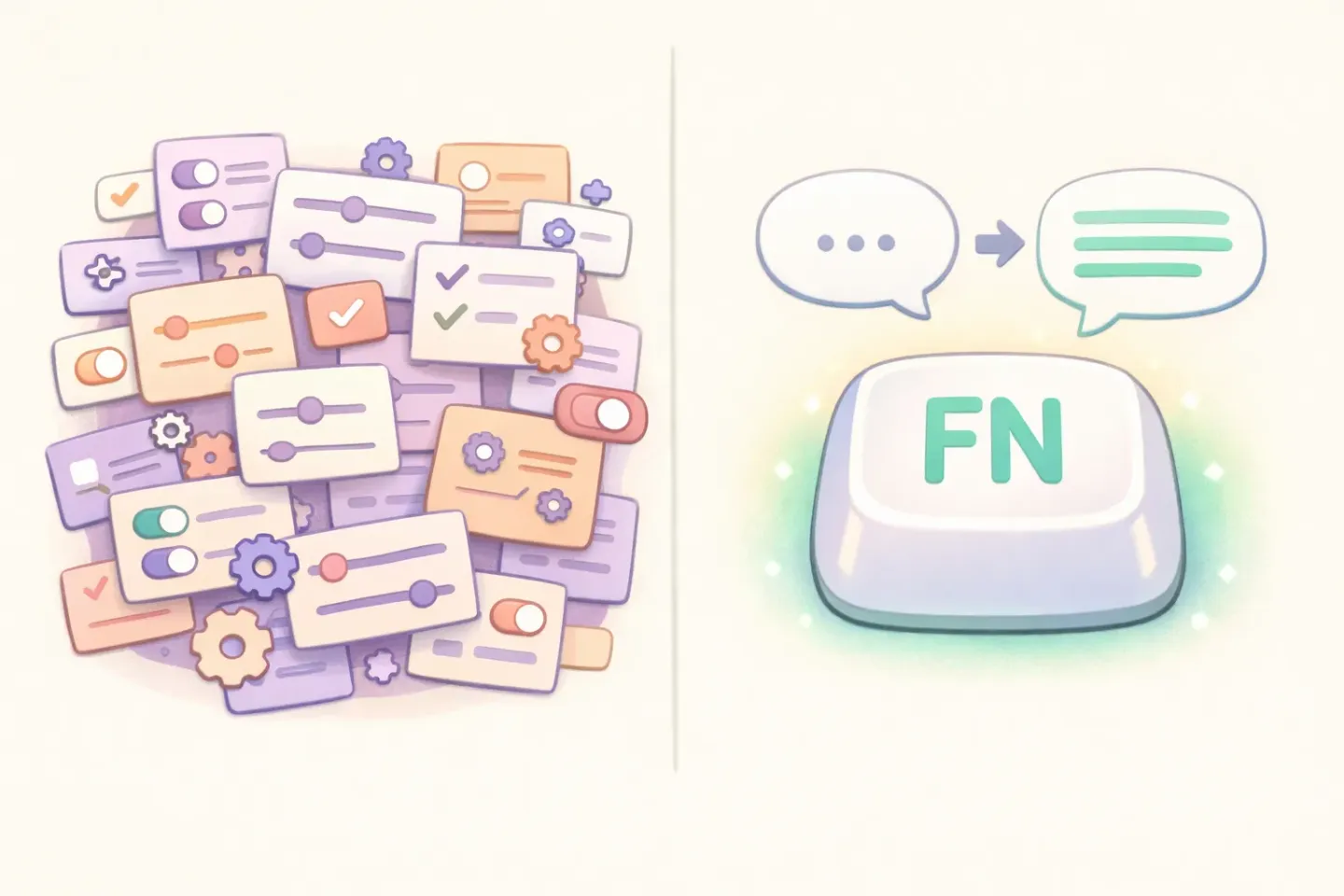
If you've been dictating into SuperWhisper and your transcripts still come out raw because you haven't gotten around to wiring up Custom Modes and an API key, Voicr's polishing is the part you were going to configure anyway. It's just already done. Hold FN, speak, release — the cleaned-up version is in the input.
Privacy and offline mode
This is the area where SuperWhisper genuinely wins, and it's worth being honest about.
SuperWhisper's transcription runs on a local Whisper model. Your audio doesn't leave your machine for the speech-to-text step. If you don't enable cloud LLM polishing, the entire flow stays on-device. For users in regulated industries, on flaky networks, or with strict privacy preferences, that's a meaningful difference.
Voicr uses cloud transcription and cloud polishing. Audio is sent to a server, processed, and the result comes back. There's no on-device-only mode. If you can't, or won't, send dictation audio to a server, SuperWhisper is the safer pick — and that should be the deciding factor, regardless of anything else in this comparison.
One nuance: SuperWhisper has historically saved every audio recording to disk by default, which is a different privacy axis (local persistence rather than network exposure). If you go the SuperWhisper route, it's worth checking the current behavior in their settings before you assume "on-device" means "unrecorded."
Pricing compared
Sticker prices aren't the whole picture here, because SuperWhisper's polishing relies on bringing your own LLM key. Total cost depends on which provider you wire up and how much you dictate.
SuperWhisper
SuperWhisper Free runs local Whisper but caps you to the small models (tiny and base) and three custom modes. Pro is $8.49/month or $84.99/year, which unlocks every Whisper model size, removes the mode cap, and enables cloud LLM post-processing. Lifetime sits at $249.99 one-time on the most recent listing. On top of any tier, cloud polishing means paying OpenAI, Anthropic, Google, or whichever provider you wire up, per request.
Voicr
Voicr's Free plan is 5,000 words/month with every feature included and no credit card. GO is $3/month for 20,000 words. PRO is $10/month for 100,000 words. Polishing is included in every tier, so there's no separate AI provider bill on top.
For light users, both apps are effectively free. For heavy daily dictation, the math depends on whether you'd rather pay a one-time SuperWhisper Lifetime + ongoing LLM credits, or a flat monthly Voicr subscription with polishing rolled in. The Voicr Free tier is closer to the full app than SuperWhisper Free is — no model gating, no custom-mode cap, no need to also pay an AI provider to get polishing.

When SuperWhisper is the right pick
There are real scenarios where SuperWhisper is the better tool, and it's not close.
You're on Windows or split between Mac and Windows. Voicr is Apple Silicon Mac only. If you need one app across operating systems, SuperWhisper covers that.
You have a hard offline requirement. Compliance, sensitive content, no network on a particular machine. Local Whisper transcription with no cloud LLM is SuperWhisper's strongest suit.
You want to bring your own model. Run a local Llama for polishing, swap between GPT and Claude per task, write XML-tagged prompts the way you'd write a system prompt. SuperWhisper is built for this. Voicr is not.
You want lifetime pricing. If you dictate heavily for years, the SuperWhisper Lifetime + your own API key spend may end up cheaper than a flat monthly subscription. Worth running the math.
When Voicr is the right pick
Most everyday Mac users land here, and it's worth being just as direct about why.
You don't want to manage API keys. You want polishing to be on by default, not a setup step.
You want one key to do the right thing in every app. No mode switching, no manual triggers — just FN, in Slack it sounds like Slack, in Mail it sounds like Mail.
You're on an Apple Silicon Mac and you'll stay there. No cross-platform need, no Windows machine waiting for the same setup.
You want to start in five minutes, not five hours. Install, grant permissions, hold FN. The defaults are good enough to use immediately, and you can tune Smart Rules later if you want to nudge the tone.
If that profile fits, Voicr will feel like the version of SuperWhisper that someone already set up for you. Same Whisper transcription quality. Polishing already wired in. Per-app awareness built into the core, not assembled from custom modes.
The honest test
If you're genuinely torn between the two, the fair test is to dictate the same real piece of writing in both. Not a one-liner — pick something with three to five sentences, like an email or a Slack thread reply. Speak naturally, with the filler words and false starts you'd normally edit out.
Look at the output in each app before you touch it. Two questions: 1. Is the text already in a state you'd send? 2. Did the tool know what app you were in?
If SuperWhisper's output is ready to send because you've spent a weekend dialing in custom modes and prompts, that's a real outcome — keep using it. If it's still a raw transcript you have to clean up, the difference between Voicr and SuperWhisper is mostly the difference between "the polishing happens automatically" and "you're going to configure the polishing at some point."
The fastest way to find out is to install Voicr, set FN as your trigger, and try the same email again. If you'd rather control every prompt and every model yourself, SuperWhisper is the better tool. If you'd rather hold a key and have the polished version land in the input, Voicr is what you came for.
For a different angle on the same question — how Voicr stacks up against Apple's built-in tool — see the Voicr vs Apple Dictation breakdown.