

Every few years someone declares the keyboard dead. New gadget, new gesture, a screen you talk to instead of type on. Then the hype fades, nothing changes, and you go back to tapping out emails like always.
But look at what you actually did this morning. You probably asked your phone to set a timer, told a speaker to play something, and let your car read a text out loud. The shift already happened. It just didn't look like the future you were sold.
That quiet, everywhere-at-once kind of computing has a name: ambient computing. And the part most articles skip is where it shows up first for people who write all day. Not in your living room. In the text box right in front of you.
What Ambient Computing Actually Means
The idea is older than you'd guess. In 1988, a researcher named Mark Weiser at Xerox PARC coined the term "ubiquitous computing" and wrote a line that still sums it up: the most profound technologies are the ones that disappear, weaving into everyday life until you stop noticing them.
Ambient computing is the modern name for that vision. Instead of sitting down at a machine and operating it, you go about your day and the computing happens around you, in the background, triggered by context instead of clicks. The plainest definition is also the best one: invisible technology that does the work without you babysitting it.
Most coverage stops at smart speakers and thermostats. Alexa dims the lights, your watch nags you to stand, your doorbell knows the mail carrier. That's real, but it's the easy half of the story. The harder, more useful half is what happens when ambient computing reaches the thing you do for hours every day: turning thoughts into text.
The Keyboard Had a 150-Year Head Start
QWERTY was patented in the 1870s, designed for mechanical typewriters. We've been pressing the same keys in the same order for about 150 years. For almost all of that time there was no real alternative, so nobody questioned it.
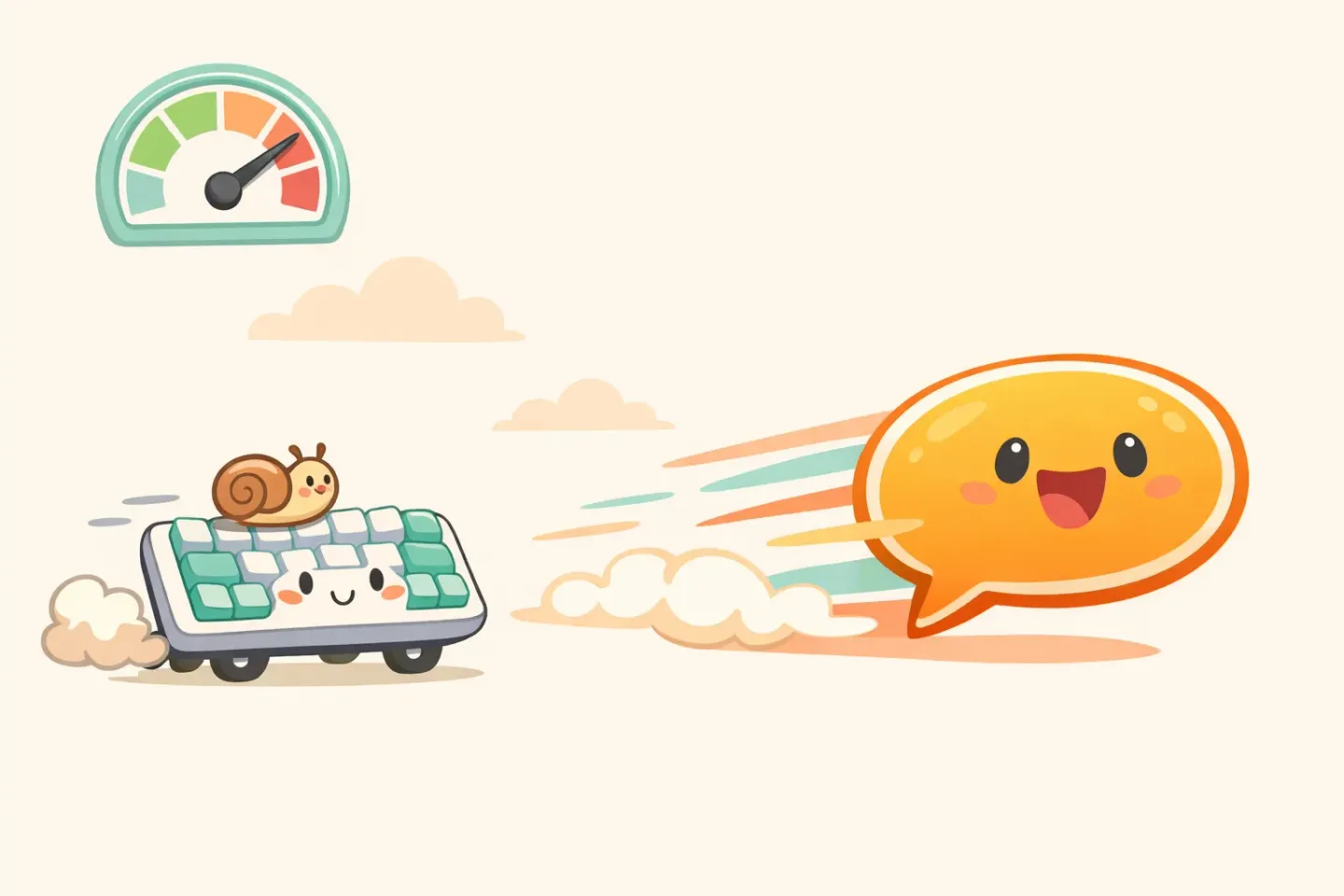
Here's the problem the keyboard never fixed: you think much faster than you type. The average person types around 40 words a minute. Natural speech runs at 120 to 150. Every time you write, you're forcing your thoughts through a straw.
Researchers measured exactly how big that gap is. A Stanford study found that speaking text into a phone was 2.9 times faster than typing it in English, 153 words a minute versus 52, and nearly the same multiple in Mandarin. One of the authors said the team was surprised it came out almost three times quicker.
Three times faster isn't a rounding error. If you spend two hours a day on messages, emails, and notes, that gap decides whether you're done by lunch or still grinding at dinner. I broke down why speech wins on raw speed in Why your voice is faster than your keyboard.
Why Voice Input Flopped the First Time
So if voice is three times faster, why isn't everyone using it already? Because the first wave of voice input was genuinely bad at the one job that counts: producing text you'd actually send.
Picture dictating a message to Siri or asking Alexa to jot down a note. You get a raw transcript. Every "um," every false start, every "wait, no, scratch that" lands on the screen word for word. The tool heard you, but it had no clue what you meant.
Context made it worse. Old voice systems mixed up "some" and "sum," forgot punctuation, and treated a casual Slack line and a formal email exactly the same. A coworker talking nearby could wander straight into your document.
So you'd save thirty seconds talking, then burn two minutes cleaning up the wreckage. The math didn't add up. Most people tried dictation once, stared at a wall of garbled text, and quietly went back to the keyboard. Call it the *cleanup tax*. It's what killed voice input for real writing.
The Missing Piece: AI That Polishes, Not Just Transcribes
What changed isn't the microphone. It's what happens to your words after they're caught. Modern speech models like Whisper transcribe far more accurately than the old assistants, but accuracy was never the whole problem. The real jump is a second step: a language model that rewrites the raw transcript into clean, finished text.
Think of it as the difference between a stenographer and an editor. Transcription gives you exactly what you said. Polishing gives you what you meant. Filler gone, grammar fixed, half-formed thoughts straightened into sentences. You ramble; the result reads like you took your time.
This is the exact gap Voicr was built to close. You hold one key, talk as messily as you like, and the text that lands on your clipboard is already cleaned up and ready to paste. The thirty seconds you saved by speaking stay saved, because there's no cleanup waiting on the other end.
It sounds like a small change. It isn't. Once the cleanup tax disappears, voice stops being a parlor trick and turns into a faster way to do the writing you already do. I walked through how that pipeline actually works in AI-powered voice dictation for Mac: how it works.
Ambient Computing Is Arriving as Input, Not as a Gadget
The headlines want ambient computing to be a device. OpenAI, working with former Apple designer Jony Ive, is reportedly building a screenless, voice-first gadget you talk to. Pocket-sized, always listening, due in late 2026. Meta's smart glasses already sold well enough to grab most of that early market.
Maybe one of those becomes the next iPhone. Maybe it ends up like the Humane AI Pin, which flopped about as hard as a product can. Either way, betting on the gadget misses the quieter thing that's already happening.
Ambient computing doesn't need new hardware to show up. It's arriving as a change in *input*, in how text gets into the devices you already own. App by app, the default is sliding from "type it" to "say it." There's no launch event. You just notice one day that you've stopped reaching for the keyboard first.
That's Weiser's vision finally landing somewhere useful. Not a robot in your kitchen. A thin layer over the Mac you already use, where speaking is simply how text shows up.
What It Looks Like at Your Desk Today
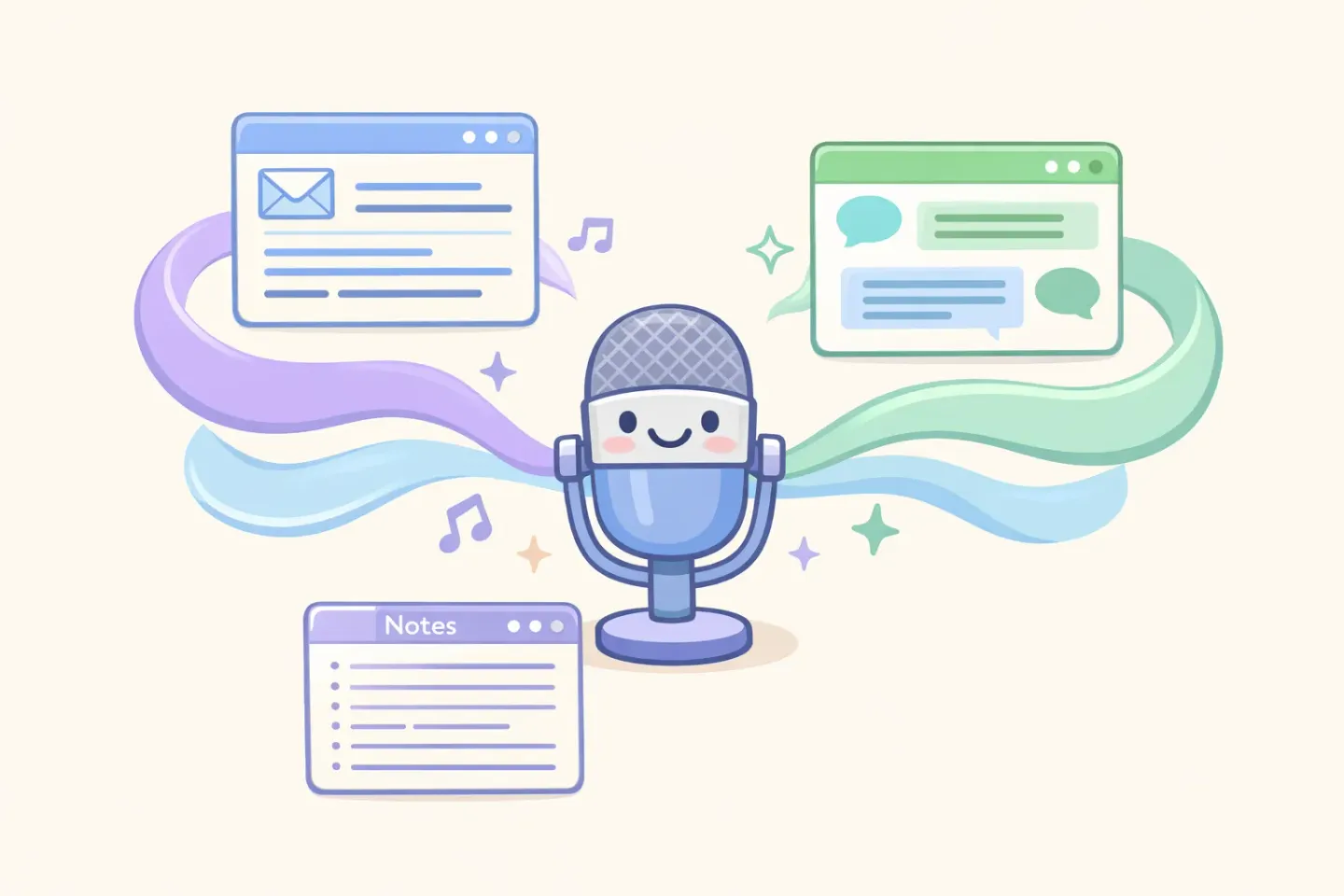
Strip away the futurism and here's the actual experience. You're in some app: email, Slack, a doc, a code comment. You hold one key, say your piece, and let go. Clean text appears, ready to paste. No window pops open. No app switch. The computer stays out of your way.
That "stays out of your way" part is what makes it ambient. You're not operating a dictation program. You're just writing, with your voice instead of your fingers. The tool stays invisible until the second you need it, which is more or less what Weiser was describing back in 1988.
It can also read the room. A good setup knows a Slack message should sound loose and an email should sound buttoned up, and it switches on its own based on the app you're in. You stop hand-translating your tone all day. I dug into that idea in How I use AI to eliminate the gap between thinking and writing.
The Keyboard Isn't Dying. It's Becoming Optional
Let's be straight, because honesty beats hype here: you're not tossing your keyboard in the bin. Voice is the wrong tool for plenty of things. Fixing a single word, writing code, working in a silent library, shaping a sentence where every comma matters. Fingers still win those.
The actual shift is smaller and more interesting. Voice becomes the default for the bulk of your everyday text, and the keyboard becomes the thing you grab when you need precision. The keyboard isn't dying. It's finally getting a real peer.
Most people will settle on a mix. Speak the first draft, type the fixes. Speak the long email, type the one-word reply. Ambient computing was never about taking choices away. It's about making the fast path the obvious one.
How to Let Your Voice Become Your Keyboard
You don't have to wait for a screenless gadget to live in the future a little early. The shift is already sitting on the Mac in front of you. Here's how to ease in: 1. Start with low-stakes text. Dictate a Slack message or a quick note before you trust voice with a message that matters. 2. Talk normally. Don't perform. The whole point is that the mess gets cleaned up, so quit trying to speak like a robot. 3. Pick one app and make voice the default there for a week. Build the habit in one spot before you spread it everywhere. 4. Use a tool that polishes, not just transcribes. Plain transcription brings back the cleanup tax that sank voice the first time around.
The fastest way to feel the change is to stop typing your next message and say it instead. If you want voice that polishes your speech automatically and works in any Mac app from a single key press, that's what Voicr does: hold FN, speak, paste. It's free for 5,000 words a month, no account required.
Ambient computing isn't a press release about the future. It's a habit you can pick up this afternoon. Your voice was always faster than your keyboard. Now it can finally keep up with what you actually meant to say.