
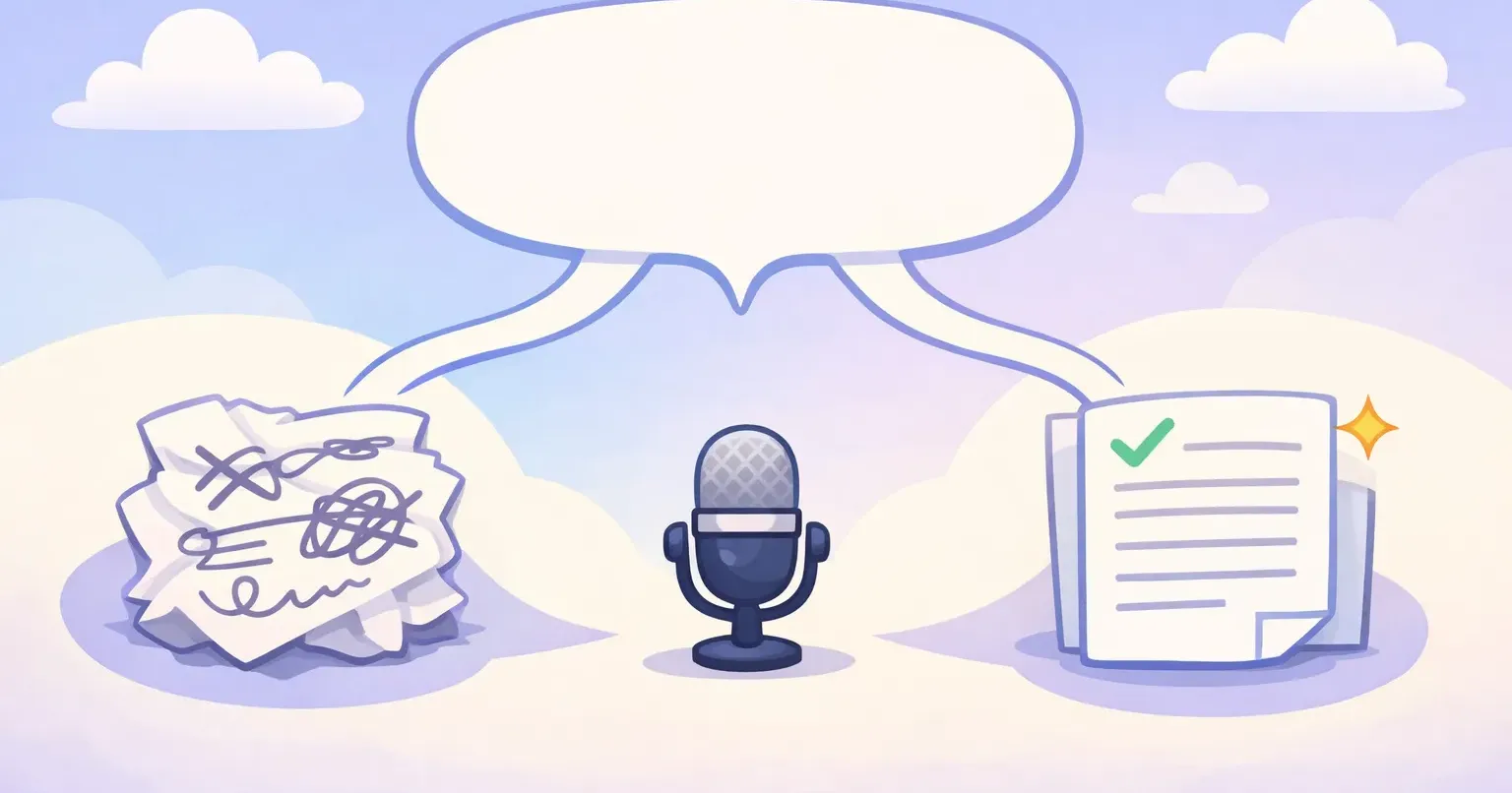
Say this out loud the way you actually talk: "so um I think we should push the launch to next week because the design's not ready yet." Two different Mac apps can hear that exact sentence. They'll hand you back two completely different things.
One returns every word, the "um" and the false start included. The other gives you: "I think we should push the launch to next week. The design isn't ready yet." Same audio, same three seconds. The only thing that changed is what the app did with your words after it heard them.
That difference has a name, and most people get it backwards. *Transcription* and *dictation* get tossed around like synonyms. They're not. And a newer layer on top, AI polishing, quietly changed what you should expect from either one. Knowing which is which is the gap between speaking your emails and editing them forever.
Transcription and Dictation Aren't the Same Thing
Start with the plain meanings, because nothing else makes sense until these are straight. Transcription is turning audio into text. You have a recording, a meeting, an interview, a voice memo, and you want it written down. The job is faithfulness: capture what was said, exactly, including who said it.
Dictation runs the other direction. You're not converting an old recording. You're speaking to create something right now: an email, a note, a quick message. The audio is disposable. All you care about is the text at the end.
So the real split is about intent, not technology. Transcription preserves a record. Dictation produces a draft. A court reporter transcribes. You dictate a text to your sister from the car. Both turn speech into text, but they're aiming at different things.
What Changed: AI Polishing Sits on Top
Until a few years ago, both jobs ended in the same place: words on a screen, roughly matching what the mic picked up. Accurate, sometimes. Readable, not always. Either way, you cleaned up the result yourself.
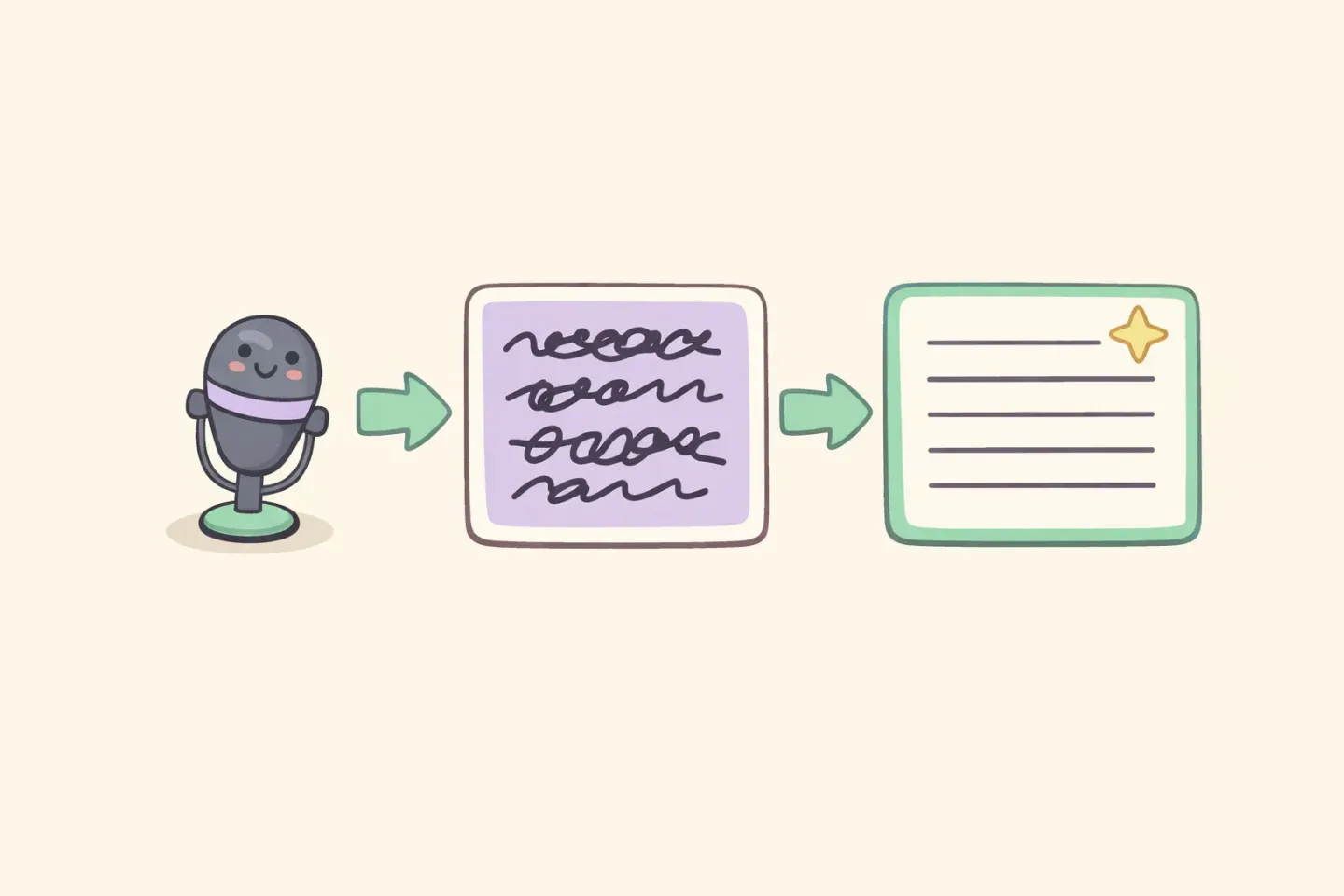
Then language models got cheap and fast enough to run as a second step. Now an app can transcribe your speech and then rewrite it, fixing grammar, dropping filler, adding punctuation, tightening a ramble into clean sentences, all in the same couple of seconds. That second step is the polishing. It's what turns a raw transcript into something you'd actually send.
That's where AI-polished dictation comes from. It's dictation, you speaking to create something, with an AI cleanup pass on the end. The output isn't what you said. It's what you meant, written the way you'd write it if you had the time.
How AI-Polished Dictation Actually Works
Most articles wave at "machine learning" and leave it there. Here's the actual pipeline, because once you see it, you know exactly where the quality comes from. It runs in two stages.
Stage 1: speech to text
Your audio goes to a speech recognition model that turns sound into raw text. The leading ones in 2026 are OpenAI's Whisper and its successor, GPT-4o-Transcribe. Accuracy gets measured as word error rate, the share of words the model gets wrong. On real-world English, GPT-4o-Transcribe runs around 4% and Whisper around 5%, against roughly 15% for the older built-in dictation most people tried once and gave up on. Lower is better. About one wrong word in twenty is the current bar.
This stage is pure transcription. If the app stopped here, you'd get a faithful but messy record: your filler words, your restarts, your missing commas. Fine for a quote. Rough for an email.
Stage 2: AI polishing
The raw transcript then goes to a language model with an instruction roughly like "clean this up without changing the meaning." It strips the "um" and "like," fixes subject-verb slips, puts the punctuation back, and reshapes run-ons into real sentences. Some apps let you write that instruction yourself. Most just apply a fixed one.
The whole two-stage loop takes a few seconds, short enough that it feels like one action. You speak, wait a beat, and polished text shows up. That speed is the reason it sticks as a daily habit instead of becoming another chore you abandon by Thursday.
Raw vs Polished: A Real Side-by-Side
Definitions land better with an example. Here's a sentence spoken naturally, the way a thought actually leaves your mouth:
*"okay so for the Q3 report um I think we need to, we need to focus on the churn numbers because that's what the board cares about, and maybe add a slide on retention too."*
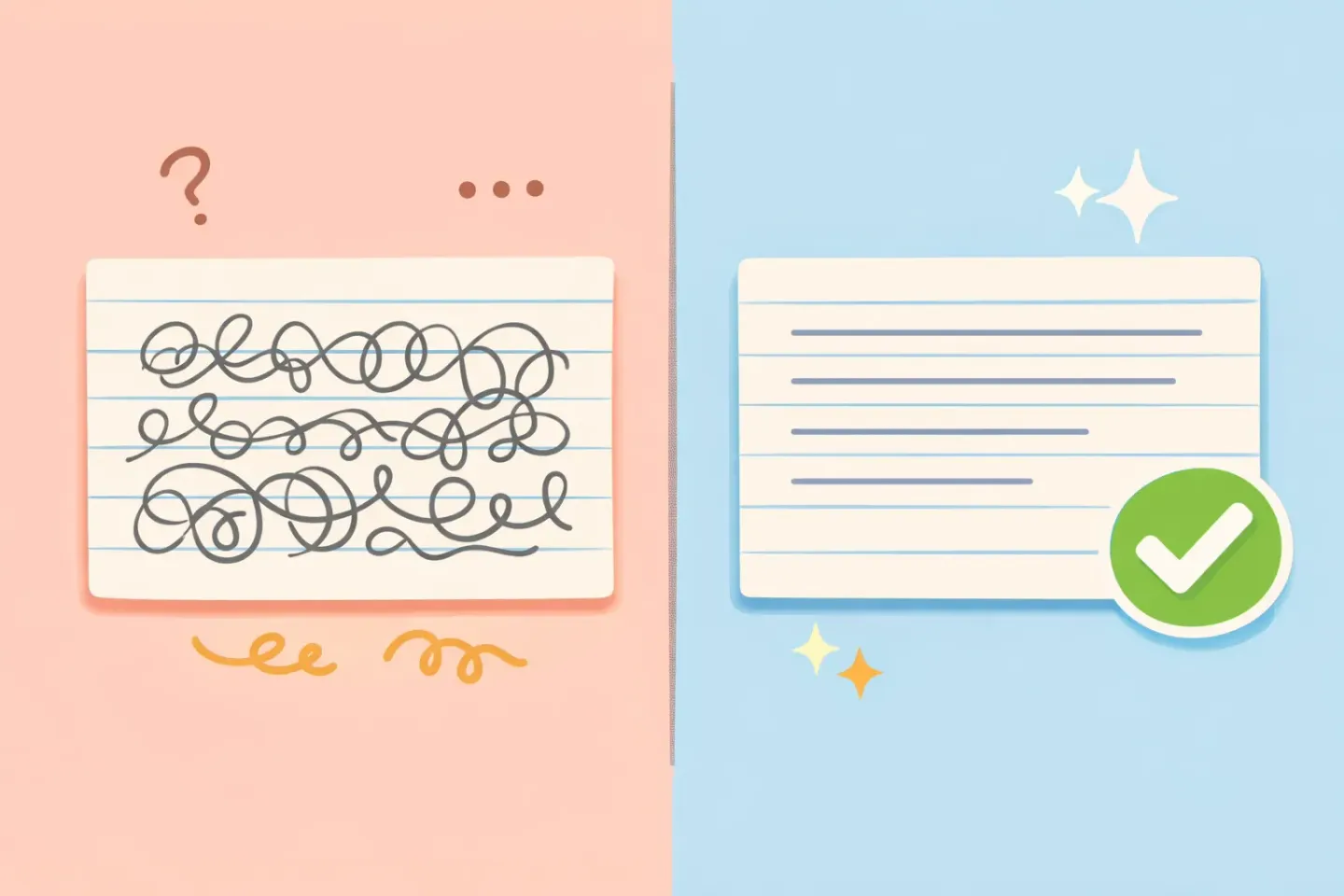
A pure transcription tool hands that back almost verbatim, with basic punctuation dropped in: ``` Okay, so for the Q3 report, um, I think we need to, we need to focus on the churn numbers because that's what the board cares about, and maybe add a slide on retention too. ```
AI-polished dictation gives you this instead: ``` For the Q3 report, we should focus on the churn numbers, since that's what the board cares about. Let's add a retention slide too. ```
Same idea, same few seconds of talking. One is a record of how you spoke. The other is something you'd paste straight into Slack. Neither one is better in the abstract. They're built for different jobs, which is the entire point of telling them apart.
When You Actually Want Raw Transcription
Polishing is the right default for most writing. Not all of it. Sometimes the exact words are the point, and an AI tidying them up is a bug, not a feature.
Reach for raw transcription when: - You're capturing a quote and the precise wording matters - You're recording an interview or meeting as a reference - You're in a legal, medical, or research setting where changed wording is a liability - You're journaling and your unfiltered voice is the whole point - You want to edit it yourself instead of handing that to an algorithm
In these cases, polishing can quietly shift your meaning. It softens a blunt statement, "corrects" a phrase you chose on purpose, or merges two thoughts you wanted kept apart. That's why decent dictation tools keep a raw mode. Voicr has a Dictation Mode that switches polishing off and gives you clean, properly punctuated transcription with nothing added and nothing reworded.
When AI-Polished Dictation Wins
For anything headed to another person, polishing earns its place. Emails, Slack messages, docs, code comments, PRDs, anything where the reader cares about your message and not your verbal tics.
The reason is speed and quality at the same time. People speak around 150 words a minute and type around 40, so voice is nearly four times faster. But raw dictation usually gives that lead right back in cleanup time. Polishing closes the gap. You get speaking speed and finished text, with no editing pass after.
There's a second win that's easy to miss: context. The better tools polish differently depending on where you're writing. A Slack DM should stay short and casual. A client email needs a greeting and a sign-off. This is what Voicr's Smart Rules handle for you. Set a tone per app once, and it switches based on whichever window is in focus, so the same spoken sentence comes out casual in Slack and buttoned-up in Mail without you touching a thing.
How to Get Both Without Choosing
You don't have to pick one mode and live with it. The setup that works is boring and simple: 1. Make AI-polished dictation your default. It covers the 80% of writing that goes to other people. 2. Keep raw transcription one toggle away for quotes, interviews, and anything you want word for word. 3. If your tool does per-app rules, set them once so the polish matches each app's tone.
The real mistake isn't choosing the wrong mode. It's not knowing the two are different, then blaming the app when verbatim filler turns up in an email, or when a polished version drops a word you needed in a quote. Once you know which job you're doing, the right mode is a one-second decision.
For a closer look at the polishing layer itself, see AI-powered voice dictation for Mac: how it works. If you're still shopping for a tool, the roundup of the best voice-to-text apps for Mac in 2026 lays out the options. And for setup basics, there's how to transcribe speech to text on Mac instantly.
Try the Difference Yourself
The fastest way to feel all this is to dictate the same sentence twice, once raw and once polished, and look at what lands. You'll know in about two seconds which version you'd actually send.
Voicr does both from one key. Hold FN, talk like a normal person, and polished text shows up in your clipboard ready to paste into any app. Flip on Dictation Mode when you want the raw version instead. It's free for 5,000 words a month with no card, which is plenty to find out where each mode fits your week.