
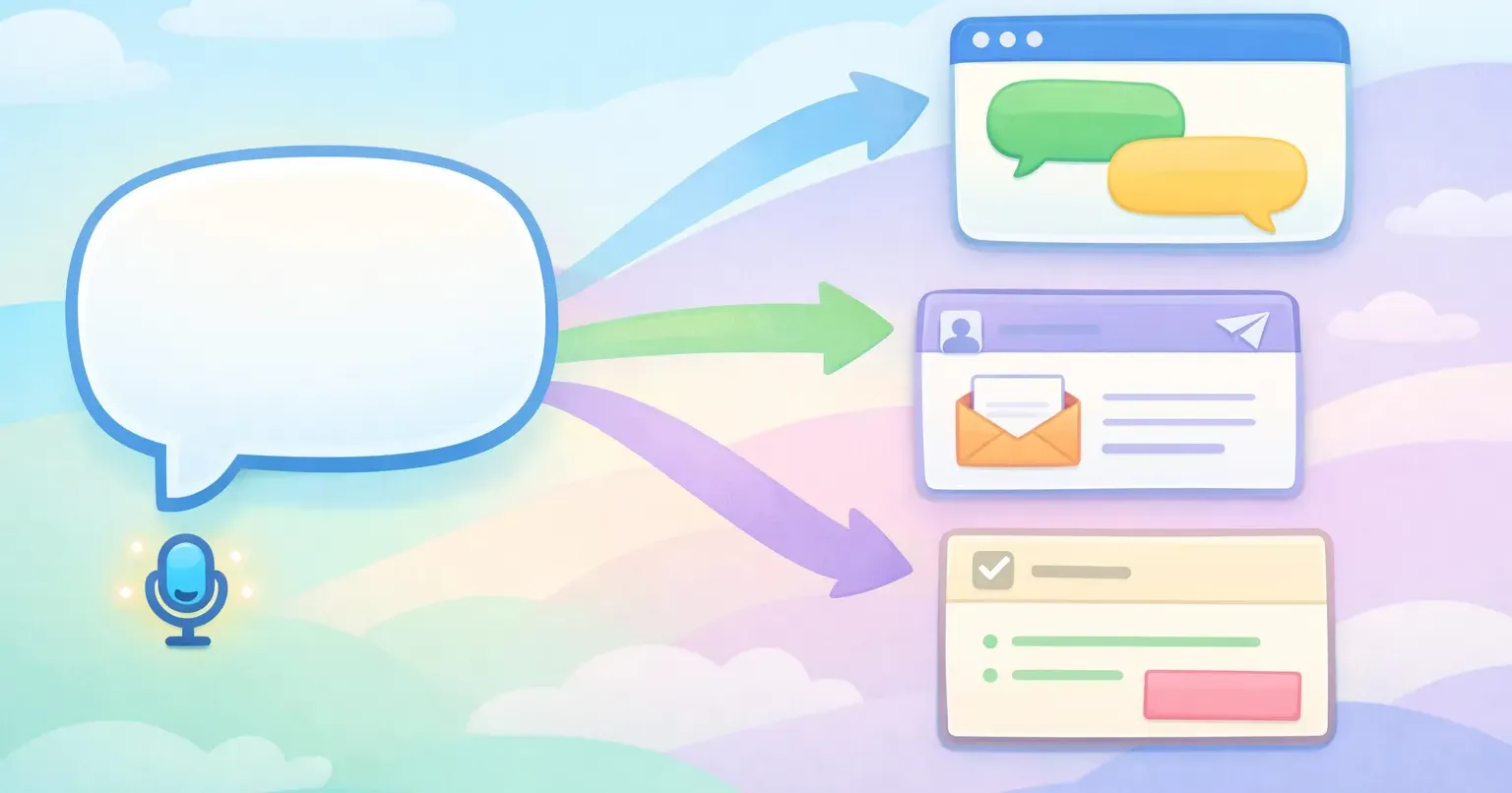
Say one sentence out loud: "hey can you send me the latest numbers when you get a sec." Where it's headed decides what it should become. Drop it in Slack and it's already fine. Put it in a client email and it needs a greeting and a softer ask. File it as a Jira comment and it should shrink to three words: "Need latest numbers."
You make that adjustment without thinking about it. Your brain reads the room, which app, which person, how formal, and reshapes the words on the way out. Context-aware AI does the same job, automatically, on the speech you dictate.
This is worth caring about now because dictation finally got good. You can speak at around 150 words a minute, three to four times faster than the 40 words a minute most people type. But raw speech doesn't match how any single app wants you to write. The rewriting layer is what closes that gap.
One sentence, six different messages
Speech is register-neutral. When you talk, you don't pick a format. You just say the thing, and the format gets bolted on later, by you, when you decide where it lands.
Writing works the other way. Every app you type into carries its own quiet rules about how text should look and sound.
Take that same ask for numbers and watch it shift shape depending on the window: - Slack: "Hey, can you send the latest numbers when you get a sec?" - Email: "Hi Maria, when you have a moment, could you send over the latest numbers? Thanks!" - Jira: "Need the latest numbers." - A note to yourself: "Pending: latest numbers from Maria." - Text to a coworker: "can u send the latest numbers?"
Same intent every time. Five surfaces, five different right answers. You already produce all of them on demand. The catch is that each one costs you a small re-tune you barely register, and it happens constantly. A Harvard Business Review study clocked workers toggling between apps about 1,200 times a day, roughly once every 24 seconds. A lot of those switches come with a fresh writing style attached.
Transcription versus context-aware rewriting
It helps to pull apart two jobs that usually get lumped together. Transcription turns sound into words. Context-aware rewriting turns those words into the right message for where they're going.
Plain transcription stops at step one. Apple's built-in dictation, most speech-to-text tools, the live captions on your phone, they hand you a literal record of what you said, fillers and false starts included.
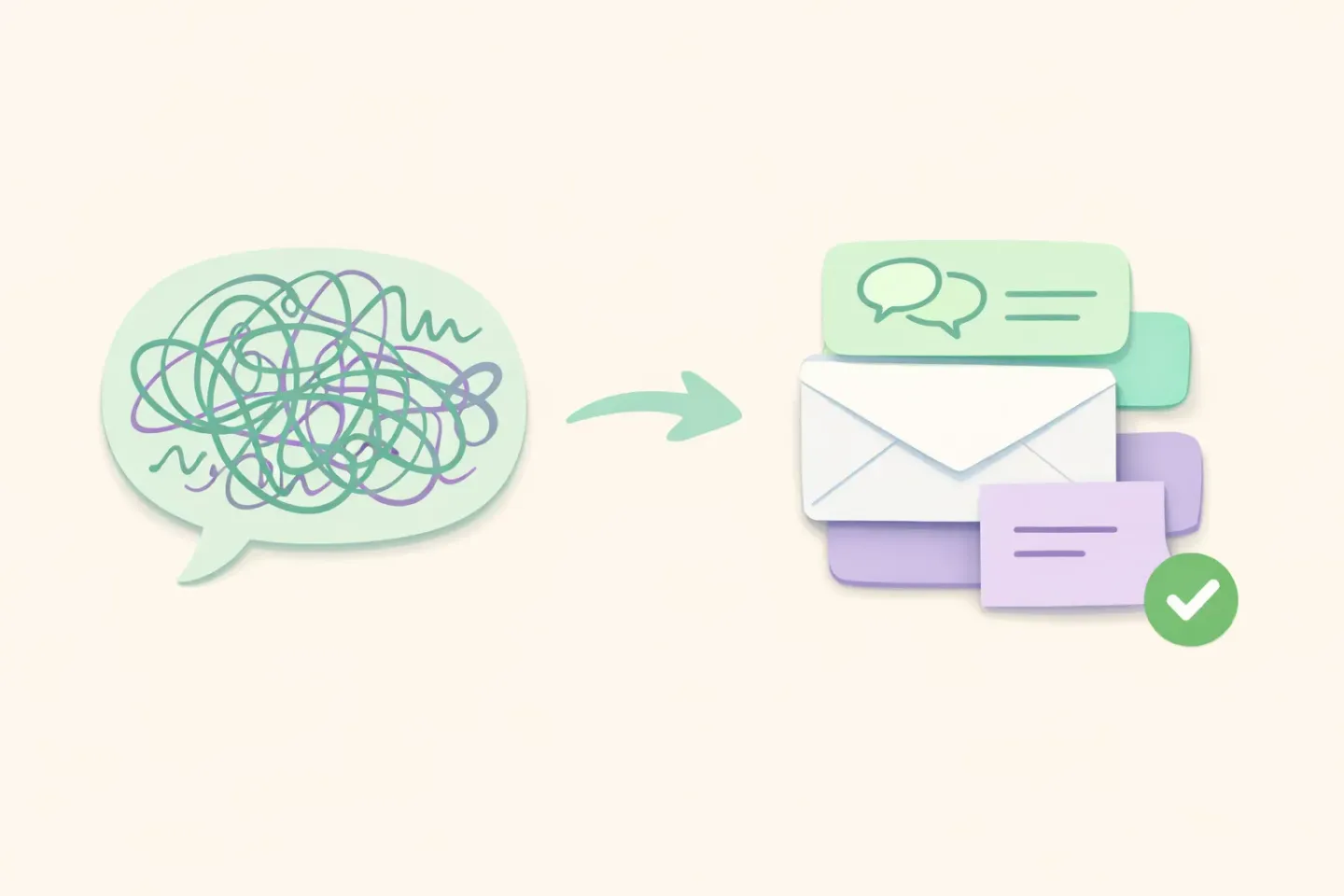
Here's what a raw transcript of a quick thought actually looks like: ``` um so yeah I was thinking we should probably like push the launch to next week because the the QA isn't done yet you know ```
Context-aware rewriting takes that same audio and asks a second question: where is this going, and what should it sound like there? Headed into a Slack message to your team, it comes back as: ``` Let's push the launch to next week. QA isn't done yet. ```
Same words going in, different words coming out, shaped by the destination. The first is a recording. The second is something you can actually send. For more on the polishing side of this, see our breakdown of how AI voice dictation works.
What "context" actually means to the AI
"Context-aware" sounds fuzzy until you look at the specific clues these tools read. There's nothing mystical about it. Context is a short list of signals the AI checks before it touches a word.
The active app
The loudest signal is which app has focus when you speak. A tool can see that Slack is in front, or Gmail, or VS Code. That one fact narrows the style a lot. Chat wants short and loose, mail wants structured and polite, a code editor wants terse and literal.
The text around your cursor
Some tools read a little of the text near where you're about to type. If the message above starts with "Dear Dr. Katz," the AI keeps things formal and spells the name right. If the thread is a pile of one-line jokes, it matches that instead.
The website, not just the browser
App detection gets murky in a browser, where Gmail, X, and a Google Doc all hide behind the same window. Better tools look at the URL to tell them apart, so the Gmail tab gets email treatment and the X tab gets a punchy post.
The app category
Instead of keeping a rule for every app ever made, most systems sort apps into a handful of buckets: email, work chat, personal messaging, docs, code, and a catch-all for everything else. Each bucket has a style. A new app that falls into a known bucket inherits its style on day one.
Stack those signals and the AI has a passable read on the room: a formal email to a named person, or a throwaway line in a casual thread. That read is what it rewrites against.
How your speech becomes the right message
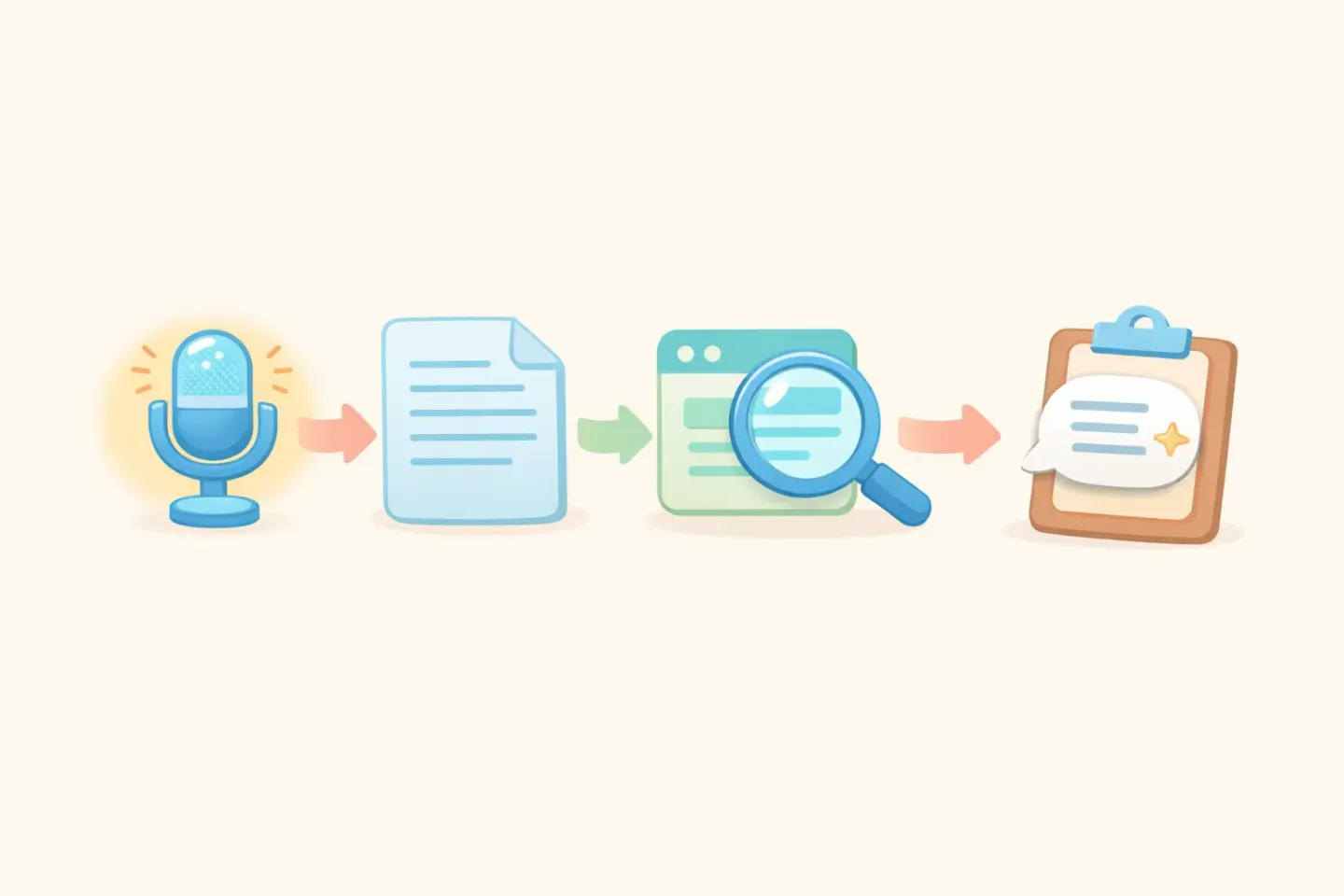
Line the pieces up and the whole thing is four quick steps, all happening in the second or two between you finishing your sentence and the text showing up. 1. Capture. You hold a key and talk. The tool records until you let go. 2. Transcribe. A speech model turns the audio into raw text, your words exactly as you said them. 3. Detect context. The tool checks the active app, the text near your cursor, and which bucket the app falls into. 4. Rewrite. A language model takes the raw transcript plus that context and writes the final message, sized and toned for where it's going.
Step four is where a large language model does the heavy lifting. It gets your messy transcript and an instruction that boils down to "this is going into a work email, make it read like one," then returns text in the right length, tone, and shape. Results vary by model, so treat the output as a strong first draft rather than gospel.
This is the exact flow Voicr runs on macOS. You hold the FN key and speak from any app. Voicr spots which app is in front, applies the matching style through its Smart Rules, and drops polished text onto your clipboard: casual in Slack, professional in Gmail, clipped in your editor. You never open a menu to pick a tone. If you want to see how those per-app styles get written, our guide to smart writing rules walks through what a good one contains.
Two flavors: automatic detection and explicit rules
Not all context-awareness works the same way. Tools fall into two camps, and the difference is mostly about who decides the style.
The automatic kind makes the call for you. It reads the app, sorts it into a category, and applies a built-in style with zero setup. You install it and it just works. The trade-off is control: when its idea of an "email tone" doesn't match yours, you're stuck nudging the output by hand.
The explicit kind hands you the wheel. You write a short instruction for each app, in plain language, describing exactly how it should sound. More setup up front, but the output matches your taste because you defined the taste. A Slack rule might read: ``` Rewrite as a casual Slack message. Two or three sentences, contractions fine, no greeting or sign-off. Light emoji only if it fits. ```
The better tools blend the two: sensible defaults that work out of the box, plus per-app rules you can write when you care enough to. You lean on the defaults for apps you barely touch and set explicit rules for the two or three where your writing actually matters.
What it gets right, and where it still trips up
Context-aware rewriting is genuinely handy, but it's a starting point, not a mind reader. Knowing where it stumbles keeps you from trusting it blindly.
It nails format. It guesses at intent.
The AI can tell you're in email and add a greeting. It can't reliably tell whether you're being sincere or dry, or whether "fine" means fine or means you're quietly furious. Tone inside a register is still your job.
Vague apps confuse it
A catch-all browser, a terminal running a chat client, a notes app you use for everything: these give weak signals. When the context is muddy, the rewrite drops back to a generic polish that might be more or less formal than you wanted.
It can sand off your voice
Push the rewriting too hard and your messages start to sound like everyone else's, smooth and competent and a little dead. Good tools move your voice into the right register instead of swapping it for a corporate default. If the output stops sounding like you, ease up on the rules.
You still read before you send
A name can come out wrong. A number can slip. Skim the result before you fire it off, the same way you'd glance at an autocorrected text before hitting send.
Putting context-aware rewriting to work
Want to try it today? Start with the two apps where you write the most, usually a chat tool and email. Dictate your next handful of messages there instead of typing, and watch how little editing you actually have to do afterward.
Then pay attention to the misses. When the output isn't right, that's useful information. It tells you the app's style needs tuning, or that you should say the intent more plainly out loud. These tools get sharper the more clearly you tell them what each app should sound like. The same trick works in any app you write in, not just the obvious two, as we covered in dictating in any Mac app with one keystroke.
The real win isn't only speed, though talking three times faster than you type is a nice head start. What actually changes is that you stop carrying the format around in your head. You think the thought, say it once, and let the tool sort out which version belongs where.
Speak once, land everywhere
The old habit is to write the message and the format at the same moment: words, tone, greeting, sign-off, all in one pass, for every app, all day long. Context-aware AI splits that chore in two. You bring the thought. It brings the format.
The quickest way to feel the difference is to dictate your next email instead of typing it. If you want speech that shows up already shaped for wherever it's headed, Voicr does that on your Mac: hold FN, speak, and the text lands in the right tone for the app you're in. One sentence out of your mouth, the right message in every window.