
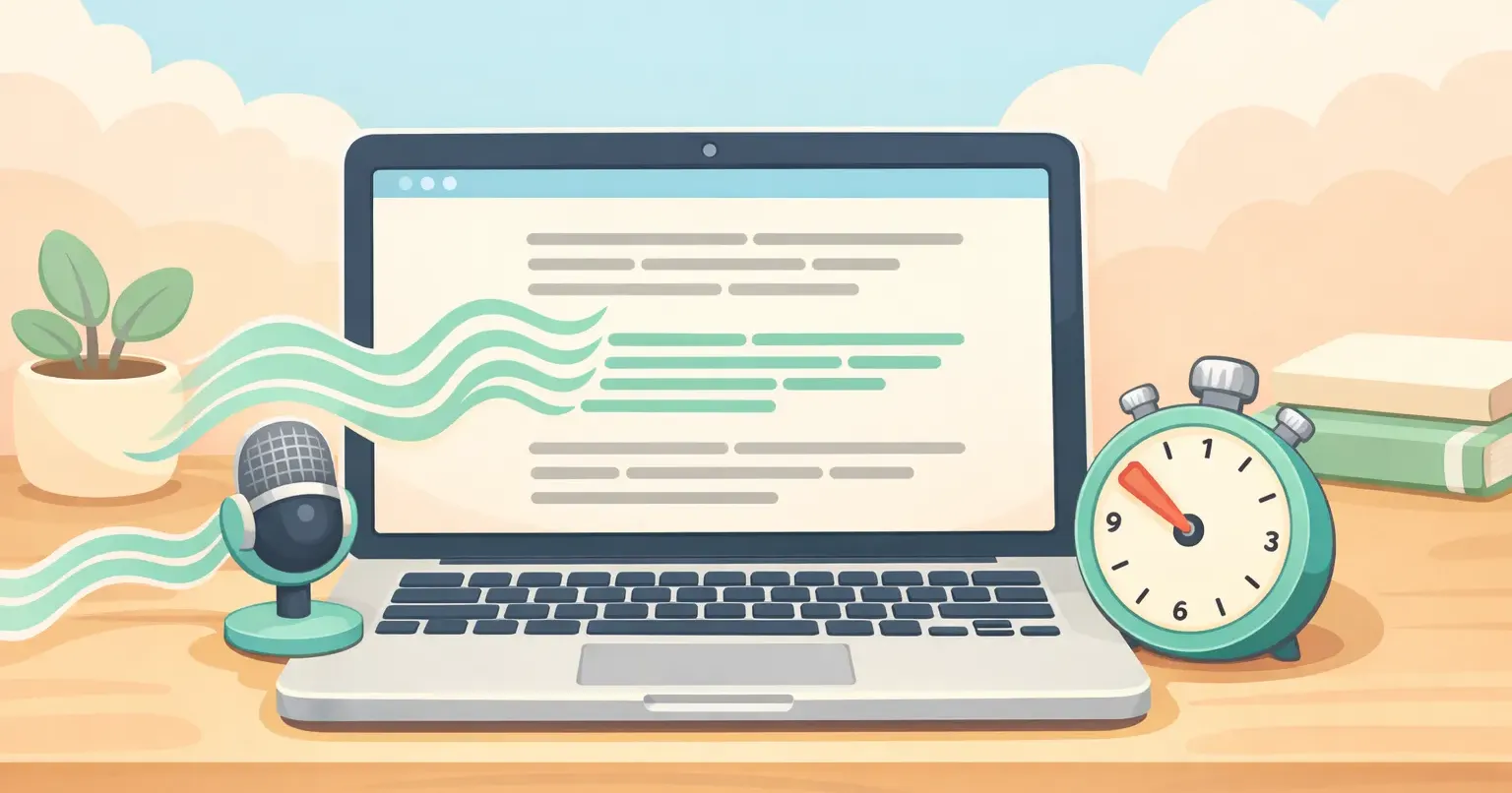
You just finished the sentence in your head. Your fingers are still on the "t" in "the." By the time you hit the period, you've already lost the second half of what you were going to say.
That's the gap between thinking and writing. Most days you barely notice it. The days you do notice are the ones where typing feels like a wall: finishing a report, drafting a tricky email, trying to take notes during a call.
Voice dictation used to be the way around that wall, and it used to be pretty bad. It isn't anymore. In 2026, the speed advantage is real, the accuracy is good enough for daily use, and the tools clean up raw speech into readable text before it ever lands on the page. The question isn't whether voice is faster than your keyboard. It clearly is. The question is how to actually use it without the workflow falling apart on you.
The speed gap, by the numbers
The average person types around 40 words per minute. Professional typists hit 65 to 75. The world record sits in the 200s, and that's with years of practice on a keyboard built for it.
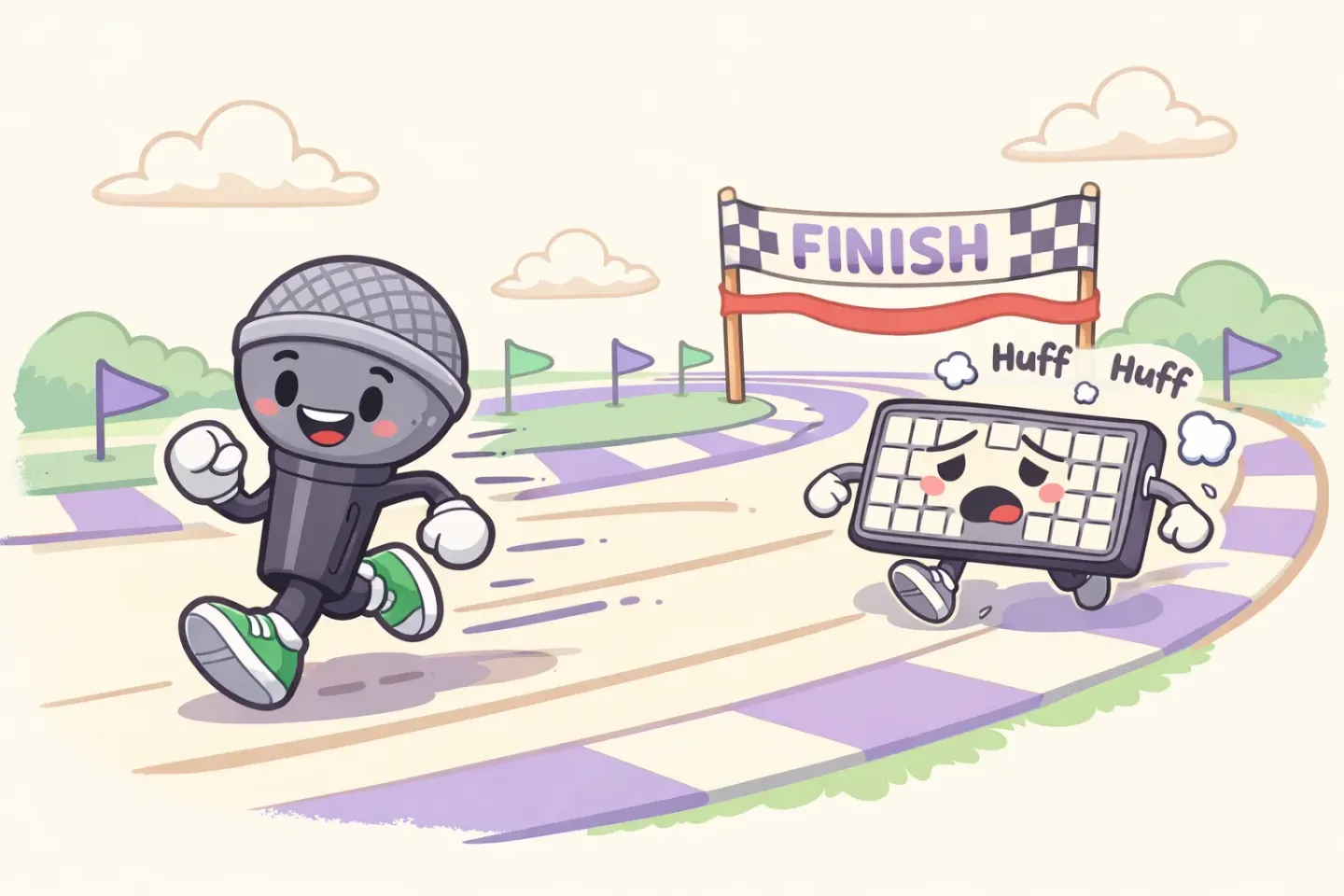
The average person speaks at 150 words per minute. Conversational speech ranges from 130 to 170 WPM without anyone trying. That's a 3.75× gap before you've adjusted for anything else.
Back in 2016, researchers at Stanford pitted Baidu's speech recognition against the iPhone keyboard. The numbers held up: speech was 3× faster in English and 2.8× faster in Mandarin, with a lower error rate. That study used 2016 speech models. Things have improved a lot since.
The 3× number is the conservative one. Once you factor in backspacing, fixing typos, and the mental overhead of turning a thought into finger movements, the real-world gap is closer to 4–5×. A thousand words takes about 25 minutes to type. Eight to dictate.
Why speaking beats typing inside your brain
The speed gap is only half the story. The bigger reason voice wins is that speaking puts thoughts on the page in the order you actually had them.
Typing is a translation task. You think a sentence, then convert it into finger movements, then the finger movements produce letters. The motor layer is the bottleneck, not your brain. While your hands catch up, the next thought is already evaporating.
Speech skips the translation. You think it, you say it, it's there. First drafts done by voice are almost always longer and more detailed than typed ones. You don't have time to second-guess. The internal editor that quietly trims half your sentence while you're typing it doesn't get a chance to switch on.
This is also why people who dictate regularly say it feels closer to flow than typing does. The keyboard interrupts. The microphone doesn't.
Where voice still loses to your keyboard
Voice isn't faster at everything. Pretending otherwise is why most people quit dictation after a week.
The cases where typing still wins: - Short edits. Fixing one word, adding a comma, changing a number. Activating a microphone and waiting for it is slower than just tapping the change. - Code. Variable names, brackets, indentation. Voice handles prose. Voice does not handle `useState<User | null>(null)`. - Passwords, command lines, and structured form fields. Anything where the exact characters matter and there's no natural language to fall back on. - Quiet rooms with strangers in them. A coffee shop is fine. A library is not. An open-plan office where you'd be the only one talking is a no. - The first 30 seconds when you don't know what you want to say yet. Voice rewards thinking while you write, but it doesn't replace thinking. If you have no idea where the email is going, the keyboard's slower pace can actually help you find the angle.
The rough rule: voice wins on anything over about 15 words of plain prose. Below that, the keyboard is fine.
The three tasks worth switching to voice first
If you're new to dictating, don't try to do everything by voice on day one. Pick the three tasks where the gap is biggest.
1. Email replies. The highest leverage place to start. You already know what you want to say. You've been thinking about it since you opened the email. Typing it out is friction for no reason. A two-paragraph reply that'd take four minutes to type takes about forty seconds to dictate, and it usually comes out a bit warmer than the typed version anyway. If you spend a lot of time in your inbox, our guide to dictating email on Mac walks through the exact setup.
2. Long Slack and DM responses. Skip the one-liners. The "let me explain what happened" message that should be three sentences but always ends up being eight, because you're typing while thinking. Dictate it once, paste, send.
3. Brain-dump notes. Meeting notes, post-call summaries, the raw thoughts you want to capture before they disappear. This is where speed matters most, because the cost of a lost thought is the whole thought. Voice captures it at the pace you had it.
Pick one of these and use voice for it every day for a week. Don't add the others until that one feels automatic.

How to make voice actually faster in practice
The speed advantage stays theoretical until your workflow stops fighting it. Three things separate people who stick with voice from people who try it for a week and bail.
Use one shortcut from anywhere. If you have to open a separate app, click a record button, then copy and paste the result, voice is no longer faster than typing. The whole point is closing the gap between "I want to say this" and "the text is in the box." A single hotkey that captures voice from any app (email, Slack, a doc, your browser) is the difference between a habit and a novelty. Voicr's whole design is built around this. Hold FN, speak, release, paste. That's it.
Get the polishing layer right. Raw transcription gives you a wall of "um"s, half-finished sentences, and missing punctuation. That's not faster than typing. It's slower, because now you're editing. Modern dictation tools run your speech through a language model that strips the filler and fixes the grammar before the text hits your clipboard. The output should read like something you wrote on purpose. If yours doesn't, switch tools.
Don't context-switch mid-thought. The most common accidental speed killer is starting to dictate, stopping to type a correction, restarting, then stopping again to think. Voice rewards a single uninterrupted take. Say the whole message in one go, even if some of it is wrong, and clean it up after. The polishing layer will catch most of it for you.
The 7-day voice habit
The habit takes about a week to install. Here's the version that actually works.
Day 1–2. Pick your one task (email is the easiest). Use voice for every instance of it. You'll feel weird talking to nobody. That fades by day four.
Day 3–4. Stop apologizing for filler words. Speak naturally, including the "um" and "you know" and the half-sentences you usually edit out as you type. Let the polishing layer handle them. Most people skip this step. They keep speaking in carefully composed sentences, which slows them back down to typing speed.
Day 5–6. Add a second task, Slack messages or notes. The workflow starts to feel automatic.
Day 7. Stress-test it. Dictate something longer: a report section, a Notion doc, a structured update for your team. If it works for that, it works for nearly everything else.
By the end of the week, you'll have a sense for the categories where voice is faster for you, and the ones where you'd rather just type. Both are valid.
How to actually start
The fastest way to feel the gap close is to try voice on your next email instead of typing it. Don't read another article first. Don't research five tools. Pick one that fits the workflow above (one shortcut, polished output, works from anywhere) and use it once.
If you want the version built for that workflow, Voicr does exactly that on Mac. Hold FN from any app, speak the message you'd usually type, release, and the polished version is on your clipboard. Smart Rules give you a casual tone for Slack and a formal one for email automatically, with no manual toggling. The free tier covers 5,000 words a month with no credit card, which is enough to get through the 7-day habit comfortably.
Voice typing is finally good enough that it isn't a tradeoff. The only thing left to give up is the habit of typing things you could have just said.