
You've written the email three times. The grammar is correct. The words are right. Something still feels off, like anyone reading it would know within two sentences that English isn't your first language. You can't say what's wrong, but you can feel it.
That feeling is what marks 96% of English business conversations, the ones happening between non-native speakers, or between a native and a non-native speaker. The good news: AI writing tools in 2026 are dramatically better at catching this stuff than they were even two years ago. The bad news: most of them solve different problems, and the listicles you've been reading mash them all together.
This guide separates them by what they actually do, so you can pick the right one, or the right combination, for the part of writing that frustrates you most.
The Mistakes Native Speakers Don't Make
Grammar checkers were built to catch errors of haste. Typos, missing commas, the occasional misplaced modifier. That's why your native English friends find Grammarly useful. It catches the mistakes they were going to fix anyway.
The mistakes that mark non-native writing are different. They're usually grammatically correct. They just don't sound like things a native speaker would say. The most common patterns: - Awkward collocations: *make a research* instead of *do research*, *pay attention on* instead of *pay attention to*. The grammar is fine. The pairing is wrong. - Article confusion: when to use *the*, *a*, or no article at all. Speakers of Russian, Polish, Japanese, Korean, and Chinese hit this constantly. - Preposition guessing: *interested in*, *good at*, *depend on*. There aren't real rules. You memorize them, and a checker can't always tell you missed one. - Register mismatches: using a word that's technically right but too formal, too casual, or too academic for the context. *Furthermore* in a Slack message. *Hey there* in a board memo. - Literal translations: phrases that map word-for-word from your first language but read strangely in English. Spanish *tener razón* becomes *have reason* instead of *be right*. German *eine Information* becomes *an information* instead of *a piece of information*.
A grammar checker catches the typos. To catch the rest, you need a tool that's been trained on what sounds *natural*, not just what's correct.
The Four Categories of AI Writing Tools in 2026
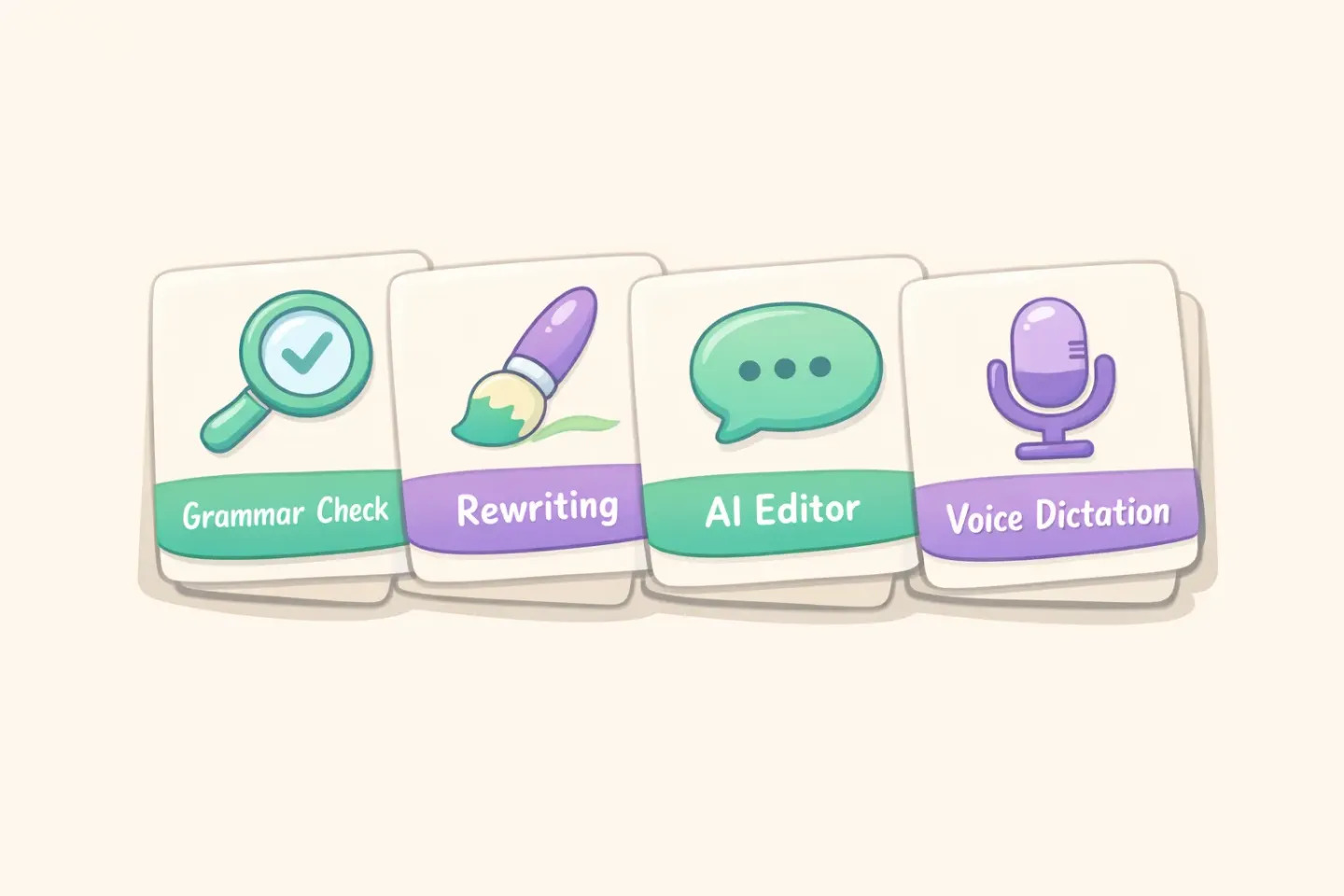
Once you understand the failure modes, the tool landscape gets clearer. Almost every AI writing assistant fits into one of four categories.
Real-time grammar checkers
These sit in your browser or text field and underline mistakes as you type. Grammarly is the obvious one. LanguageTool is the open-source alternative at $4.99/month. Both are strong on correctness, weak on naturalness. They'll fix a comma splice, but they won't tell you that *make a research* sounds wrong.
Idiomatic rewriters
These rewrite your sentence to sound the way a native speaker would actually phrase it. DeepL Write leads the category. It's built on top of DeepL's translation engine, which means it knows what your sentence *means*, not just whether it parses. Trinka plays in a similar space for academic writing.
Conversational AI editors
ChatGPT and Claude sit in their own browser tab and wait for you to paste in text and ask for a rewrite. No underlines, no granular control. You get a full rewrite and decide what to keep. More flexible than Grammarly, less convenient.
Voice-to-text with polishing
A newer category that skips the typing problem entirely. You speak in your accent, the AI transcribes and polishes in one pass, and clean English text lands in your clipboard. Examples include Voicr on Mac and other Whisper-based tools elsewhere. More on this one below.
DeepL Write vs Grammarly: Which One Catches What
This is the comparison most non-native speakers care about, and the honest answer is that they catch different things. You probably want both.
Grammarly has spent more than 15 years building a grammar engine that catches a wider range of errors with more specificity than anything else available. It's mature, it's everywhere (browser, desktop, mobile keyboard, Word, Google Docs), and it explains *why* something is wrong, which actually helps you learn. Where it falls short is naturalness. The Engagement and Delivery suggestions try to nudge you toward better writing, but they don't catch the awkward collocations and register mismatches that mark text as non-native. Grammarly Pro runs $12/month on annual billing.
DeepL Write comes at the problem from the opposite direction. It started inside a translation product, so it understands what your sentence is *trying* to say, then rewrites it the way a native speaker would. It's the tool most likely to catch *I am agree* and quietly turn it into *I agree*, or to flag that *depending of* should be *depending on*. DeepL Pro starts around $8.74/month. The weakness: it's a separate web app or desktop tool, not a real-time underline-as-you-type extension, so it doesn't fade into your workflow the way Grammarly does.
Simple rule for picking between them: - Use Grammarly as your always-on safety net for long-form writing where you need consistent error catching across thousands of words. - Use DeepL Write when you want a specific paragraph or email to sound native, and you're willing to paste it into a separate tool to get there. - If budget allows only one, pick by your weak spot. Grammar mistakes → Grammarly. Awkward phrasing → DeepL Write.
ChatGPT and Claude as Your On-Demand Editor
Conversational AI editors deserve their own category because they work differently. You don't get red underlines. You don't get suggestions you click to accept. You paste your text into a chat, ask for what you want, and get a full rewrite.
The trade-off: less convenient, more powerful. You can ask things no other tool will do.
A prompt worth saving: ``` Rewrite the following text to sound like a native American English speaker. Keep my meaning and tone exactly as they are. Fix any awkward phrasing, unusual collocations, and articles. Don't make it more formal or more casual than the original. [paste text here] ```
Variations that handle different situations: - *Rewrite this to sound less formal, like a friendly Slack message.* - *Rewrite this in clearer, simpler English. Aim for an 8th-grade reading level.* - *List three phrases in this text that sound non-native, and suggest a native alternative for each.*
That last one is the most underused. Instead of getting a full rewrite, you get a diff. You see exactly what was off and learn the pattern for next time. The latest Claude and GPT models are surprisingly good at this kind of structured critique.
Pricing in 2026: ChatGPT Plus is $20/month, ChatGPT Go is $8/month (launched January 2026), and Claude.ai Pro is $20/month. If you're already paying for one of these for other reasons, you have an excellent writing editor sitting unused.
The Voice-First Shortcut Most People Skip
Here's something most "best AI writing tools" lists miss entirely: typing in a second language is itself a tax. You're spending mental cycles on spelling, word choice, and grammar all at once, and when you slow down to spell *accommodate* correctly, you lose the thread of what you were trying to say.
Speaking doesn't have that problem. Almost everyone, regardless of first language, can express an idea more fluidly out loud than in writing. The real question is whether voice dictation actually works for non-native accents.
It does now. Modern dictation tools built on OpenAI's Whisper model (trained on 680,000 hours of multilingual audio) handle non-native accents with around 95% accuracy in controlled testing. A 2025 research analysis found Whisper hit a 5.4% match error rate on read speech from non-native speakers, only slightly worse than native baselines. Native accents are still measured slightly more accurately, but the gap has narrowed enough that for most professional speech, you won't notice the difference.
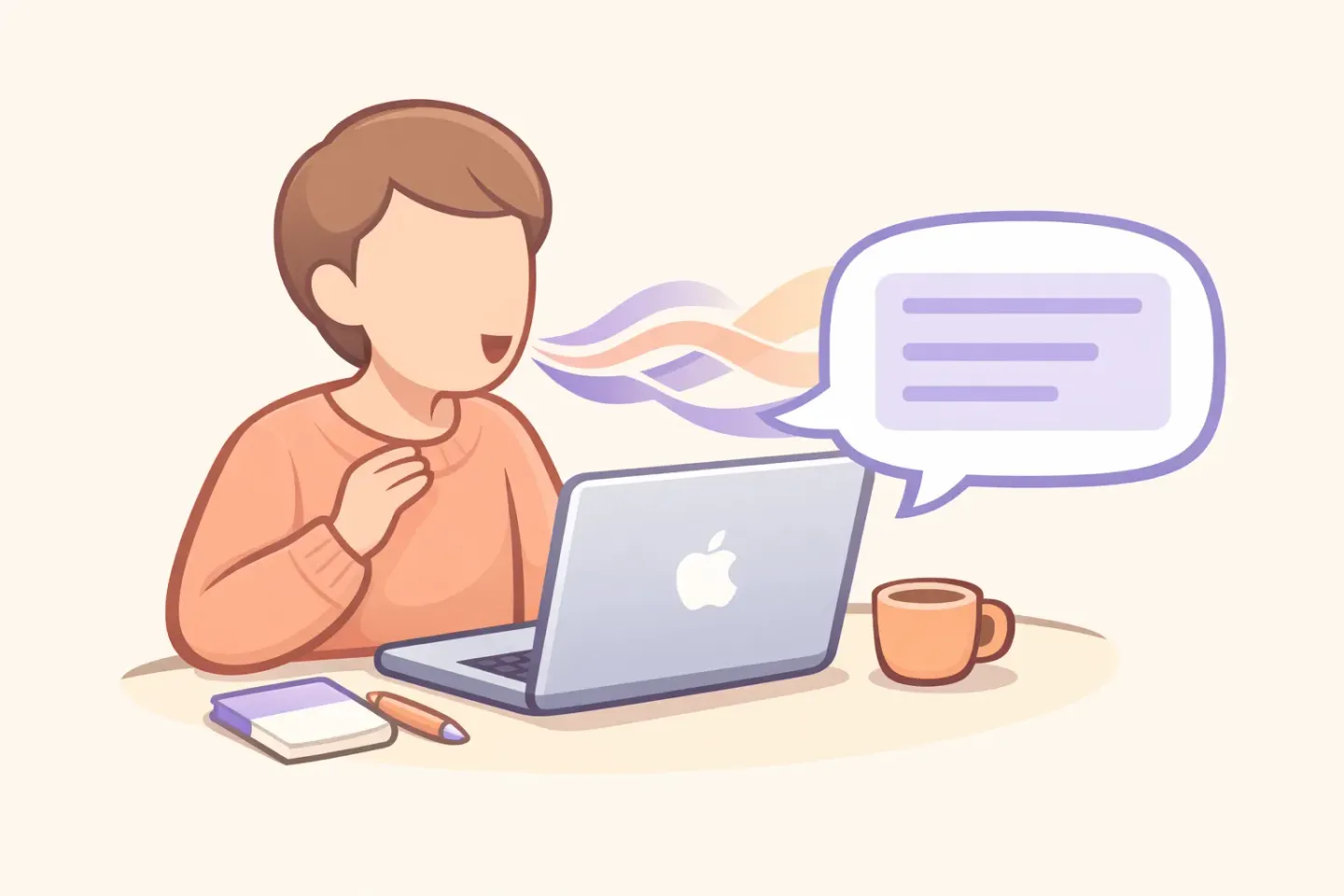
The combination that works best for non-native speakers: speak naturally in your accent, let the AI polish the output. You skip the spelling tax. You skip the typing tax. Because the polishing step uses the same kind of language models powering DeepL Write or ChatGPT, the text that lands in your clipboard reads natively, even though you spoke with filler words, restarts, and the occasional first-language slip.
This is the gap Voicr was built to fill on Mac. Hold one key, speak in whatever accent you have, and Voicr transcribes with Whisper, polishes the output through a language model, and copies clean English text to your clipboard. The auto-detection across 100 languages means you can switch mid-sentence between English and your first language (useful for proper names, technical terms, or quick code-switching) and the output still comes out clean.
The Workflow That Actually Works
Once you stop thinking of these tools as competitors and start thinking of them as a pipeline, writing in English becomes meaningfully less painful. Here's the workflow most non-native professionals converge on, with minor variations: 1. Capture stage: dictate or type a rough draft. Don't worry about quality. The goal is getting the idea out of your head into text as fast as possible. Voice dictation is faster, especially if your typing speed in English is slower than your typing speed in your first language. 2. Polish stage: run the draft through DeepL Write or a conversational AI rewrite for anything important like client emails, presentations, or formal docs. For everyday Slack messages, skip this step. 3. Final check stage: for long docs or anything published, let Grammarly do one pass before sending. This catches the small errors that drift in during editing.
For shorter messages, collapse stages 1 and 2: voice dictation tools that polish in one step replace the whole capture-then-rewrite loop with a single key press.
The point is that no single tool covers everything. The best AI writing tools for non-native English speakers aren't really individual products. They're layers that handle different parts of the work.
Quick Picks by Use Case
Slack and chat messages
Speed matters more than perfection here. Voice dictation with polishing handles roughly 80% of cases well. Grammarly's free tier or LanguageTool catches the obvious typos. Don't paste short messages into DeepL Write. The friction isn't worth it.
For routine email, a single-pass voice-dictation-and-polish tool is usually enough. For important external email (sales, clients, anything where tone matters), draft first, then run through DeepL Write or ChatGPT with a tone prompt before sending. There's a longer walkthrough on the email-specific workflow if you want the details.
Long documents and reports
This is where Grammarly earns its $12. Consistent error catching across thousands of words is hard to do any other way. Pair it with DeepL Write for sections that need to read perfectly.
Academic writing
Trinka is the specialist here. It was built specifically for academic and technical writing patterns common in non-native authors, and it catches article and preposition errors that general-purpose tools miss in formal academic prose. Worth the subscription if you write research papers in English.
Presentations and talking points
Different game. Write at half your usual length, then read it aloud. If it doesn't sound natural when you speak it, rewrite. Voice dictation is useful here in reverse: dictate what you'd actually say, then clean it up. You'll end up with more conversational copy than if you typed it.
Where to Start
If you're reading this, you probably already use one or two of these tools. The fastest improvement isn't adding another subscription. It's picking the right tool for the part of writing that frustrates you most. 1. Slow at typing in English → start with voice dictation. Speak for 30 seconds. See what comes out. Even raw, it's faster. 2. Native speakers tell you your writing "sounds off" → DeepL Write. Paste in your last three sent emails and see what it changes. That's a free lesson in your blind spots. 3. Making small grammar mistakes → Grammarly's free tier. The Pro features matter less than just having the basic underlines on everywhere you write. 4. Writing long docs in English regularly → all three, layered as above.
If you're on Mac and the typing-in-English friction is what's eating most of your time, the fastest experiment is voice dictation with automatic polishing for a few days. Hold the FN key, speak in your accent, paste the result. Voicr does exactly that, works in every app, and the free tier (5,000 words per month) is enough to find out whether voice-first writing actually works for you before paying anything. If it does, the daily friction of writing in a second language drops by half.
The best AI writing tools for non-native English speakers aren't the ones that promise to make you sound native overnight. They're the ones that make the daily work feel less heavy. Pick one. Try it for a week. Add the next layer when you hit its limits.