

You opened a Notion page this morning labeled "PRD: [feature name]." Three hours later, it still says "PRD: [feature name]."
You know the problem. You know the solution. You walked your engineering lead through it twice yesterday. But the moment you sit down to write it up, you stall.
This isn't a thinking problem. It's a typing problem.
PMs aren't paid to type. You're paid to make calls about what to build and why. The PRD is just the artifact that captures the decision so engineering, design, and leadership can act on it. Somewhere between knowing what to write and finishing the doc, hours disappear.
There's a faster path. The PRD is one of the most voice-shaped documents a PM writes. It's essentially what you'd say standing at a whiteboard explaining the feature. Once you stop typing PRDs and start dictating them, your draft time drops.
The PM writing tax nobody talks about
Every PRD you write is competing with a meeting, a roadmap review, a stakeholder Slack thread. The actual writing happens in stolen half-hour windows or after dinner.
The math is brutal. The average person types at about 40 words per minute. The average person speaks at around 150. That's roughly a 3.5x gap before you account for any of the friction that makes writing harder: backspacing, rewording, second-guessing a sentence three times before moving on.
A 1,500-word PRD that takes 90 minutes to type takes about 25 minutes to speak. The thinking is the same. The output is the same. Only the mechanism changes.
Why PRDs are perfectly shaped for voice
Most documents punish dictation because they require precision: code, tables, financial models. PRDs are the opposite. They're narrative documents.
Think about the last PRD you wrote. The "Problem" section is two paragraphs explaining why something matters. The "Solution" is a description of how the thing works. The "User Stories" are sentences in the format "As a X, I want Y, so that Z." The "Edge Cases" section is a list of "what happens when..." scenarios.
None of that requires keyboard accuracy. All of it is the kind of thing you'd say in a meeting. The format already matches how a PM actually communicates the work.
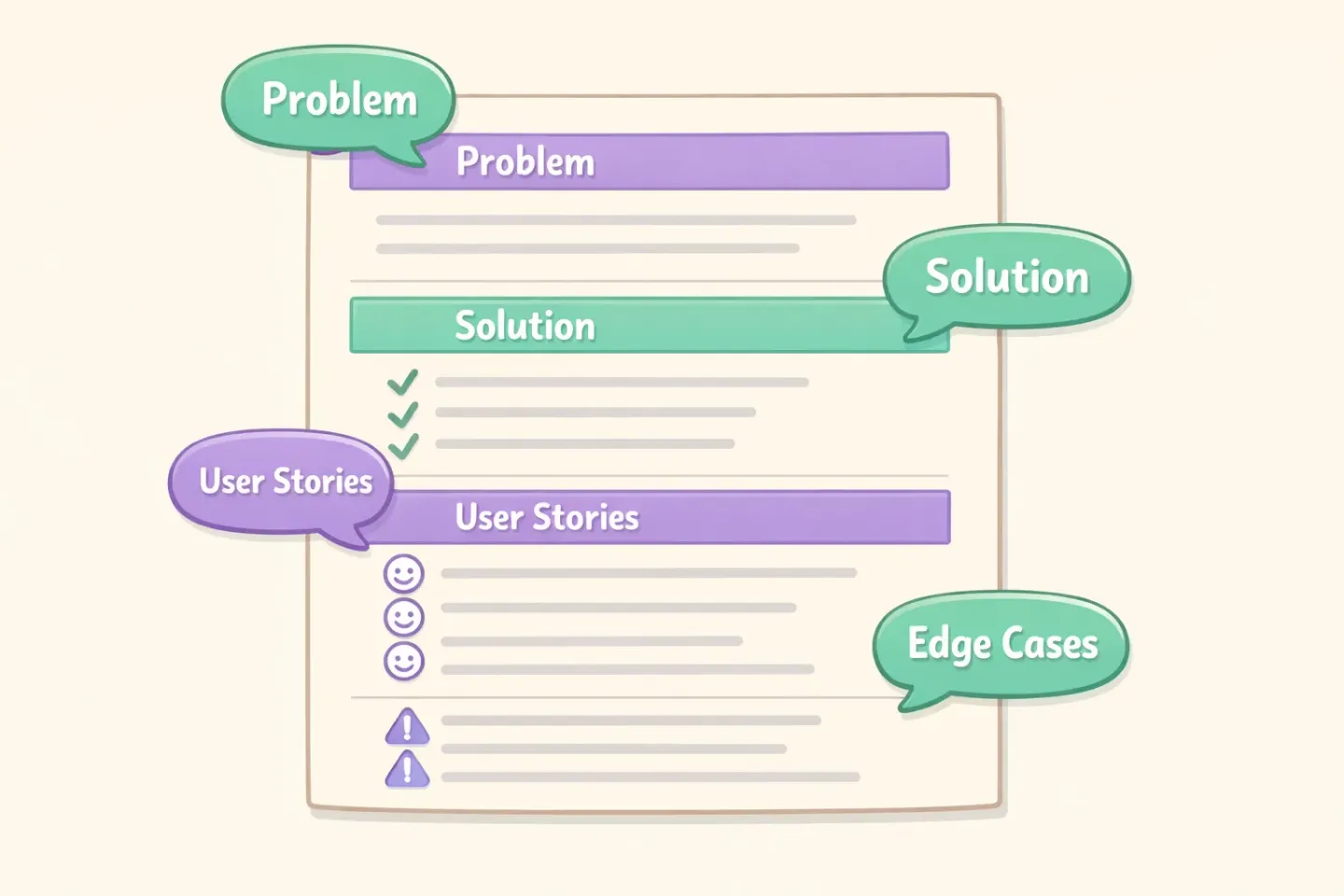
The 30-minute PRD draft workflow
Here's the structure that works: 1. Pull up a blank doc with section headers already in place: problem, solution, user stories, acceptance criteria, edge cases, out of scope, open questions. 2. Go section by section. Dictate each one as if you're explaining it to a new engineer joining the team. 3. Don't edit while you talk. The mental shift between "speaker" and "editor" is what slows you down most. 4. After dictating all sections, read the full draft once, top to bottom. Tighten language. Fix anything genuinely wrong. 5. Send for review.
The discipline is in step three. If you keep stopping to fix sentences, you're not getting the speed benefit. You're back to typing speed wearing a different costume.
Section by section: how to dictate each part of a PRD
Some sections are easier to dictate than others. Here's how to approach each one.
Problem statement
This is the easiest section to dictate. Pure narrative. You're explaining what's broken, who it's broken for, and why it matters now.
Speak it the way you'd brief a new teammate at stand-up. Mention the user segment, the friction they hit, the metric it touches. Don't worry about prose elegance. That's editing's job.
Solution overview
Walk through the proposed solution like you're sketching it on a whiteboard. "The user clicks here, sees this, and then..." Voice handles this fluently because it matches how you'd already explain it out loud.
User stories
User stories sound mechanical because of the "As a X, I want Y, so that Z" pattern, but they dictate well if you commit to the format. Say each story as one sentence, then move to the next.
If you have ten stories, dictate all ten in one pass. Don't number them as you go. Let the doc editor or your AI cleanup pass handle formatting.
Acceptance criteria
Lists are the trickiest part of voice dictation, but workable. Two approaches:
The first is to dictate criteria as full sentences and let the AI polish convert them into a list. Say something like: "The user should be able to filter results by date, by user, and by status. The filter state should persist across sessions. The empty state should show a tip."
The second is to explicitly speak the bullet structure: "Bullet one, filter by date. Bullet two, filter by user. Bullet three, persist across sessions." Pick whichever feels less awkward in your mouth.
Edge cases
This is where voice actually shines. Edge cases are the kind of thinking-out-loud content that comes out clean when you talk and clumsy when you type. Questions like "what happens if the user is offline" or "what about cases where the data is stale" flow more naturally in speech than in writing.
Dictate every edge case you can think of, even ones that seem obvious. You can prune in editing.
Out of scope
Three sentences. Maybe four. Voice handles this in under a minute.
Open questions
This section is underrated. Most PMs skip it because they don't want to look uncertain. Don't. The open questions section is where engineering, design, and your skip-level catch the things you haven't thought through yet.
Voice is the right tool for it. Open questions are exactly the half-formed thoughts that come out fine when you talk and feel weirdly heavy when you try to type them. Dictate every uncertainty out loud, even the ones you suspect have obvious answers. Half of them will resolve in the next standup. The other half will save your launch.
Matching tone to the section
A PRD isn't written in one voice. The exec summary at the top should be tight and strategic. The technical specs should be precise. The "open questions" section can be more casual.
When you dictate, you naturally shift registers. Your voice gets formal when you talk about strategy and looser when you walk through edge cases. The problem is that most dictation tools output the same flat transcription regardless of context.
This is exactly where Voicr's Smart Rules come in. You can set a "clean professional spec" style for your docs editor, a "casual brainstorming" style for your Slack threads, and a "technical clarity" style for your engineering wiki. Voicr detects the active app and applies the right style automatically, so the same spoken thought lands differently depending on where it ends up.
For PRDs specifically, set up a rule that asks for clean professional prose, removes filler words, and structures bullet lists where you signal them. You speak once. The doc reads like you wrote it carefully.
Where voice doesn't help
Honest take: not every part of a PRD benefits from voice.
Tables and matrices are still faster to type. If your PRD includes a feature comparison grid, a permissions matrix, or a sized estimation table, type it.
Exact technical strings are also faster typed. API endpoint names, database column names, version numbers — you can dictate around them ("the endpoint is, slash, users, slash, ID") but it's awkward. Type those.
Diagrams obviously can't be dictated. Sketch them in your tool of choice and embed.
For everything else — narrative, user stories, edge cases, decisions, rationale — voice wins on speed, and on the fact that you don't get stuck mid-sentence trying to phrase something perfectly.

The mindset shift: think out loud, edit later
The biggest gain from dictating PRDs isn't the WPM math. It's that you stop polishing while you write.
When you type, you backspace. You rewrite a sentence twice. You stare at a paragraph that's "almost right" for ten minutes. That's where PRDs go to die: in the gap between drafting and editing, where neither happens fully.
When you dictate, you commit. You say a sentence, it lands on the page, and you move on. The first pass is messier than what you'd type. But you finish the draft. And a messy finished draft is dramatically more useful than a polished unfinished one.
Once the draft exists, editing is a different and much faster activity. You'll often spend more time refining than dictating, and that's fine. Refining a complete doc is a known job. Staring at a blank one is not.
Try it on your next PRD
Pick a PRD you've been putting off. Open the doc, put the section headers in place, and dictate top to bottom without editing. Set a 25-minute timer. See what you get.
The first time you do this it will feel weird. You'll worry the output isn't good enough. Resist the urge to fix things mid-flow. Just finish.
If you want the dictation to come out clean enough that you barely need to edit, Voicr handles the polishing automatically. Hold FN from anywhere on your Mac, talk through a section, release, and paste the cleaned-up text into your doc. It removes filler words, fixes grammar, and structures your thoughts before they hit your clipboard. The PRD draft that used to take an afternoon takes one sitting.
Your PRDs aren't going to write themselves. But they don't have to be typed, either.