
You've been staring at the same three sentences for ten minutes. The point is clear in your head, in your first language. Every English version sounds either too formal, weirdly casual, or somehow both at once.
This is the quiet daily tax of writing professional English emails as a non-native speaker. Your colleagues never see it. You feel it on every reply, every request, every awkward apology.
Most advice articles hand you a list of phrases and tell you to memorize them. Phrase lists help a little. The real problem isn't vocabulary, it's tone calibration, register-switching, and the quiet fear that one wrong word makes you look unprofessional. What you need is a workflow.
Why English Emails Are Harder Than They Look
Writing emails in your second language has more layers than translation. Three other things stack on top of grammar.
Register shifts more in English than people realize. The same sentence can read warm, neutral, or cold depending on a single word. "Please send it tomorrow" is normal and direct in German English. To an American reader, it can sound impatient.
Idioms quietly carry weight. "Let's circle back" sounds friendly to an American colleague and weirdly corporate to a Brit. Use the wrong one with the wrong reader and you sound either fake or out of touch.
Cultural directness norms don't transfer. German and Dutch business email defaults to direct. Japanese email defaults to indirect and high-context. American English sits somewhere in between with a layer of pleasantries on top. You can write grammatically perfect English and still hit the wrong tone for the recipient's culture.
The Neutral Default That Works Almost Everywhere
When in doubt, write in a neutral register. Not textbook-formal, not chatty-casual. Most workplace emails sit in this middle layer and never need to leave it.
Skip the overly formal openers like "I trust this email finds you well" or "Dear Sir or Madam." They make you sound like you're writing in 1995. "Hi [Name]" or "Hi there" covers most situations, including a first message to a stranger at a company.
Skip the too-casual openers too. "Hey!" is fine for a teammate but risky for a client. "What's up" is rarely safe at work.
For closings, "Best regards" and "Thanks" both work for most situations. Once you've exchanged a few replies, mirror the tone the other person uses. If they sign off with "Cheers," you can too. If they use "Sincerely," stay formal.
Stop Translating Sentence by Sentence
The biggest time sink isn't writing English. It's writing every sentence twice in your head. Once in your native language to figure out what you mean, again in English to make it sound right.
A faster approach has two passes. First, write a messy draft straight into English. Don't fix anything. Don't worry about word choice. Get the structure on the page.
Second, do a single edit pass for tone. Now you can adjust register, soften commands, swap stiff phrases for natural ones. The whole email takes a third of the time because you stop context-switching every sentence.
If even the messy draft feels hard, try saying it out loud first. Speech runs ahead of written-language anxiety. You'd never overthink the spoken version this much.
The Seven Phrase Patterns That Cover 80% of Business Emails
Memorizing one-off phrases doesn't scale. What scales is keeping seven flexible patterns in your head and adapting them on the fly.
1. Opening (referencing prior contact): - "Thanks for getting back to me." - "Following up on yesterday's call." - "Quick question on the project brief."
2. Asking: - "Could you send me X by Friday?" - "Would you mind taking a look?" - "Let me know if that works on your end."
3. Confirming: - "Sounds good." - "I'll plan around that." - "Confirmed for Thursday at 3 PM."
4. Pushing back gently: - "I see your point on X, but I'm worried about Y." - "One thing to flag before we move forward."
5. Deadlines: - "By end of day Friday, if possible." - "End of next week on my side." - "No rush, whenever works for you."
6. Closing: - "Happy to discuss further." - "Let me know if anything's unclear." - "Looking forward to your reply."
7. Sign-off: "Best," "Thanks," or "All the best," cover almost everything. Save "Sincerely," for cover letters and formal complaints.
Tone Calibration: Direct, Polite, or Soft?
Pick one of three tones based on the recipient and the situation. This sounds rigid, but it stops the constant guessing.
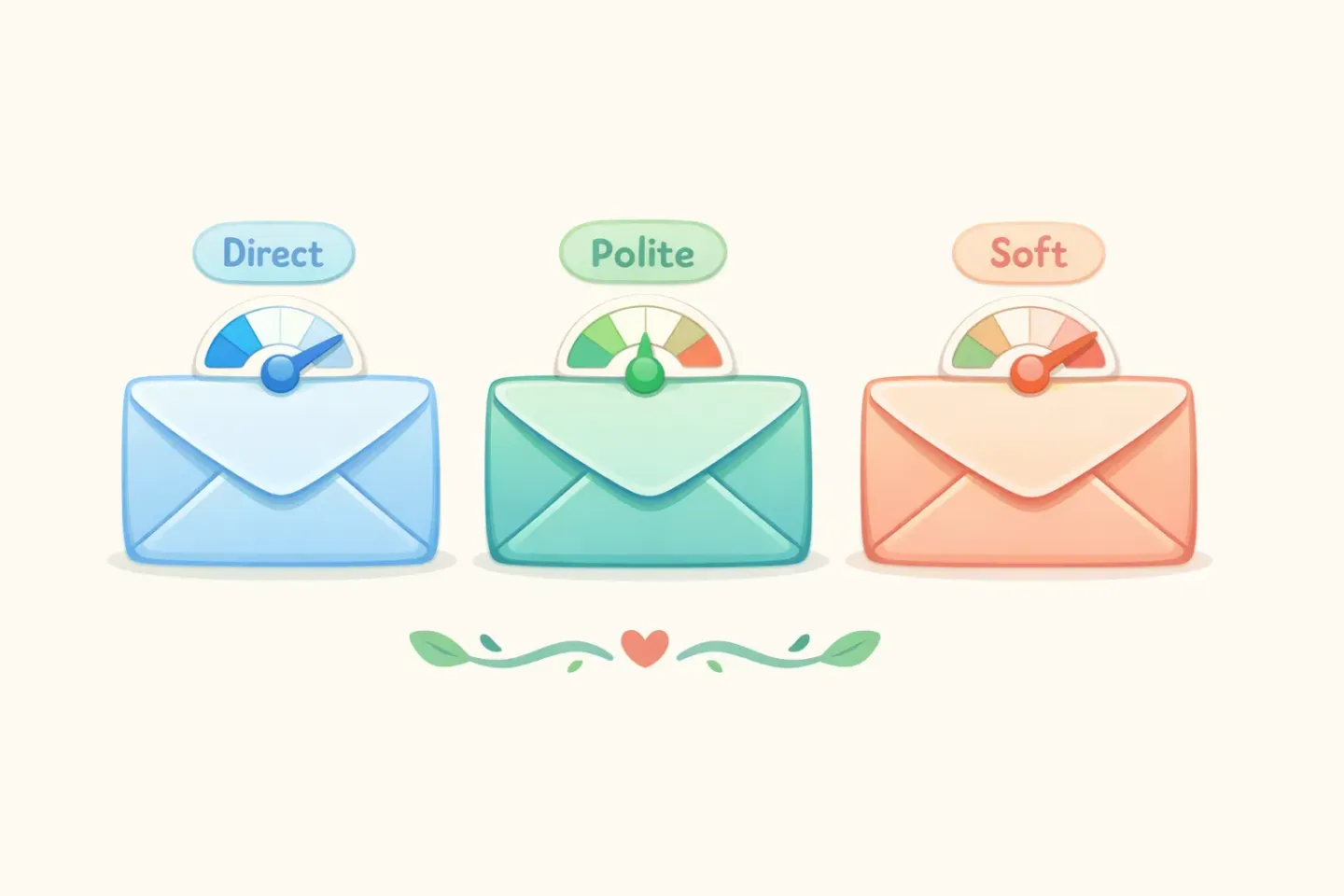
Direct is for peers on the same project, people you message daily. Minimal softeners. "Need the deck by 3." "Can you push the meeting to Friday?"
Polite is the workplace default. Use it for clients, managers, anyone you don't know well, anyone above your level. Add one softener. "Could," "would," "please," or "when you get a chance" is usually enough.
Soft is for bad news, pushback, big favors, or anyone you've made a mistake with. Lead with empathy, then state the ask. "I know this is short notice, but would there be any chance we could move tomorrow's call?"
If you're replying, look at what they sent. Direct email gets a direct reply. Polite email gets a polite reply. This one rule removes about half the tone anxiety.
The Hardest Emails: Apologies, Pushback, Bad News
These three are where most non-native writers freeze. The fix is the same in all three cases: lead with the point, then add context.
Apologies
Skip the long preamble. Acknowledge the issue, take responsibility, propose a fix, move on. A short apology lands better than a long one because over-apologizing reads as insincere.
Example: ``` I'm sorry for the delay on the report. Here's where it stands now: the data is in, the analysis is half done. I'll have the full version by Wednesday. ```
Pushback
Validate the other person's view first, then disagree. This isn't about being polite for its own sake. It shows you actually read what they wrote.
Example: ``` I see why moving the launch makes sense, but I think we'll hit the same blockers in two weeks. Could we focus on fixing the original issue first, then revisit the timeline? ```
Bad news
Don't bury it. Readers respect being told the thing they need to know before the explanation.
Example: ``` I won't be able to make Thursday's review. Could we move it to next Tuesday at the same time? I'll send a quick written update before then so nothing stalls. ```
When You're Stuck, Speak Your Native Language First
The twenty-minute email usually happens when a complex thought hits basic vocabulary. You know exactly what you want to say in your first language. The English version comes out flat or wrong.
There's an escape hatch: think and speak in your native language, then translate. The old version of this workflow was painful. Write in your native language, paste into Google Translate, manually fix the awkward output, copy-paste back. By the end you've spent more time than if you'd just struggled through in English from the start.
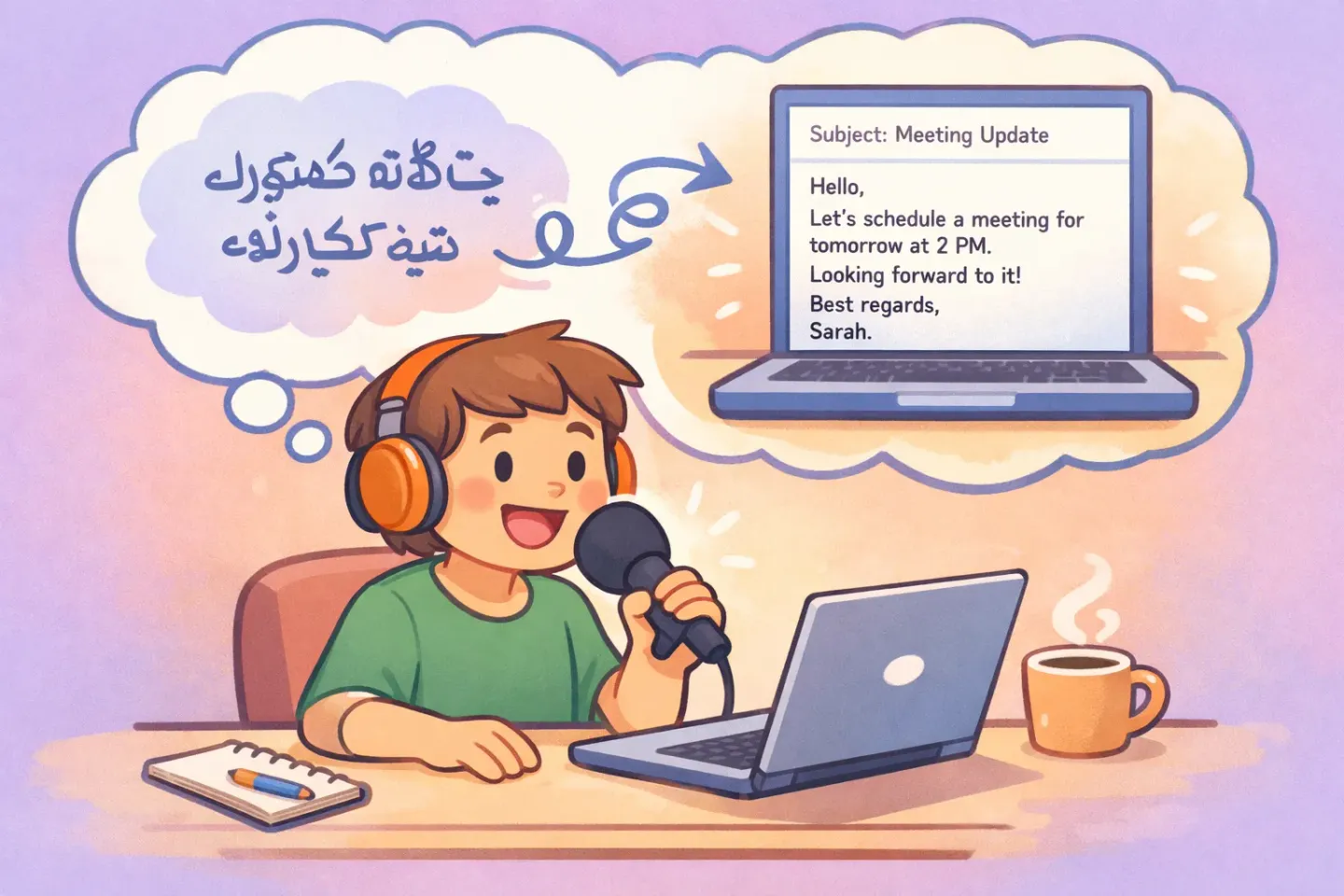
Tools like Voicr collapse this into one step. You hold a key, speak in your native language, and what lands on your clipboard is already clean English. The transcription, the translation, and the register polish happen before the text shows up. You don't lose the nuance of thinking in your first language, and you don't pay the manual translation tax.
A 4-Item Pre-Send Checklist
Before you hit send, run a quick four-item check. Most tone problems get caught here.
1. Read it out loud. If a sentence feels stilted when spoken, it reads that way too. 2. Does the first sentence say what you actually want? If not, move the ask to the top. 3. Did you add one softener where the request needs it? "Could," "would," "please," or a brief reason all work. 4. Does the sign-off match the recipient's register? A casual reply with "Sincerely" looks weird. A formal request signed "Cheers" lands the same way.
This takes thirty seconds. It saves the back-and-forth where the recipient asks "wait, did you mean...?" because the tone landed wrong.
One Small Habit That Compounds
The biggest improvement comes from writing more emails faster, with less anxiety. Confidence builds from repetition, not from getting each word perfect on the first try.
AI cleanup tools take the grammar pressure off so you can focus on intent. With Voicr's text correction, you select any text in any app, press ⌥Space, and pick a prompt like "Fix grammar," "Make more formal," or "Make it sound natural." The fix happens in place. No copy-pasting into a separate window, no losing your draft.
Combine that with voice dictation in your native language and the daily tax shrinks. You speak the way you think. The text that comes out reads the way a native speaker would write it. The twenty-minute email stops being a thing you brace for.
For more on this, see how dictation can save hours every week and why voice often beats the keyboard for professional writing.