
You probably tried voice-to-text once, gave up, and went back to your keyboard. Most people did. The strange part is that it usually had nothing to do with the words coming out wrong.
Speech recognition got accurate years ago. Modern models transcribe clean speech at around 95% accuracy. The reason dictation still felt useless is that an accurate transcript of how you actually talk is a mess. Large language models are the piece that fixed that, and they changed what voice-to-text is good for.
For most of its history, voice-to-text was judged on one thing: did it get the words right? That turned out to be the wrong question. Getting the words right was never what stood between you and writing with your voice. Here's what actually changed.
Voice-to-Text Was Never a Transcription Problem
For decades, every speech recognition team chased the same number: word error rate, or WER. It counts how many words the system gets wrong. Lower is better, and the whole field optimized for it.
They mostly won. OpenAI's Whisper transcribes clean audio at roughly 2.7% word error rate. On messier real-world recordings, like a meeting or a café or a phone call, it runs closer to 8 to 12%. Human transcribers sit around 4 to 6%. The gap is small and still shrinking.
So accuracy got solved, more or less. But ask anyone who quit dictation in 2018 why they stopped, and almost nobody says "too many typos." They say it felt clunky, or the output needed so much cleanup it wasn't worth the trouble.
That's the tell. The bottleneck was never transcription. It was everything that happens after the words are already correct.
What a Raw Transcript of Your Speech Looks Like
Here's what nobody warns you about: you don't talk in clean sentences. Nobody does.
When you speak naturally, you backtrack, restart, trail off, and toss in "um" and "like" and "you know." Your brain edits all of that on the fly and you never notice. A transcription engine notices everything and writes down every bit of it.
Say you dictate a quick message to a coworker. Out of a pure transcriber, it comes back looking like this:
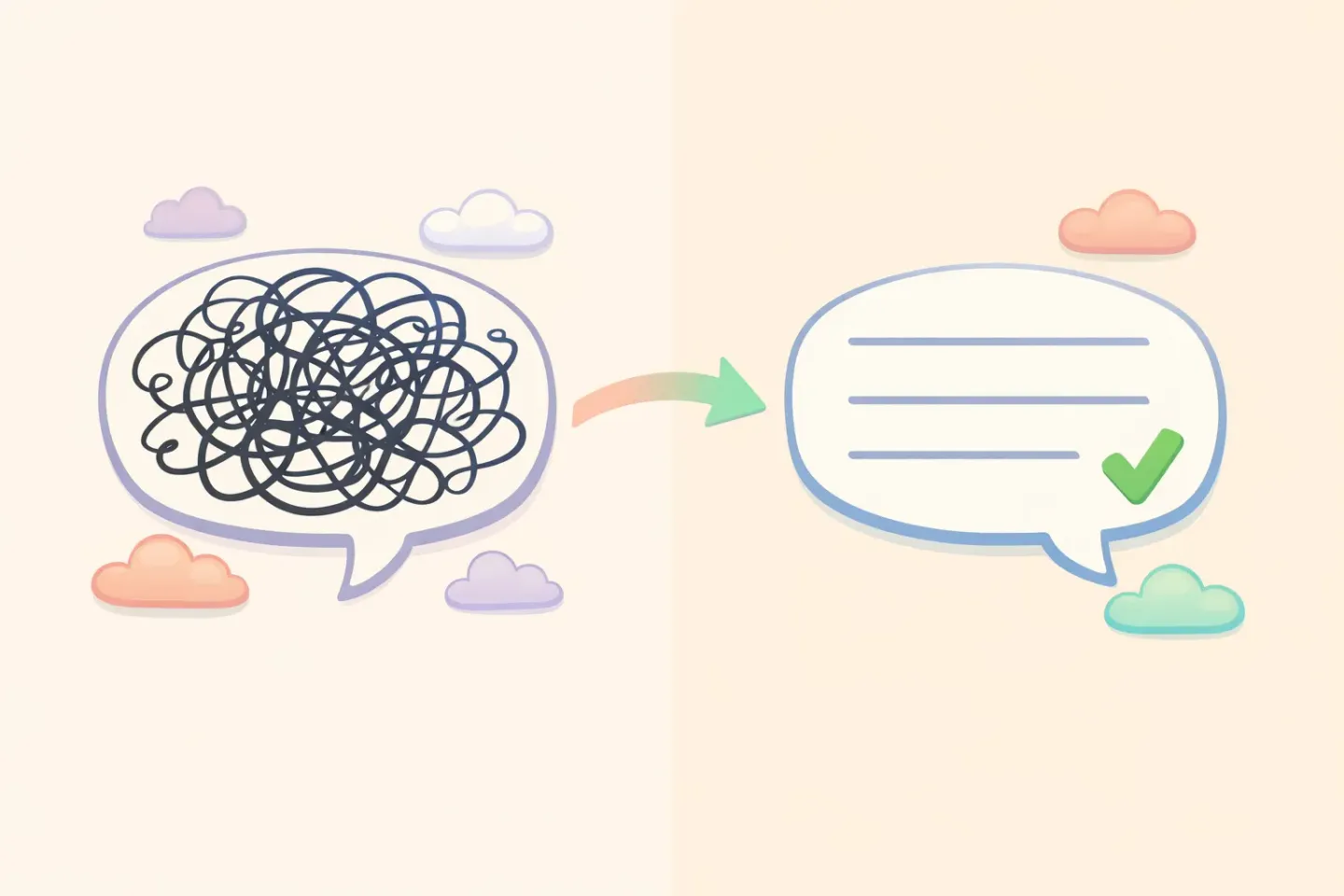
*"okay so um i wanted to check in about the the thing from yesterday, the report, can you uh send it over when you get a sec, no rush or whatever"*
Every word is correct. It's also unusable. You'd spend more time fixing that than you saved by speaking it. This is the exact moment most people gave up on dictation for good.
What Large Language Models Actually Add
A transcriber answers one question: what sounds did this person make? A language model answers a different one: what did this person mean, and how should it read?
That second question is the whole game. An LLM takes the messy transcript and rewrites it the way a careful editor would. It drops the filler, finishes your half-sentences, fixes the grammar, and keeps your meaning intact. The message above becomes:
*"Hi, could you send over yesterday's report when you get a chance? No rush."*
Same intent, readable in one pass. The transcription didn't get any better here. What changed is the second layer sitting on top of it, doing the editing you'd otherwise do yourself.
This is more than a product trick. Researchers are studying it directly. A 2024 paper from the ACM CHI conference called Rambler found that letting people speak loosely and using an LLM to reshape the "gist" produced better writing with less effort than typing or raw dictation. Speaking is how we think out loud. The model handles the part our brains usually skip.
Other work points the same direction. Studies on LLM-based transcript refinement show that running speech through a language model after recognition cuts errors and improves readability, especially for homophones and context-dependent phrases a plain transcriber can't sort out on its own.
Context Is the Other Half
Cleaning up a transcript is the first job. Knowing what kind of writing you wanted is the second, and that's where things get interesting.
"Send me the deck by end of day" works for a Slack message to a teammate. It's too blunt for a client email. The words are fine; the register is off. A language model can read that situation and adjust the tone, because it understands context, not just sound.
In practice, the same spoken sentence can come out casual in one app and polished in another. You don't change how you talk. The model changes how it writes, based on where the text is headed.
This is exactly what Voicr's Smart Rules do. You set a relaxed tone for Slack and a formal one for email once, and Voicr notices which app you're in and applies the right style automatically. Hold FN, say the thing, and the version that lands in your clipboard already fits where you're about to paste it.
The Real Shift: You Stop Talking to a Computer
Old dictation made you perform. You had to speak in finished sentences, say "comma" and "new paragraph" out loud, and drop your normal speech habits. You were doing the editing in your head, in real time, while talking. It was exhausting, which is why it never stuck.
LLM-based voice-to-text takes that job off your plate. You can ramble. You can change your mind halfway through a sentence. You can talk the way you'd explain something to a friend, and the clean version shows up anyway.
That sounds like a small thing. It's the whole difference between operating a tool and just thinking out loud.
The speed is real too. Most people speak around 150 words a minute and type around 40. A Stanford study found speech entry on a phone was three times faster than typing, with fewer errors. But speed stopped being the main draw once the output got good. The real draw is that you no longer lose your train of thought to your keyboard. We dug into that math in why your voice is faster than your keyboard.
Where LLMs Still Get Voice-to-Text Wrong
This is genuinely better, not magic. The same intelligence that cleans your text can also overstep, and it's worth knowing where.
It can change your meaning. When a model "fixes" a sentence, it sometimes smooths away a detail you wanted or guesses wrong about your intent. The more technical or unusual your phrasing, the higher the risk. Give anything important a quick read before you send it.
Names and jargon still trip it up. Transcription handles common words well and struggles with proper nouns, product names, and specialized terms. A model can guess from context, but it will confidently get your colleague's surname wrong.
Homophones aren't fully solved. "Their," "there," and "they're" usually land right because context helps, but not every time.
It adds a beat of latency. A pure transcriber is nearly instant. Running a second model to polish costs anywhere from a fraction of a second to a couple of seconds. Worth it for the quality, but it isn't free.
None of these are dealbreakers once you know they exist. They're the reason a quick read-before-send habit still pays off. If you want the full picture of how this pipeline runs end to end, we wrote a step-by-step guide to AI voice dictation on Mac.
What This Means for How You Write
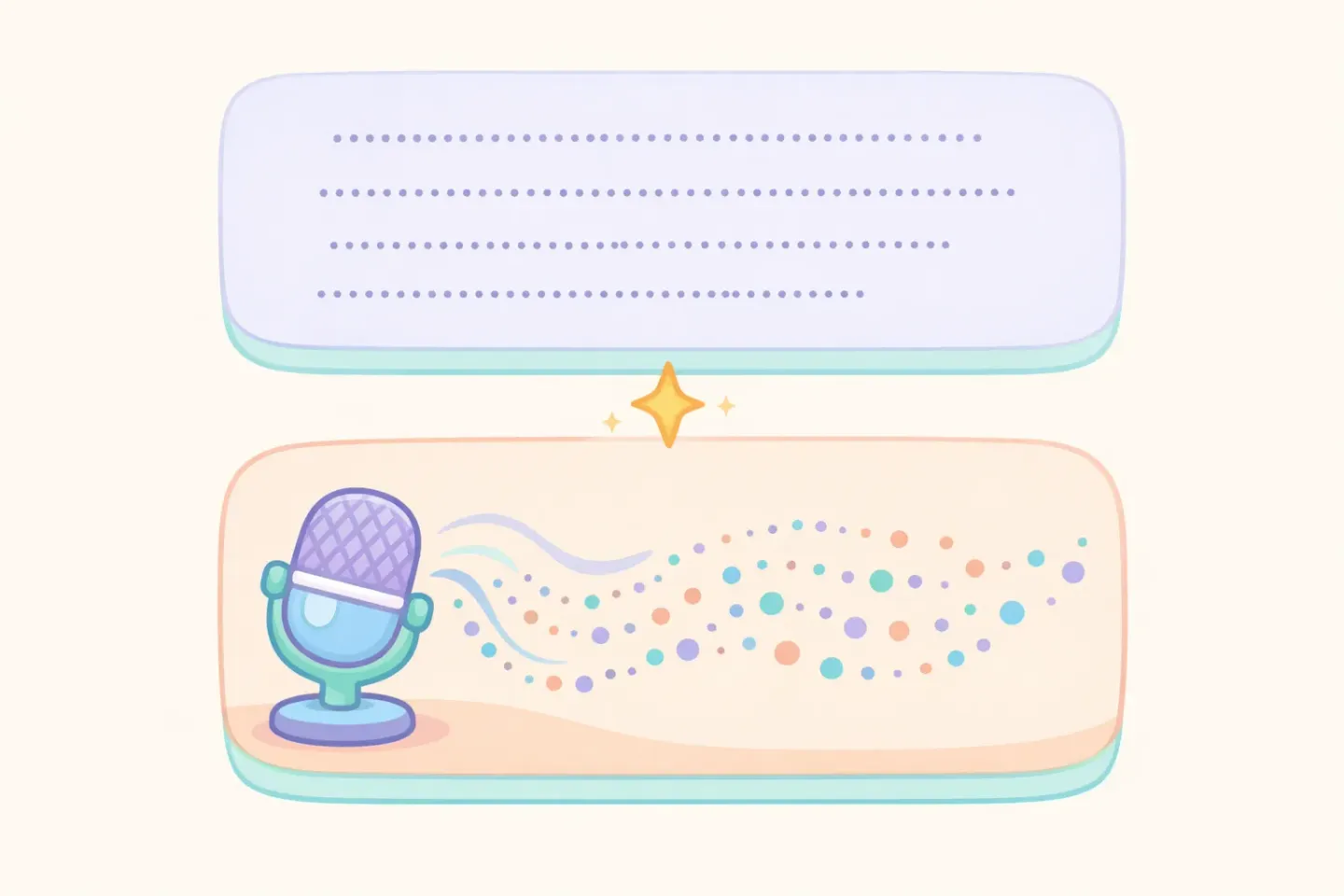
The mental model worth keeping is that voice-to-text is now two tools stacked together:
1. A transcription layer that turns sound into accurate words. 2. A language layer that turns those words into writing that actually reads well.
Pure transcription is still the right call when you need an exact record. Interviews, legal notes, anything where every "um" matters. For everything else, like emails, messages, docs, and notes, the polishing layer is what makes talking faster than typing instead of just messier.
So when you're picking a tool, the real question isn't "how accurate is the transcription." Most are close now. The question is "how good is the layer on top." Our comparison of the best voice-to-text apps for Mac breaks down which ones do that part well.
How to Try LLM-Polished Voice-to-Text
The fastest way to feel the difference is to dictate your next email instead of typing it, then look at what shows up in the draft. It won't be the raw transcript you remember from years ago. It'll read like you wrote it on a good day.
If you want that without stitching tools together, Voicr does both layers in one step. Hold FN, talk however you want, release, and polished text lands in your clipboard ready to paste. It uses Whisper for transcription and a language model for the cleanup, with per-app styles so the tone fits wherever you're writing. The free tier is 5,000 words a month, no credit card.
Voice-to-text finally works the way it always should have. Not because the machines got better at hearing you, but because they finally got good at understanding what you meant.