

You start typing a Slack message. Three sentences in, you delete the first one. You rephrase the ask. You add "just" to soften it, then take "just" out. You change "can you" to "would you mind." By the time you hit send, four minutes have gone.
Multiply that by the 92 messages an average knowledge worker sends per day on Slack, and the math gets uncomfortable. According to research from Speakwise, people now spend over 90 minutes a day actively engaging with Slack. A lot of that time isn't reading. It's rewriting.
Good news: you can write better Slack messages in about half the time. Not by typing faster. By changing the order you do things.
Why Your Slack Messages Take So Long
The bottleneck almost never lives in your fingers. It lives in three places: - Throat-clearing: "Hey, hope your week's going well, sorry to bother you, but I was wondering if maybe you'd have time at some point to…" - Tone second-guessing: re-reading the message three times to make sure it doesn't sound rude - Structural drift: burying the actual ask under context, then realizing the reader will miss it, then rearranging
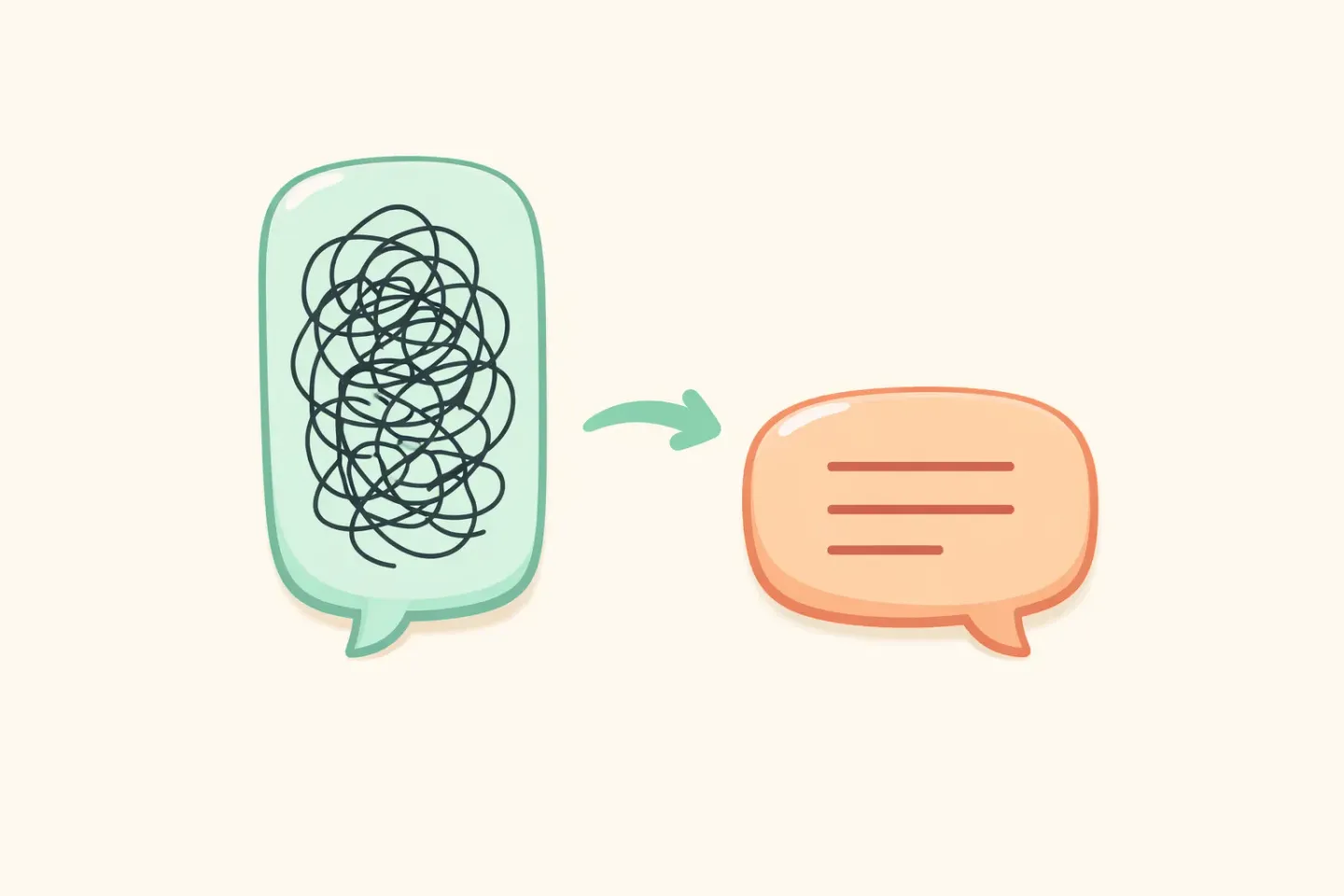
Each of those is fixable with a template, not willpower. Once you have a structure to drop your thought into, drafting stops feeling like writing. It feels like filling in a form. The hard part, figuring out what you actually want to say, is the same either way. The slow part goes away.
The cost is also invisible. You won't see Slack-rewriting on your calendar. But if a third of those 90 daily Slack minutes are spent rewording, tone-checking, and adding apologetic softeners, that's half an hour every day moving the same sentences around. Over a year, that's almost two full working weeks burned on phrasing you'll never reread.
The 3-Line Slack Message Template
Most internal Slack messages are one of four things: a question, a request, a status update, or an FYI. All four fit a three-line shape: 1. Context: one sentence on what this is about 2. The ask or the point: what you actually want or are saying 3. Deadline or next step: when you need a reply, or what happens next
Here's the same message in long form and in template form.
Before (110 words): ``` Hey Mark! Hope you had a good weekend. So I've been looking at the Q2 budget doc and I noticed that the marketing line item seems to be a bit off from what we discussed last Thursday in the planning meeting. I'm not 100% sure if I'm reading it right but it looks like we might be over by maybe $4k or so? Anyway, no rush at all, but whenever you get a chance, could you take a look and let me know what you think? I want to make sure we're aligned before the leadership review next week. Thanks so much! ```
After (37 words): ``` Q2 budget doc — marketing line is ~$4k higher than what we agreed Thursday. Can you confirm I'm reading it right? Need it before Friday's leadership review. ```
The second one is shorter, clearer, and easier to act on. It took a third of the time to write. The reader can answer in five seconds without scrolling.
Cut the Throat-Clearing
Most Slack messages start with a warm-up phrase you can delete. Nothing of value is lost. A few common ones: - "Just wanted to check in on…" - "Sorry to bug you, but…" - "Quick question:" - "Hope this finds you well" - "If you have a second…" - "I was thinking maybe…"
These add no information. Worse, they push your real point below the fold on mobile, so the reader sees "Hey, sorry to bother you…" in their notification and has to tap through to find out what you want.
If you're worried about sounding curt, a 👋 emoji at the start of the message does the same social work in one character. Then go straight to the point.
Format for Scanners, Not Readers
Nobody reads Slack the way they read a book. They scan. Your formatting should help that:
- Bold the ask. If there's one thing the reader needs to do, mark it. They'll find it without parsing the rest. - Use bullets when you have more than two points. Walls of text get skimmed and the third point gets missed. - Use dates, not relative time. "Friday" is ambiguous across time zones; "Fri May 29 EOD CET" is not. - Put numbers in numerals. "$4k" scans faster than "about four thousand dollars." - Lead with the noun. "Q2 budget doc — " or "Onboarding flow — " tells the reader what bucket this lives in before they read a word.
If your message runs past three lines, you almost certainly need a thread, a list, or a doc, not a longer paragraph. Slack's own guidance says something similar: anything that spills past three lines wants structure.
Speak the First Draft, Don't Type It
Here's the part most productivity guides skip. Your speaking speed is roughly 150 words per minute. Your typing speed is closer to 40. That's a ~3.75x gap, confirmed across multiple studies.
The catch is that *raw* dictation reads like a transcript: "um, so, like, can you, uh, take a look at the budget doc, the marketing line, I think it's off by, hmm, maybe four thousand?" You'd never send that. So most people give up on voice for Slack after one try and go back to typing.
The fix is to use a tool that polishes the transcription before it lands on your clipboard. If you're on a Mac, Voicr does this. Hold FN, speak your messy thought out loud, release, and clean text shows up ready to paste. The dictation becomes the *first draft*; the polishing happens automatically. You skip the rewriting step.
You can also set Voicr's Smart Rules so messages dictated inside Slack come out casual and brief, while messages dictated into your email app come out more formal. No manual toggling. That's the part that actually cuts your drafting time in half: the first draft is good enough to send.
Use Threads So You're Not Apologizing Later
Speed isn't only about the message you're writing. It's about the messages you don't have to send because the channel stays clean.
Two thread habits that save everyone time: - Reply in a thread, not in the channel. Side conversations in the main channel force everyone to mute, scroll, or context-switch. - Use emoji reactions for acknowledgements. A 👀 says "I've seen this, working on it." A ✅ says "done." Both replace a full message and a follow-up notification.
A third habit, less famous but worth stealing: when you start a thread that turns out to matter to the whole channel, check the "Also send to channel" box for the *summary* reply, not the back-and-forth. Channel members get the conclusion; the thread holds the debate.
For more on the workflow itself, Dictate in any Mac app with one keystroke walks through the muscle memory that makes this feel automatic.
Five Slack Templates You Can Steal
These cover roughly 80% of internal Slack messages. Save them as text snippets and you'll send most messages in under 20 seconds.
Adapt the wording to your team's voice. The shapes hold; the words are yours. If your team uses Slack canvases for longer updates, the same templates work there with one extra line at the top for the headline.
1. The Request
``` [Project] — need [thing]. [One line of context if needed.] By [date]. ```
2. The Status Update
``` [Project] update: ✅ Done — [item] 🟡 In progress — [item] 🔴 Blocked on — [item / who] ```
3. The Async Question
``` Question on [topic]: [the actual question, ending in ?] Context: [one line on why you're asking] No rush — reply by [date] is fine. ```
4. The Decision FYI
``` FYI — we decided [the decision]. Why: [one line] What changes for you: [one line, or "nothing"] ```
5. The "I Disagree" Reply
``` Pushing back on this — [the point you disagree with]. Reason: [one or two lines] Proposing instead: [alternative] Happy to hop on a call if easier. ```

Putting It Into Practice
If you only change one thing this week, change this: before you type your next Slack message, say it out loud once. Listen to how long it takes. The version you say is almost always shorter, clearer, and less anxious than the version you type.
Then make that the actual workflow. Hold a key, say the message, paste the polished version. Voicr does the whole loop in about three seconds on a Mac, and it switches tone for Slack vs email vs docs based on which app you're in. If you spend 90 minutes a day in Slack, getting that down to 45 is a real change, not a productivity-blog promise.
Start with one channel. One day. Notice how many times you would have rewritten a sentence and didn't have to. That's the half you got back.