

You've got a shortcut for everything. A launcher that opens any app in two keystrokes. An AI that drafts your emails. A system for your notes, your tasks, your calendar. You've shaved seconds off nearly every part of your day.
And you still type every word with the same two hands, at the same speed you did in 2010. The fastest thing on your desk is the computer. The slowest is the keyboard you use to talk to it.
This is the odd thing about how most people chase productivity. We tune everything downstream, the apps and the automations and the AI, and leave the one upstream thing alone. Voice input sits right there, about three times faster than typing, and most people walk past it every day.
You've optimized everything except how words get in
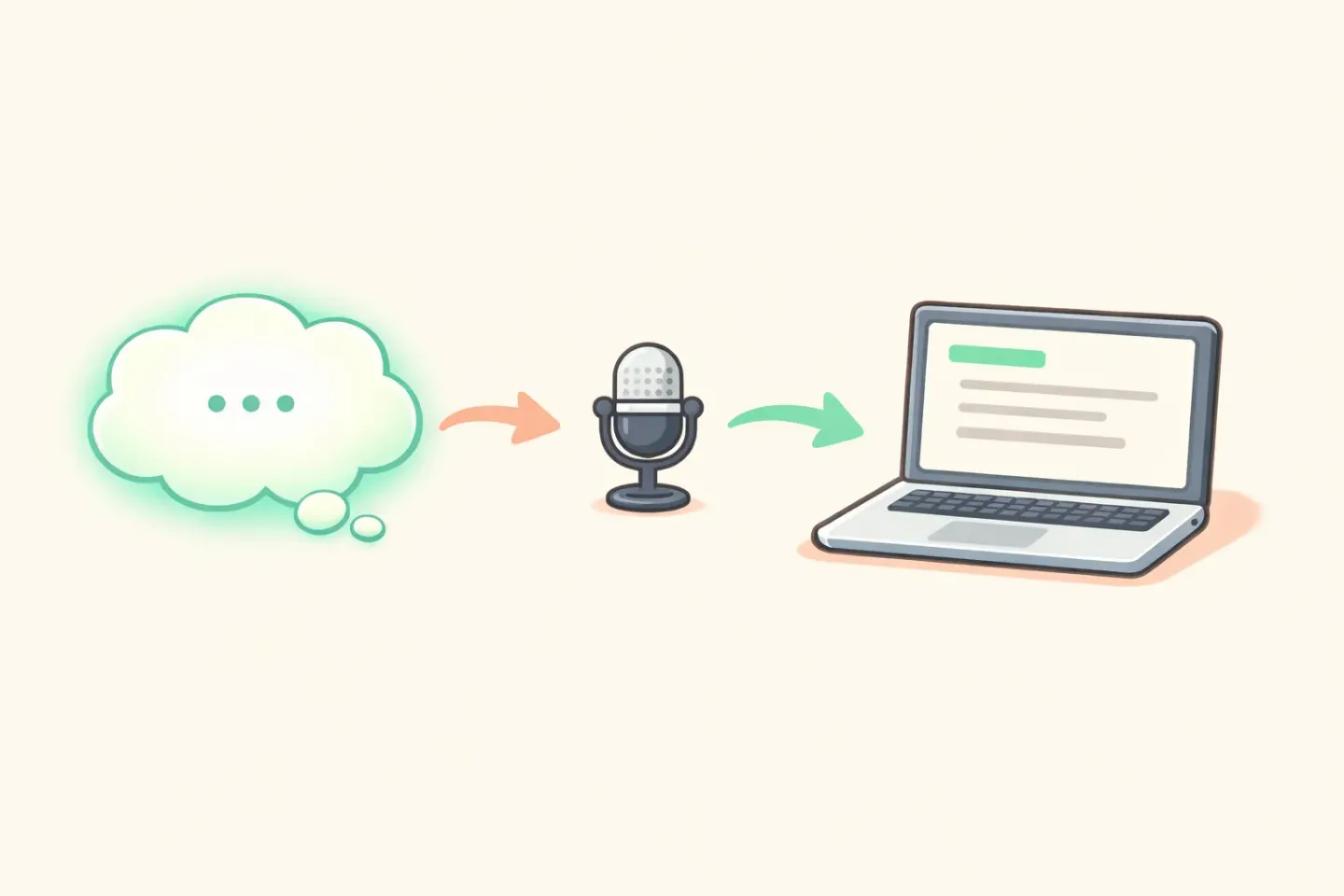
Think about where your words actually come from. Every email, every Slack message, every doc, every note starts the same way: a thought in your head that has to turn into text on a screen. That hand-off, thought to text, is the input layer.
It's the part of your setup you lean on most, and the part almost nobody tries to improve. People will spend an afternoon configuring a new note app and never once question the keyboard feeding it.
The keyboard gets a pass because it's invisible. It's been there since you were a kid. It feels less like a tool you picked and more like a fact of computing, like the screen or the power button. Tools you don't notice are tools you don't think to fix.
The unlock, by the numbers
Here's what makes the blind spot expensive. The average person types around 40 words a minute. The average person speaks around 150. That's a gap of nearly four to one, before you adjust for anything else.
Back in 2016, Stanford researchers tested speech recognition against the iPhone keyboard and found talking was three times faster in English, with fewer errors. That ran on 2016 speech models. The tools have come a long way since.
Three times is the cautious number. Once you count the backspacing, the typo fixing, and the effort of turning a thought into finger movements, the real gap is wider. We broke down the full comparison in Why Your Voice Is Faster Than Your Keyboard, but the short version: for plain prose, talking wins, and it isn't close.
So the question was never whether voice is faster. The data settled that years ago. The question is why a three-times speed-up, sitting on every Mac, stays on the shelf. The reasons people give are real. They're also out of date.
Reason 1: you tried it years ago and it was bad
Most people who wave off voice input are remembering one bad afternoon. You spoke a sentence, the software got half of it wrong, you spent longer fixing it than typing would have taken, and you never opened it again.
That memory was fair. Dictation in 2014 was rough. It missed names, tripped over accents, and dropped commas in places no human would. As recently as 2020, Statista found accuracy was still the top barrier to voice adoption, named by 73 percent of people.
But you're judging a 2026 tool with a 2014 memory. Modern speech models, trained on enormous amounts of audio, run well past 95 percent accuracy on clear speech, handle accents far better, and keep pace with how you actually talk. The thing you tried isn't the thing that exists now.
This is the most common reason people skip voice, and the easiest one to disprove. Thirty seconds of talking to a current tool is usually enough to see how far your memory has drifted from reality.
Reason 2: it feels weird to talk out loud
This one is real, and worth taking seriously. Typing is silent. Talking isn't. Saying your email out loud in a quiet open-plan office feels strange, and no speed stat makes that feeling go away.
But it covers less ground than it seems. Most writing doesn't happen in a silent shared room. It happens at home, in a private office, in a car, on a walk. The shift to working from home handed a lot of people the exact setting voice needs.
And it isn't all-or-nothing. You talk when you're alone and type when you're not. Even if you only dictate the half of your writing that happens in private, that's a big chunk of your day running three times faster.
The weirdness fades quickly, too. People who push through the first few days stop noticing it inside a week. Talking to your computer feels odd right up until it feels normal, which comes sooner than you'd think.
Reason 3: the raw transcript made more work, not less
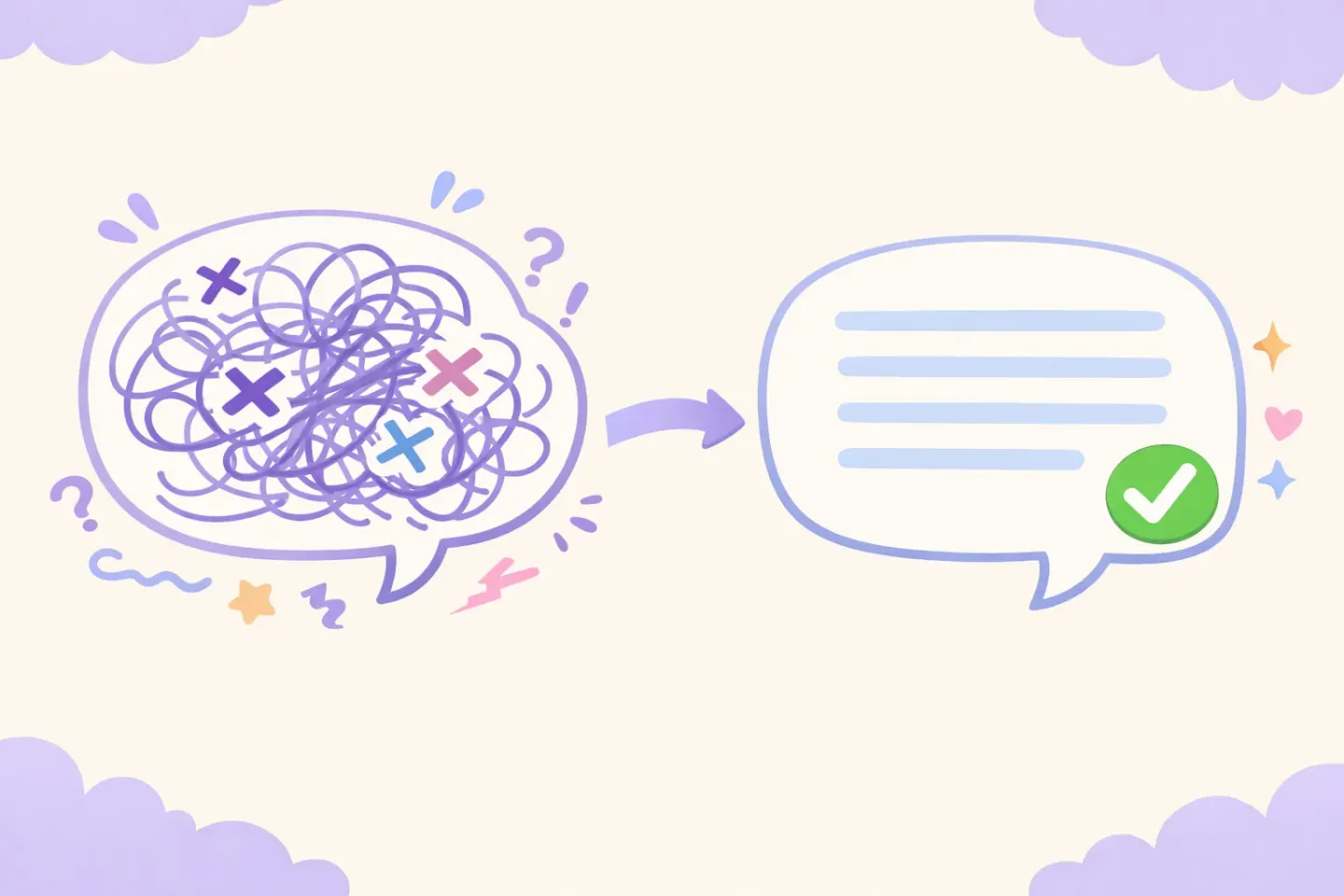
This is the objection with real teeth. Even when old dictation got the words right, it handed you a wall of raw speech. Every um, every false start, every run-on sentence, no paragraph breaks. Faster to produce, sure, but now you had editing to do.
For a lot of people, that killed the point. The promise was less work. What you got was a different kind of work, cleanup instead of typing. So they went back to the keyboard, where at least the editing happened as they went.
This is the part 2026 quietly fixed. The newer voice tools don't just transcribe. They run your speech through a language model that strips the filler, fixes the grammar, and shapes the thought before the text ever reaches you. You speak a messy paragraph and get back a clean one.
This is the gap Voicr was built to close. You hold one key, talk the way you'd talk to a coworker, filler words and all, and the text that lands on your clipboard already reads like you wrote it on purpose. The cleanup step that used to kill dictation isn't there anymore.
Once the polishing is automatic, the math flips. You're not trading typing for editing. You're getting clean text at speaking speed, which is the thing voice always promised and rarely delivered.
Reason 4: it never became a habit
The quietest reason voice input gets ignored has nothing to do with the technology. The old tools lived in their own window. You opened a separate app, clicked record, spoke, then copied the result and pasted it where you actually needed it.
That's four steps wrapped around the one you wanted. Each is small. Together they're enough friction to stop a habit before it forms. You'd remember voice existed, weigh the hassle, and just type the thing instead.
A tool you have to go to is a tool you forget. A tool that's already there is one you use. The real unlock isn't only that voice is fast. It's that it now works from inside whatever app you're in, on one keypress, with the result dropped right where your cursor sits.
When the distance between "I want to say this" and "the text is in the box" shrinks to a single key, the habit finally holds. That's the part the speed stats skip, and the part that decides whether you adopt this or try it once and drift back. There's more on that exact setup in How to Dictate in Any Mac App with One Keystroke.
Why input is the highest-leverage thing to fix
Step back and you can see why this unlock outranks the others. Input is upstream of everything. Every tool you've already tuned sits downstream of the moment a thought becomes text.
Speed up your note app and you've sped up your notes. Speed up the input layer and you've sped up your notes, your email, your messages, your docs, and your AI prompts at the same time. It's the rare change that pays off across your whole day instead of one corner of it.
There's a second effect, too. When getting words out is slow, you write less. You keep replies short to save time, skip the longer explanation, leave the thought half-captured. When it's fast, you say the whole thing, because saying it costs almost nothing.
People who switch to voice often notice their writing gets more complete, not just quicker. The friction that was trimming them down, keeping things terse because typing is work, just lifts. That's harder to measure than words per minute, and it might matter more.
So this is the last unlock worth reaching for, and the one most people reach for last. The highest-leverage change, hiding behind the most boring-looking tool on the desk.
How to stop ignoring it
You don't fix this by reading more about it. You fix it by talking to your computer once and seeing what comes back. Here's the version that sticks.
Pick one task where you already know what you want to say. Email replies are the best place to start, since you've been writing the answer in your head since you opened the message. Dictate your next three replies instead of typing them.
Speak normally. Don't perform tidy sentences. Let the filler words and false starts happen, because a tool with AI polishing cleans them up, and fighting them just drags you back down to typing speed.
Do that one task by voice for a week before you add anything else. By the end you'll know where voice wins for you and where you'd rather type. Both answers are fine. The point is to stop guessing from a ten-year-old memory.
If you want the setup built for exactly this, one key, works from any Mac app, polished text on your clipboard, that's what Voicr does. Hold FN, say the thing you'd normally type, release, paste. Smart Rules keep it casual in Slack and formal in email with no toggling, and the free tier covers 5,000 words a month with no card, which is plenty to get through the first week.
The unlock has been sitting on every Mac for years. The only thing left to give up is the habit of typing things you could have just said.