

I was halfway through a Slack reply when it hit me. I'd been thinking the same sentence for twelve seconds while my fingers worked through the first four words. My brain was idling, waiting for my hands to catch up.
That was the moment I gave voice dictation a real shot. Not the half-hearted "I'll try it for a meeting note" attempt I'd already abandoned twice. A full month, every long message, every email, every doc. Here's what actually happened.
The pitch sounds like hype until you see the numbers. The average person types around 40 words per minute. The same person speaks at 130 to 150. Stanford researchers ran the comparison back in 2017 and pegged voice input at roughly 3x faster than typing on a phone, even for people who type fast. The same ratio mostly holds on a Mac keyboard.
The math is brutal: 40 WPM vs 150 WPM
Let's get this part out of the way. Most untrained adults type around 38 to 40 WPM. Trained typists, the ones who never look at the keyboard, top out near 65. Conversational English clocks in at 130 to 150 WPM. Even against a fast typist, that's more than 2x. Against the average person, it's closer to 3.75x.
That's the theory. The practice is more interesting. The first time you actually time yourself dictating an email versus typing it, the gap isn't as wide as the math suggests. Why? Because typing is one motion. Dictating is speak, then proofread, then maybe re-dictate a sentence, then paste. The cleanup tax eats into your gains.
The fix is in the tool. Old dictation gives you a raw transcript with every "um," every "uh," every "so basically what I'm saying is." Newer tools polish that into clean text in one step. When the cleanup is automatic, the 3x is real.
What "3x faster" actually looks like in a real workday
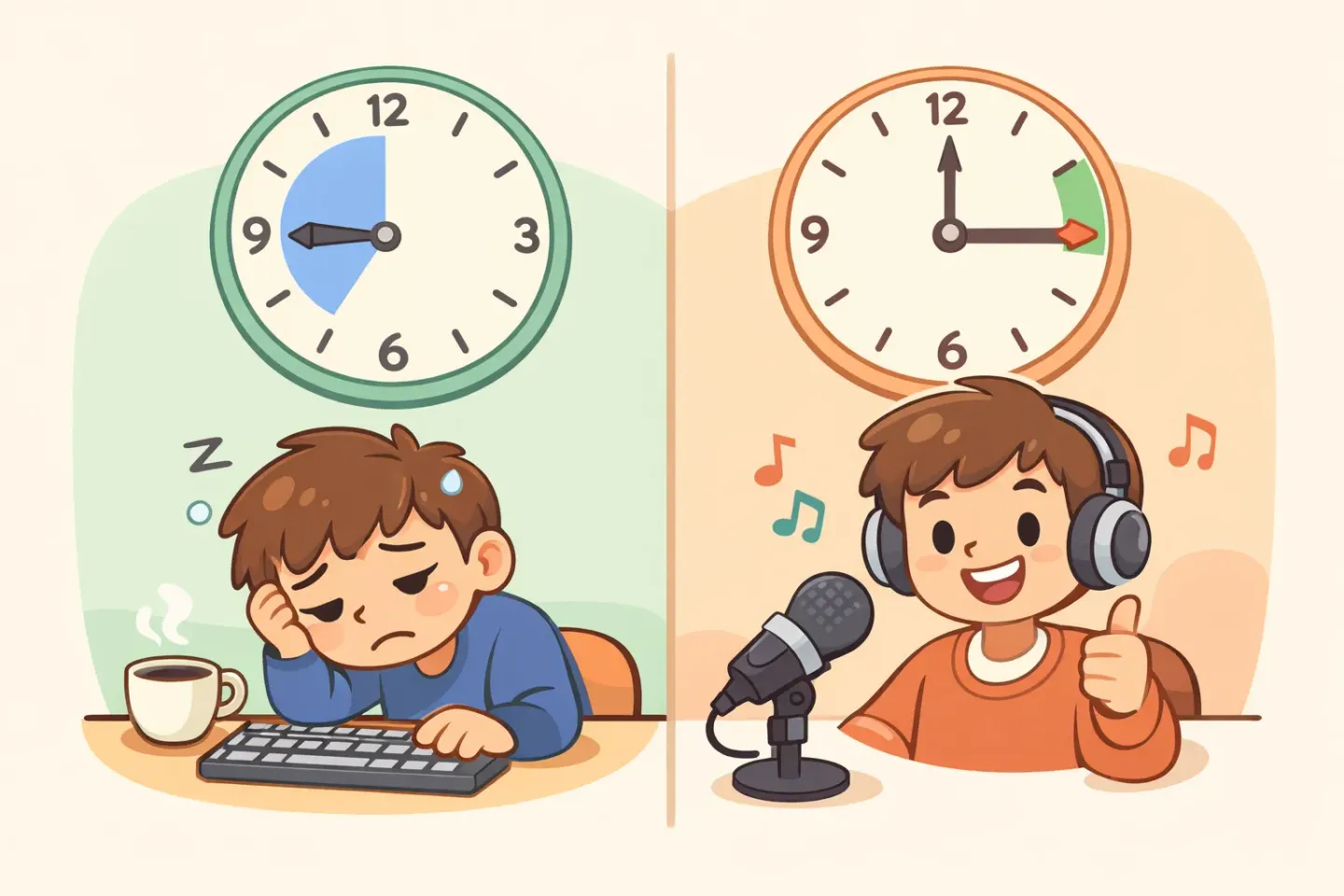
Here's a normal Tuesday for me before I switched. Six longer Slack messages (~80 words each), four emails (~120 words each), two short docs (~400 words), a handful of one-line replies. Total typed output: around 1,800 words. Time at the keyboard, ignoring thinking time: roughly 45 minutes.
Same volume after the switch. Total spoken output, with cleanup, came in around 14 minutes. Almost exactly 3x. The part that surprised me wasn't the time saved. It was where the time went. I stopped opening a draft, walking away, coming back, and rewriting the whole thing. The thought left my head and landed on the screen in one pass.
Where dictating works well for me: - Long Slack threads - Email replies over two sentences - Meeting notes during the meeting - First drafts of anything - Brain-dump docs - Voice notes that turn into docs later
Where it doesn't help: - Short replies ("got it," "thanks") - Code - Structured tables - Passwords - Anything you need to think hard about word-by-word
Week one was bad. Here's what went wrong.
I almost quit on day three. The first problem was talking to my computer at all. It felt performative. I'd start a sentence, lose my nerve, stop, and end up with a half-transcribed thought that took longer to fix than to type.
The second problem was over-trying. I was speaking like I was dictating a formal letter, slow and careful, enunciating every word. The output came back robotic and the speed advantage disappeared. I was just typing with my mouth, badly.
The fix turned out to be the opposite of what I expected. Talk faster, not slower. Talk the way you'd explain something to a colleague, including the false starts and the "actually, scratch that, let me say it differently." A good polishing tool cleans those up. Stop trying to dictate. Just talk.
The breakthrough: knowing when not to dictate
What flipped voice dictation from "occasional experiment" to "default input method" was a mental model: voice for *first drafts*, keyboard for *edits*. The keyboard is precise. Voice is fast. Speak the messy version, then use the keyboard to fix the one word that came out wrong.
This sounds obvious in retrospect. It wasn't obvious when I started. I kept trying to dictate perfect prose and getting frustrated when the polished output wasn't *exactly* what I wanted. The thing that finally helped was lowering my standards for the dictated draft. Get the idea out. Fix it in two seconds with the keyboard. Move on.
It's also why the polish-as-you-go workflow matters so much. If you have to dictate, then manually clean up the filler words, then fix the grammar, then format it for the app you're in, the speed advantage is gone. The whole point is that the cleanup happens automatically. By the time you stop talking, the text is already paste-ready. Voicr does exactly that on Mac: hold FN, talk, release, paste. The cleanup runs in the background.
The workflow that stuck (Slack, email, docs)
A month in, three workflows had settled into place. Each one needed a slightly different setup.
Slack and chat
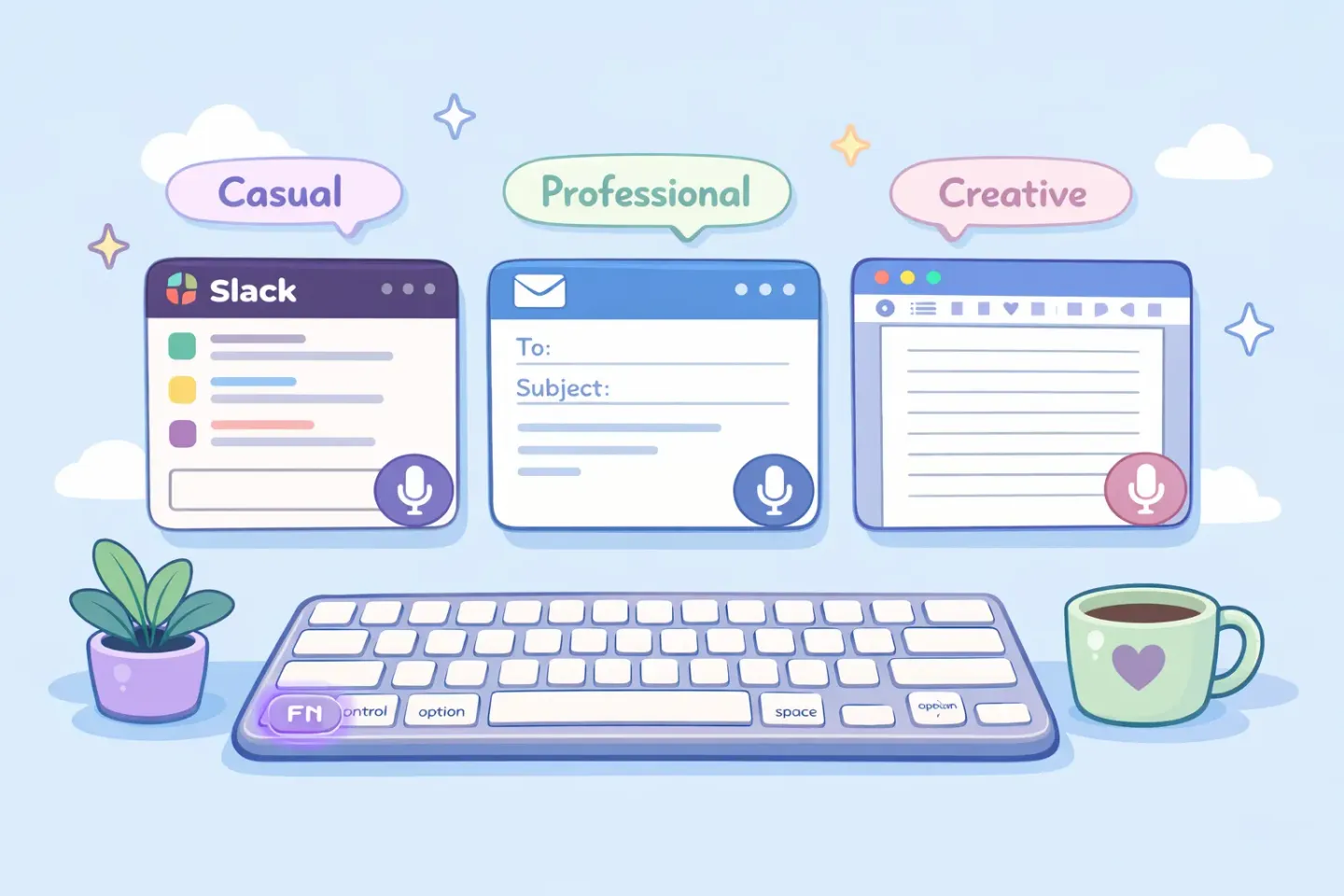
This was the biggest unlock. I write a lot of long-form Slack messages: explanations of decisions, post-mortems, long threads. These used to take me ten minutes. Now they take three. I dictate the message in one shot, paste, glance for typos, send. (Voice to text in Slack on Mac breaks down the per-channel setup.)
Email was where I expected the biggest gains and got the messiest results at first. The problem: email has a tone. You can't dictate a reply to your boss the same way you'd dictate a Slack message to a teammate. The fix was using a per-app style. Formal for email, casual for chat. (How to dictate emails on Mac covers this in detail.)
Docs and notes
Docs are the weirdest case. Short notes work great. Dictate, paste, done. Long docs don't, because the thinking is structural. You're not writing sentences. You're outlining sections, moving things around, restructuring. For long docs, I dictate paragraph by paragraph and keep the structure on the keyboard.
What I gained that wasn't speed
The 3x is the headline. The unexpected wins are bigger.
Fewer half-finished drafts. When typing is the bottleneck, every long message starts as a draft you mean to finish later. Most of them die in your drafts folder. Voice closes the gap between thought and output. I send things now that used to sit unsent for two days.
Less wrist strain. I'm not going to claim voice dictation cured my hands. But the difference between 6 hours of typing and 2 hours of typing is real, and my wrists feel it on Friday evening.
Better first drafts. This one was a surprise. When you talk a thought through, you naturally structure it the way a person would explain it. Typed first drafts tend to be stiffer. They read like they were written, because they were. Dictated drafts sound like a person, which is usually what you want.
The catch nobody warns you about
Two real downsides. Both have workarounds, but they're worth knowing before you commit.
You can't dictate in an open office. Or a coffee shop. Or anywhere with another person within earshot. This sounds obvious but it's a bigger constraint than it seems. If your work environment is shared, voice dictation is a "home days only" tool, which limits the productivity gain.
There's still a cleanup tax, even with good tools. It's small. Maybe one fix per paragraph instead of one per sentence. But it's non-zero. The math still works out in your favor by a huge margin, but pretending the cleanup is zero will set you up for disappointment.
How to actually try this without quitting in three days
A few rules I wish someone had given me on day one.
Start with one app, not all of them. Pick the app where you write the most low-stakes long-form text. For me, Slack. Use voice for that app and only that app for a week. Don't try to convert your whole workflow at once.
Set a one-week skepticism limit. Day three will be bad. Day five will be okay. Day seven you'll start feeling the gap when you go back to typing. If you quit on day three, you never get to day seven.
Use a tool that polishes by default. This is the single biggest factor. Raw transcription tools waste your gains in cleanup. A tool that removes filler words, fixes grammar, and structures the output automatically is the only kind where the 3x actually shows up.
Don't dictate in front of other people, ever. Not because it's loud (it isn't). Because the self-consciousness will kill your speed. Pick a private spot for the first month.
Where to start
Honest summary: voice dictation works. Not in the "this changes everything" sense the marketing copy promises. In the "I'm done by 4pm now" sense. The 3x is real, and any tool that doesn't handle the cleanup for you is the reason people give up on dictation in week one.
The fastest way to test this for yourself is to dictate your next long Slack message instead of typing it. If you want the cleanup handled automatically, with speech polished into paste-ready text in one step and a per-app style, that's what Voicr does on Mac. Hold FN from anywhere, talk for thirty seconds, release, paste. Try it on one message tomorrow morning. By the end of the week you'll know if the 3x is real for you.