
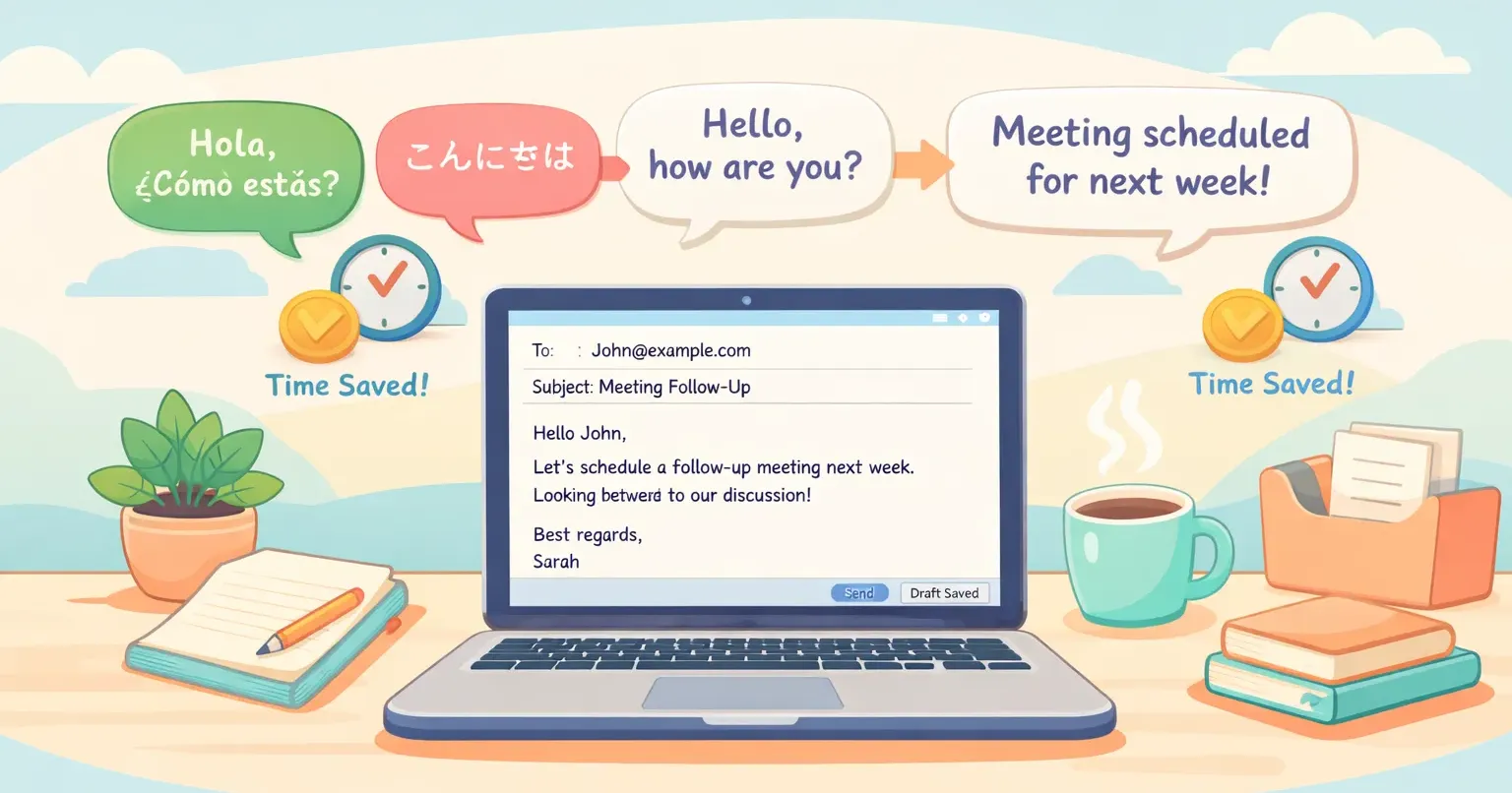
You finished the email five minutes ago. You're still here. Reading it again. Changing "I am writing to" to "Just wanted to." Then back. Then forward again. Native English speakers don't do this. They hit send.
If you work in English as a second language, you know the feeling. One survey of multilingual professionals put a number on it: 7.5 hours lost every week to what some people call the "good English tax." Extra time spent decoding, rewriting, and second-guessing your own writing. Almost a full workday gone every week, before you've done any real work.
There's no shortage of tools that promise to fix this. Grammarly, DeepL Write, ChatGPT, LanguageTool, QuillBot. The lists are everywhere. The problem with most of them is they treat your job as proofreading. It isn't. Your job is to ship work. A good tool stack should give you back hours, not just clean commas.
The real cost of working in English isn't grammar
Grammar tools fix what's already on the page. That's useful. But the bottleneck for most non-native professionals isn't the grammar itself. It's how long it takes to get something on the page in the first place.
Think about how you write a Slack message in English. You think in your native language. You translate in your head. You type slowly because you're double-checking word choice as you go. You delete half of it. You start again. By the time you press enter, your English-speaking colleague has already sent three messages and moved on to the next thread.
Tools should attack that first. Speed of drafting, not just quality of the final result. Anything that pulls you out of the translate-then-type loop is worth more than another grammar checker.
What the typical "best ESL tools" lists get wrong
If you've read a few of these roundups, the pattern is familiar. Ten tools, each with a paragraph, each labeled "best for" something different. Useful for shopping. Useless for working. A few things they consistently miss.
They optimize for correctness instead of flow. Catching mistakes matters less when you're already drafting at 30 words per minute. The bigger win is drafting faster.
They treat all tools as interchangeable. Grammarly in your email client, ChatGPT for a doc, DeepL Write for a proposal. They all sit side by side on the list. In real use, each fits a different moment in your day, and using the wrong one wastes more time than it saves.
They ignore voice. Most rankings barely mention dictation. If you can speak English better than you can type it (and most non-native pros can), voice is the biggest lever you're not pulling.
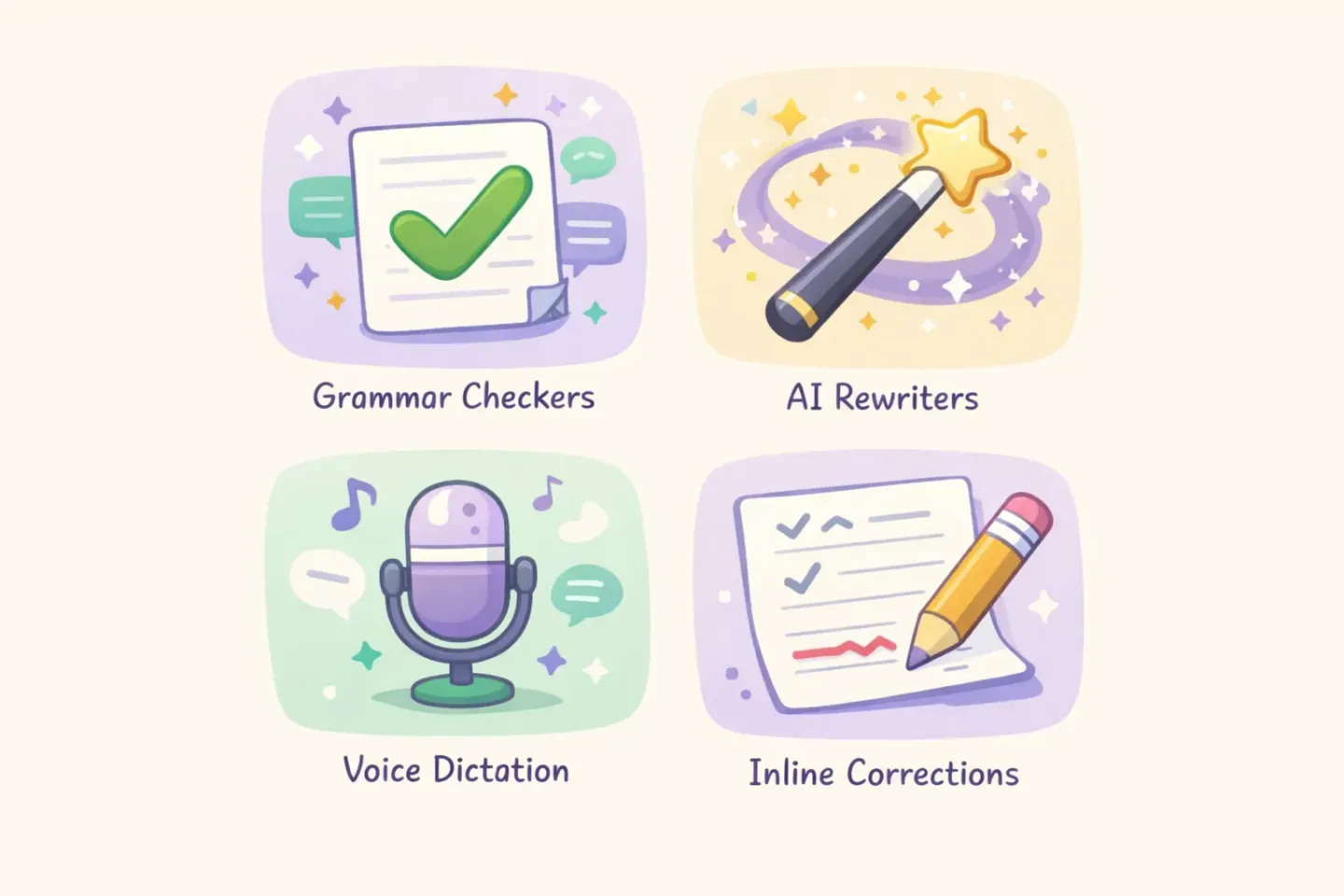
With that in mind, here's a more honest breakdown by category.
Grammar checkers: Grammarly, LanguageTool, BeLikeNative
This is the most crowded category. The three worth your time:
Grammarly. Fifteen-plus years of grammar-engine work shows. It catches the errors non-native speakers consistently make: article use (a/an/the), subject-verb agreement, confusable words. The Chrome extension runs in Gmail, Google Docs, LinkedIn, and Slack web, so you skip the copy-paste step. The premium tier adds tone suggestions, which are hit-or-miss but occasionally save you from sending something colder than you meant.
LanguageTool. Cheaper, multilingual, and has a "Mother Tongue" setting that catches false friends, words that look the same in two languages but mean different things. If you're writing in English but think in Spanish, Italian, or German, this is genuinely useful. Open source and self-hostable, if that matters to you.
BeLikeNative. Newer, ESL-focused, with L1-aware corrections that adapt to common mistakes from your specific native language. Worth a look if you want the explanation behind each correction, not just the fix.
What none of them do well: phrasing. A sentence can be 100% grammatically correct and still read as obviously translated. "I am writing you to inform that…" is correct English. No native speaker writes like that.
AI rewriters: DeepL Write vs. ChatGPT and Claude
This is where the heavier lifting happens. Taking a draft that's grammatically clean but reads weird, and making it sound like a native wrote it.
DeepL Write was built by the team behind DeepL Translate, and you can feel the linguistic priority. Paste a paragraph, get a smoother version back. Strong at idiom and register. It knows when "I'm sorry for the delay" works, and when "We sincerely apologise for the delay" fits better. The closest tool I've used to having a native colleague rewrite your draft. Downside: writing-app context only, no inline use across your OS.
ChatGPT and Claude give you lower precision but far more flexibility. With a good prompt, you can ask for any rewrite style: more direct, less formal, shorter, warmer. The trade-off is the copy-paste-into-a-chat-window friction. Worth it for high-stakes writing like a job application or a customer-facing email. Wasted effort for a 2-line Slack reply.
A prompt I keep saved for both, when I need a draft polished without losing my voice: ``` Rewrite the text below to sound like a native English speaker wrote it. Keep the meaning, tone, and any phrases I used intentionally. Fix grammar, awkward word order, and unnatural phrasing. Don't make it more formal or add filler. ``` That last line matters. Without it, ChatGPT will quietly inflate "can you check this?" into "would you be so kind as to review the attached document at your earliest convenience?" Not what you want.
The category most lists miss: voice dictation with AI polish
Most non-native English professionals speak the language better than they write it. You think in spoken sentences. You can riff for a minute in a meeting without stopping. Sit you in front of a blank email and you stall.
Voice dictation closes that gap. You speak your draft instead of typing it. The catch with most dictation tools is that raw transcripts of non-native speakers include hesitations, restarts, filler, and grammar artifacts. "Um, I wanted to, you know, asking if…" You still end up editing for five minutes.
Two ways around this:
Built-in dictation on Mac or Windows, plus a manual cleanup pass. Free, works everywhere, but you're back to editing. Not a real speed win unless you're already comfortable speaking in clean sentences.
Whisper-based tools with AI polishing on top. OpenAI's Whisper model handles non-native accents better than older systems because it was trained on a much wider range of speech data. Pair it with a polishing step where the AI rewrites the transcript into clean text, and you get something usable on the first try. Voicr, Wispr Flow, and Superwhisper all fall in this category.
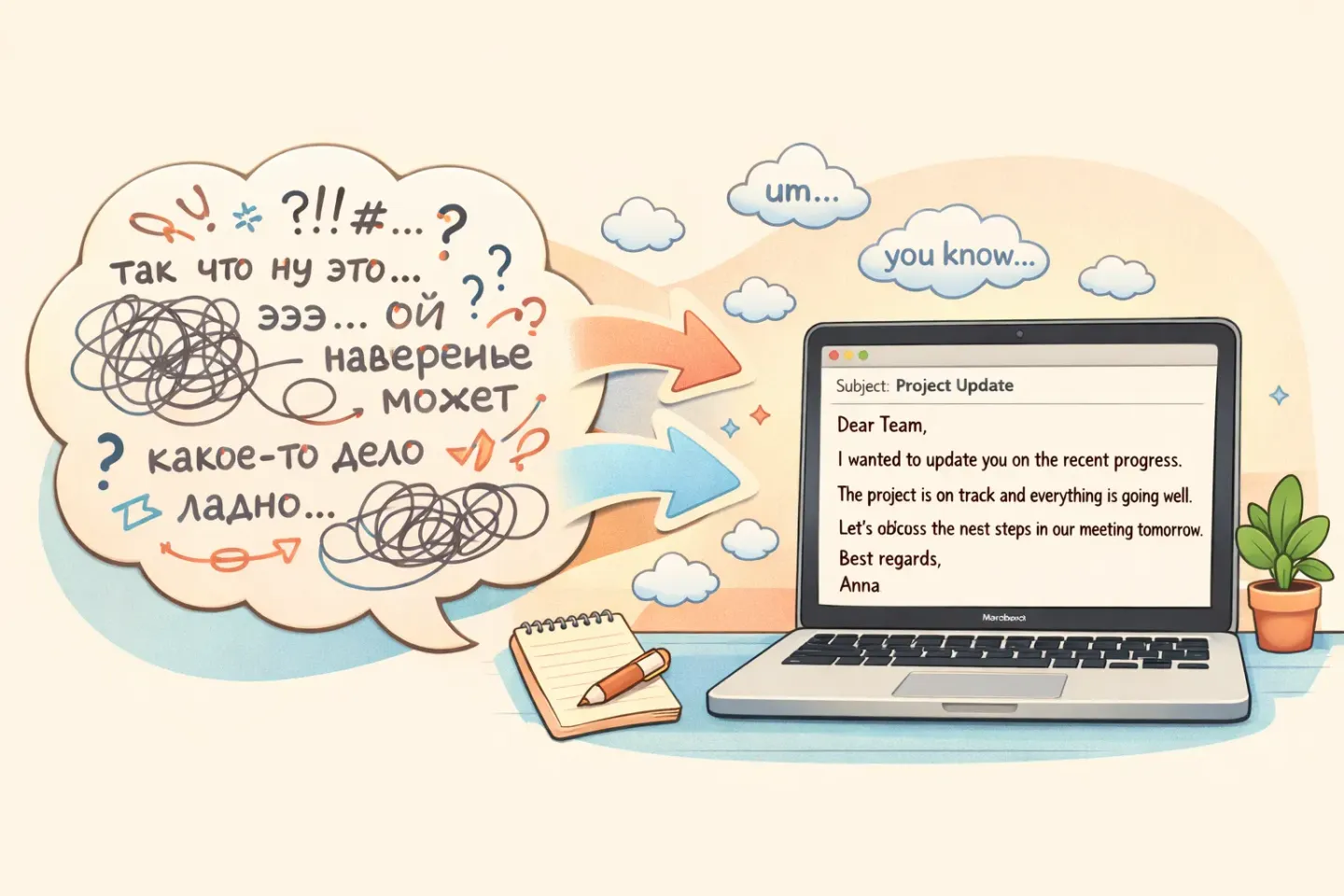
If you're already dictating but still cleaning up the output, Voicr was built around this exact problem. You hold one key, speak in any of 100 supported languages, and polished English text lands in your clipboard. Filler removed, grammar fixed, tone adjusted for whatever app you're in. There's a free tier for 5,000 words a month if you want to test it.
The bigger unlock for non-native speakers isn't even the speed. It's that you stop pre-editing in your head. You speak the way you actually think, and the tool handles the readable-English part. The silent translation loop you used to run goes away.
A tool stack by context: email, Slack, docs, meetings
Here's how I'd actually combine these tools in a normal week. Adjust for your role.
Email (long, customer-facing, or high-stakes). Dictate the first draft. Run it through DeepL Write or ChatGPT for tone polish. Final pass with Grammarly for typos. Time: 3 to 4 minutes versus 15 to 20 typing from scratch.
Slack and chat (fast back-and-forth). Dictate or type, whichever is faster for you. Grammarly extension catches the obvious stuff. Don't over-polish. Chat is meant to be casual, and rewriting every message defeats the point.
Docs and proposals. Type the structure. Dictate the body paragraphs. Run sections through DeepL Write for the parts that need to read polished. Save ChatGPT for the executive-summary rewrite.
Meetings (where you're talking, not writing). Tools like Otter or Fireflies record and transcribe automatically. For your own notes during a meeting, dictation is faster than typing. Speak into a note-taking app and clean it up after.
Async voice updates. Dictate. Send the transcript alongside the recording so people who skim can skim.
What's not in this stack: a dedicated paraphrasing tool. QuillBot and similar have their place, but for working pros they're usually a worse version of what ChatGPT or DeepL Write already do.
Stop rewriting from scratch
The biggest shift isn't picking the perfect tool. It's changing how you draft. A few habits that actually move the needle:
Get a rough draft out before you edit anything. This is the rule native writers follow, and it's the one non-native speakers break the most. You write a sentence, fix it, write the next one, fix that. By word 200 you're exhausted. Draft messy. Edit once at the end.
Stop translating in your head. Easier said than done, but the more you dictate rather than type, the less you do this. Speaking forces continuous output. The translate-in-your-head habit dies because it can't keep up.
Use inline tools, not separate apps. A Grammarly extension in your email client beats a Grammarly tab you have to remember to open. The same goes for text correction features that work in any app. Fewer context switches, more shipped work.
Build a library of safe phrases. If you keep needing the same sentence ("Quick check-in on the timeline," "Following up on my note from Friday"), save it as a snippet. Most grammar tools offer this, or you can use a text expander or your OS's built-in shortcut system.
None of this is about your English level. It's about not making yourself do the same mental work twice.
What to try this week
Pick one tool. Don't install five things you'll never open.
If grammar is your weak spot, install Grammarly or LanguageTool as a browser extension. Forget about it. It runs in the background and catches the consistent errors you make.
If your text is correct but reads like a translation, try DeepL Write on your next high-stakes email. You'll feel the difference in two paragraphs.
If typing is the bottleneck, try voice dictation for a full day. Built-in macOS or Windows dictation is free. If the raw transcripts annoy you (they will), look at Voicr or a similar tool that polishes as it transcribes. Hold one key, speak the email, paste the cleaned-up text. Most of the back-and-forth in your day gets faster immediately.
The goal isn't to write like a native speaker. It's to stop spending 7.5 hours a week paying the good-English tax.